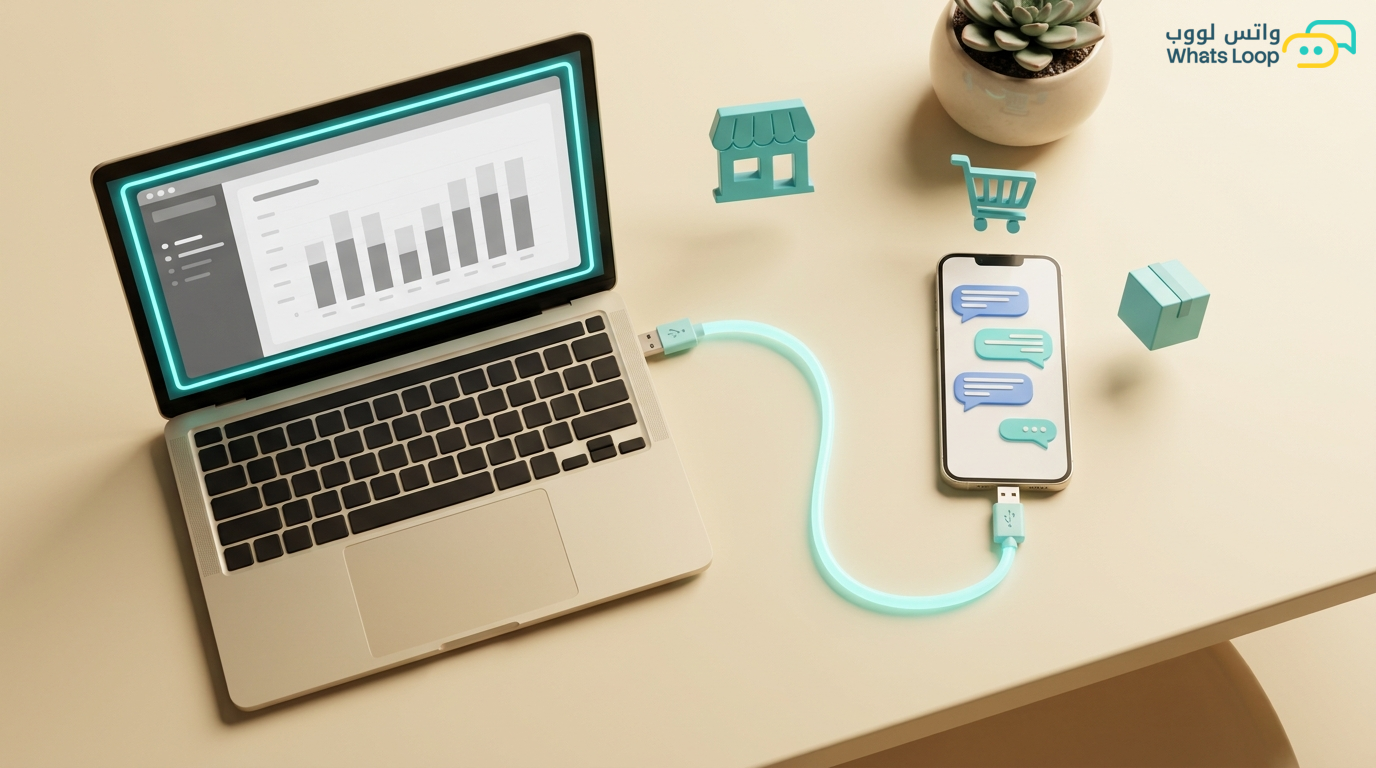
Zid WhatsApp Integration: Automate Notifications and Marketing
How to integrate your Zid store with WhatsApp to automate order notifications, marketing, and improve customer experience.
Zid WhatsApp Integration: Automate Notifications and Marketing
Zid is one of the fastest-growing e-commerce platforms in Saudi Arabia, with thousands of active stores and a growing market share. But Zid merchants face the same challenge: manual customer communication. Every order needs a confirmation message, every shipment needs a notification, and every abandoned cart is a lost opportunity. WhatsLoop solves this with a direct Zid integration that automates everything.
Manual Communication vs. Automation
A Zid merchant spends significant time sending manual messages to customers such as order confirmations, shipping updates, and responding to inquiries. That wasted time could be invested in growing their store and expanding their product line. With WhatsLoop, all these messages are sent automatically, and the merchant can focus on higher-value tasks. Communication automation saves many hours per week for e-commerce merchants.
How to Connect Zid with WhatsLoop
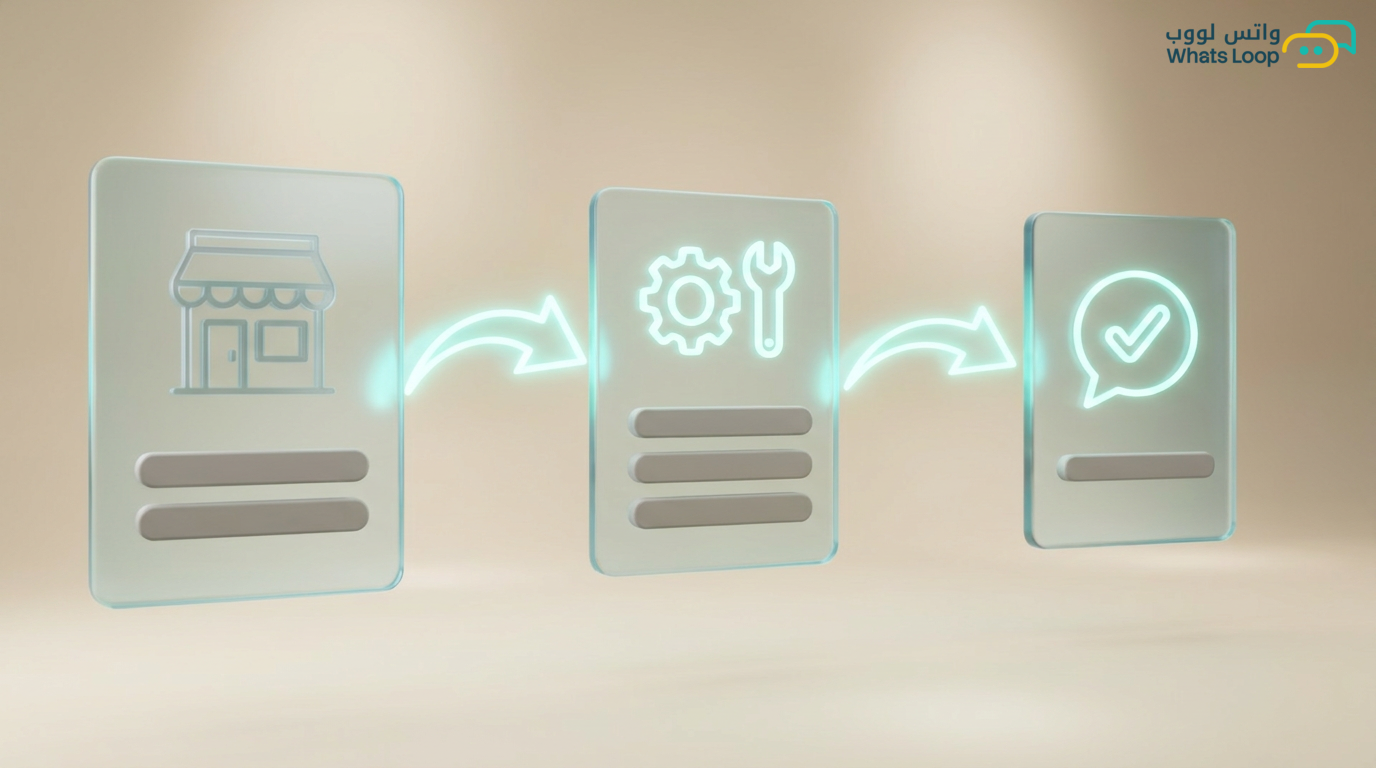
Step 1: Set Up Your Account
Create a WhatsLoop account and connect your WhatsApp number. Then, from the WhatsLoop dashboard, go to "Integrations" and select "Zid." Enter your store details: URL and API key. WhatsLoop verifies the connection and begins receiving store data.
Step 2: Configure Order Notifications
After connecting, every event in your store becomes an automatic WhatsApp message:
- New order: instant confirmation message that reassures the customer
- Preparation started: notification that the order is being prepared
- Shipped: message with tracking number and direct link
- Delivered: thank-you message plus review link
Customers who receive WhatsApp notifications repeat purchases at a significantly higher rate compared to those who do not.
Marketing Automation Using Zid Data
The most powerful aspect of connecting Zid with WhatsLoop is using customer purchase data for smart marketing campaigns. WhatsLoop analyzes purchase data and builds customer segments automatically:
- New customers: purchased once, so send a welcome offer to encourage the second purchase
- Regular customers: buy every month, so send new arrivals as soon as they are in stock
- Dormant customers: have not purchased in 60 days, so send a reactivation discount coupon
- High-value customers: high spenders, so treat them as VIP with exclusive offers
Segmented campaigns achieve significantly higher engagement than random bulk campaigns.
Automatic Response to Order Inquiries
After integration, WhatsLoop understands customer order inquiries automatically. If a customer sends "where is my order" or "shipping status," the bot pulls order data from Zid and replies instantly with the order status and tracking number, without human intervention. This feature reduces support inquiries significantly and gives the customer an immediate answer.
Unified Performance Reports
WhatsLoop combines Zid data and WhatsApp data into unified reports. You can see:
- How many new orders came from a specific WhatsApp campaign
- abandoned cart recovery rate via WhatsApp
- Most-inquired-about products
- ROI for each marketing campaign
Unified reports help merchants make decisions faster because all data is in one place.
Practical Tips for Getting the Best Results from Your Zid Integration
To get the most out of connecting Zid with WhatsLoop, follow these practical tips:
- Customize your message templates: Do not use default templates as-is. Add your store name and a personal touch that reflects your brand identity. Personalized messages build a stronger relationship with the customer.
- Set the right send timing: Marketing campaign messages achieve the best engagement during evening hours. Test different times and monitor reports to find the optimal time for your audience.
- Enable automatic replies for common questions: Questions like "where is my order" and "how much is shipping" can be answered instantly by the bot without any intervention from your team. This saves your staff significant time.
- Connect your store with a smart WhatsApp chatbot to automate responses to common inquiries and guide customers to the right products automatically.
- Review performance reports weekly: Do not just activate automation and forget about it. Monitor results and adjust your strategy based on actual data.
Connecting Zid with Other WhatsLoop Tools
The Zid integration is just the beginning. WhatsLoop offers a complete ecosystem that works with your store data:
- Abandoned cart recovery: Use Zid data to send smart recovery messages to customers who did not complete their purchase.
- Marketing automation: Schedule your campaigns in advance and link them to specific events in your store.
- Advanced integrations: WhatsLoop supports connecting Zid with other tools such as accounting systems and payment gateways.
Frequently Asked Questions
Q: Do I need a developer to connect my Zid store with WhatsLoop? A: No, the integration is completed through simple steps in the dashboard without any technical expertise. You only need an API key from your Zid store and a WhatsLoop account.
Q: Does the integration work with all Zid plans? A: Yes, WhatsLoop integrates with all available Zid plans. Some advanced features like full access to customer data may depend on your Zid plan level.
Q: How long does it take to activate the integration? A: The basic integration takes less than five minutes. Setting up custom message templates and customer segments may take additional time depending on your store needs.
Q: Can I send WhatsApp messages to Zid customers without their consent? A: No, WhatsLoop complies with WhatsApp policies that require customer consent for marketing messages. Order and shipping messages are considered service messages and are allowed to be sent.
Start Automating Your Zid Store
Connecting Zid with WhatsLoop takes minutes and requires no developer. Everything is ready: templates, automation, and reports. Sign up for your free account today and start automating your customer communication. WhatsLoop helps you save your time to focus on what truly matters: growing your store and increasing your sales.