WhatsApp Lead Scoring & Qualification Bot: Auto-Classify and Prioritize
Build a bot that asks smart questions and scores leads by purchase readiness. Your sales team focuses only on qualified prospects.

What Is Lead Qualification?
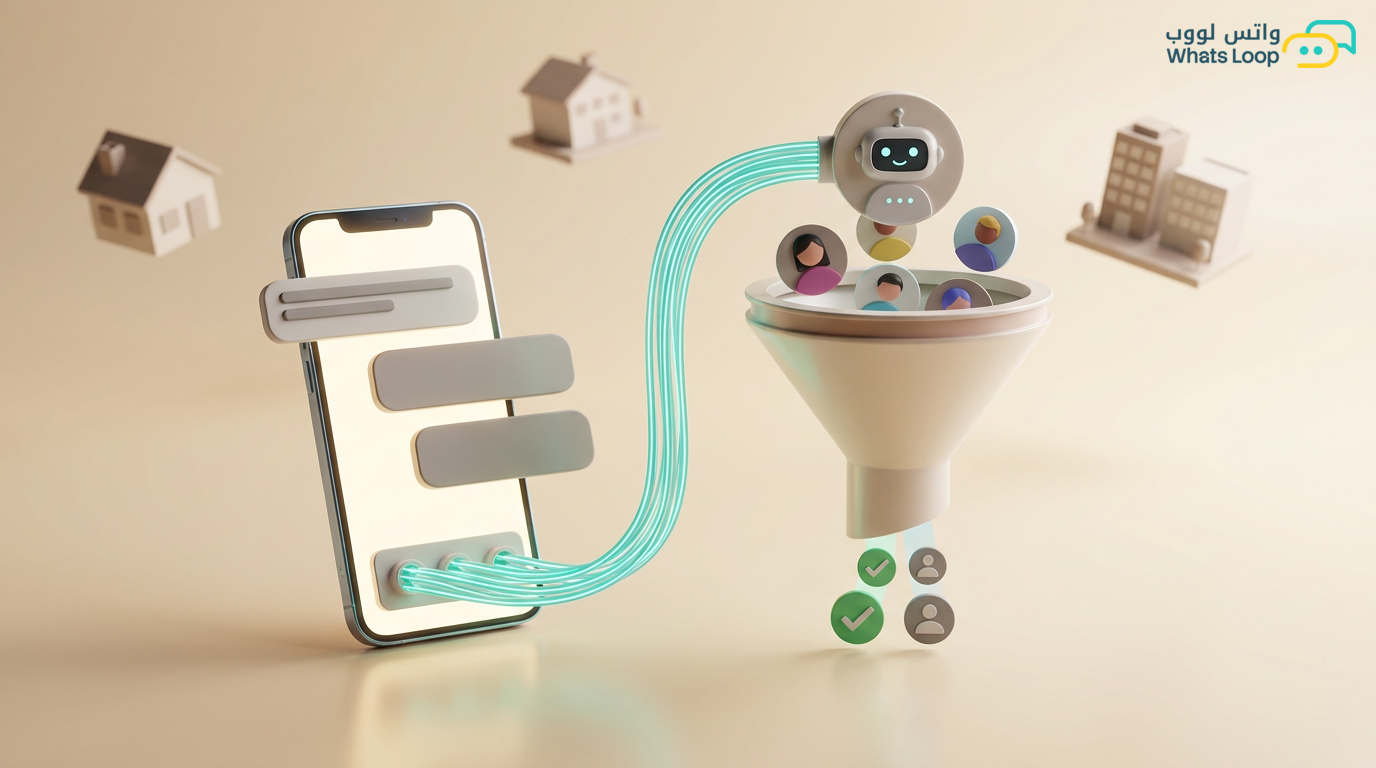
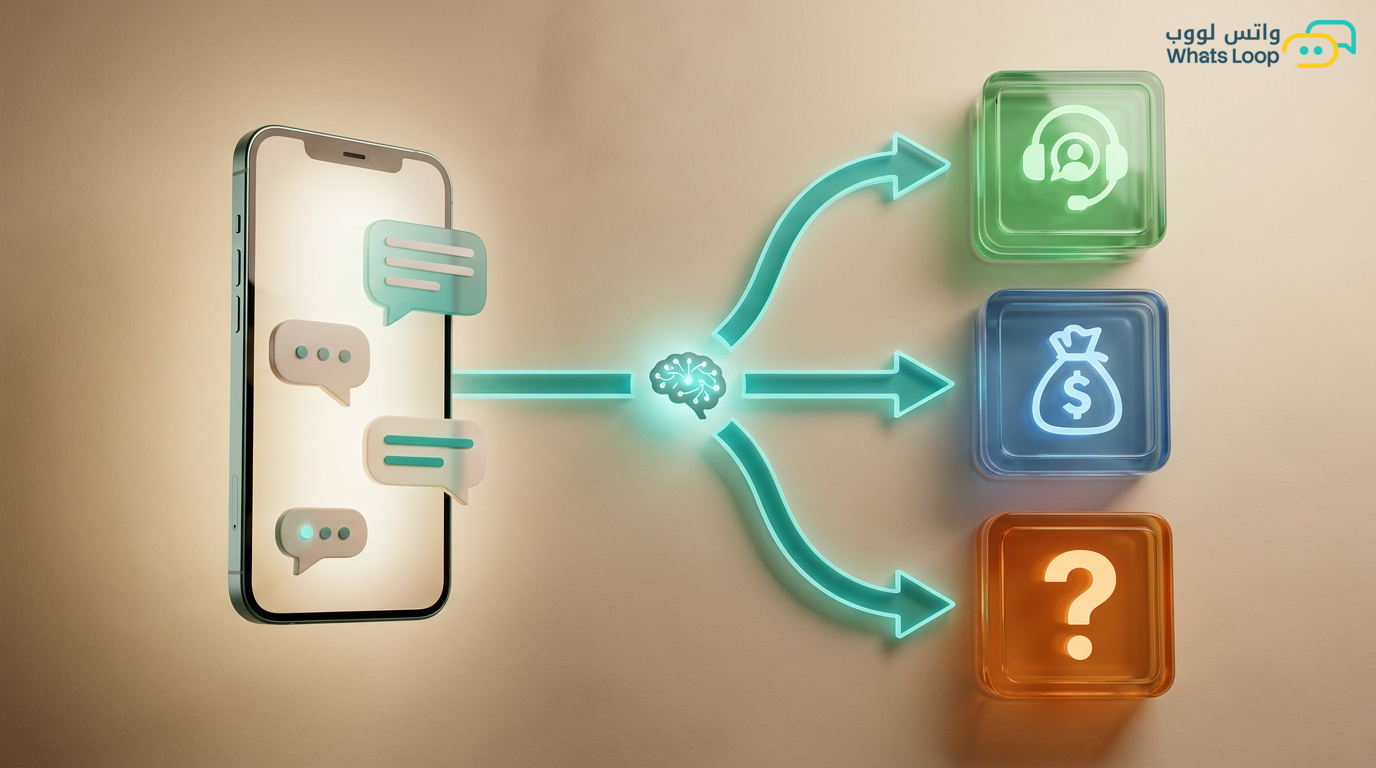
Not everyone who messages you on WhatsApp is ready to buy. Some are curious, some are comparing prices, and some are serious and need a final push. A lead qualification bot distinguishes between them automatically and assigns each lead a "readiness score" that determines the next step.
Sales teams using automated qualification systems spend most of their time on the most likely buyers instead of distributing effort equally. The result: a significant increase in sales with the same team size.
How the Qualification System Works
Automatic Data Collection
The bot gathers prospect information through a natural conversation:
Basic Information:
- Name and company (if applicable)
- City and region
- How they heard about you (traffic source)
Qualification Information:
- What product or service are they looking for?
- What is their expected budget?
- When do they need the solution? (Immediately, within a month, within 3 months)
- Are they the decision-maker or consulting someone else?
- Are they currently using a competing solution?
Lead Scoring System
Each answer awards the prospect points:
| Criterion | Points |
|---|---|
| Budget above average | +20 |
| Needs the solution immediately | +15 |
| Is the purchase decision-maker | +15 |
| From a target city (Riyadh/Jeddah) | +10 |
| Has a competing solution and wants to switch | +10 |
| Engaged with more than one message | +5 |
| Opened the pricing link | +5 |
| Budget below average | -10 |
| Needs the solution in 6+ months | -5 |
Lead Classification
Based on total points:
Hot: 70+ points:
- Immediate transfer to a human sales representative
- Call within 15 minutes
- Highest priority
Warm: 40-69 points:
- Send a customized price quote
- Automatic follow-up after 24 hours
- Invite to a demo
Cold: Under 40 points:
- Add to a nurturing campaign
- Weekly educational content
- Re-evaluate after 30 days
Building the Qualification Bot
Typical Flow
Customer: Hello, I want to know about your services
Bot: Welcome! We'd be happy to help. To give you the best offer,
     let me ask a few quick questions (less than 2 minutes).

Bot: What is your business type?
     1. E-commerce store
     2. Restaurant/Cafe
     3. Clinic/Health center
     4. Service company
     5. Other

Customer: 1

Bot: Approximately how many monthly orders do you process?
     1. Under 100
     2. 100 - 500
     3. 500 - 2,000
     4. More than 2,000

Customer: 3

Bot: Great! When do you want to start using the solution?
     1. Immediately
     2. Within two weeks
     3. Within a month
     4. Currently evaluating options

Customer: 1

Bot: Excellent! Based on your needs, the right plan for you is [plan name].
     Our sales specialist [agent name] will reach out within minutes
     to walk you through the details.
Smart Questions
Do not ask all questions at once. An intelligent bot selects questions based on previous answers:
- If they chose "E-commerce store" → ask about their platform (Salla, Zid, WooCommerce)
- If they chose "More than 2,000 orders" → ask about their current CRM solution
- If they chose "Currently evaluating" → do not transfer to sales, send educational content
Behavioral Qualification (Without Questions)
Tracking Implicit Signals
The bot monitors customer behavior and adjusts scores automatically:
- Clicked on the pricing link → +10 points
- Watched a full introductory video → +8 points
- Visited the "Contact Us" page → +12 points
- Opened the message but did not reply within 48 hours → -5 points
- Requested a demo → +25 points
- Opened the catalog and browsed more than 5 products → +7 points
Timing Patterns
- Customer messages during business hours → more serious (+5)
- Customer messages on weekends → likely personal rather than business (-3)
- Customer returned after 48 hours with a second question → genuine interest (+10)
Connecting Qualification to CRM
Automatic Sync
Every qualified lead is automatically registered in CRM with:
- All their answers to qualification questions
- Current qualification score
- Complete conversation history
- Automatic notes (traffic source, pages visited)
CRM-Based Path Customization
- Customer exists in CRM with a previous order → treat as existing customer (different path)
- Customer from a specific ad campaign → link qualification to campaign results
- Cold lead from 6 months ago who returned → re-qualify with history in mind
Qualification Reports
Performance Metrics
- Number of qualified leads per day
- Lead distribution by category (Hot/Warm/Cold)
- Conversion rate from hot lead to actual customer
- Average time from first message to sale
- Most productive traffic sources for hot leads
Improving the Scoring System
Every month, review:
- Are leads classified as "hot" actually buying? If not → adjust scoring criteria
- Are there leads classified as "cold" who ended up purchasing? If yes → find the commonality and update rules
- Which scoring factors most influence conversions? → give them greater weight
Conclusion
A lead qualification bot makes your sales team work smart, not hard. Instead of chasing everyone, the team focuses on customers who are actually ready to buy. The result: more sales with less effort.
Sign up for WhatsLoop and activate the lead qualification bot to double your sales team's efficiency.
Frequently Asked Questions
Q: How does the lead scoring system work in WhatsApp? A: Every interaction from the customer automatically earns points. For example: an immediate need for the solution earns +15 points, and opening the pricing link earns +5 points. Based on the total, leads are classified as hot (70+ points), warm (40-69), or cold (under 40), with each classification triggering a different follow-up path.
Q: What is the difference between question-based qualification and behavioral qualification? A: Question-based qualification collects information directly from the customer through a natural conversation (business type, budget, timeline). Behavioral qualification monitors customer actions without asking: link clicks, video views, messaging times. WhatsLoop combines both methods for a more accurate assessment.
Q: What happens to leads classified as "cold"? A: They are automatically added to a nurturing campaign that sends weekly educational content. They are re-evaluated after 30 days. If they engage with the content or return with questions, their score updates automatically and they may move to a higher classification.
Q: Does the qualification bot integrate with CRM systems? A: Yes, every qualified lead is automatically registered in CRM with all their answers, qualification score, and complete conversation history. If the customer already exists in CRM, the bot treats them as an existing customer with a different path.