Salla WhatsApp Integration: Complete Guide to Automating Your Store
Steps to integrate your Salla store with WhatsApp for order confirmations, shipping tracking, and abandoned cart recovery.

Salla WhatsApp Integration: Complete Guide to Automating Your Store
Salla is the largest e-commerce platform in Saudi Arabia with thousands of active stores. Yet many Salla merchants miss a massive opportunity: automating customer communication via WhatsApp. The majority of e-commerce customers in Saudi Arabia prefer communicating through WhatsApp, but most merchants still respond manually. This guide explains how to connect Salla with WhatsLoop and automate everything.
Why You Need to Connect Salla with WhatsApp
When a customer places an order on your Salla store, they need to know that their order was received, when it will arrive, and how to track shipment. Without automation, you or your team do this manually, sending a message to each customer one by one. This takes hours every day. With WhatsLoop, all these messages are sent automatically.
Integration Steps
Step 1: Create a WhatsLoop Account
Register your WhatsLoop account and connect your WhatsApp number. The process takes no more than 5 minutes. After connecting, you can send and receive messages from the WhatsLoop dashboard.
Step 2: Activate Salla Integration
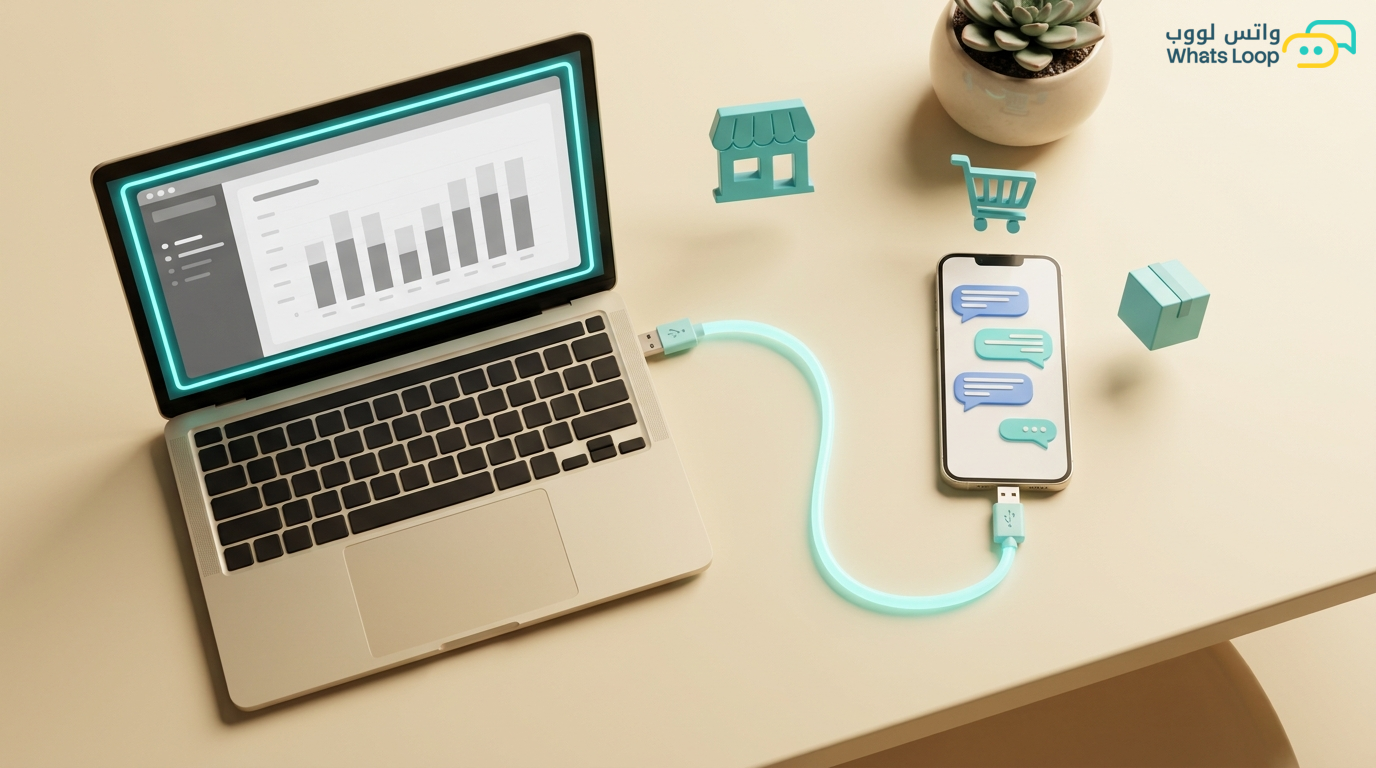
From WhatsLoop settings, select "Integrations" then "Salla." Enter your store URL and your Salla API key. WhatsLoop verifies the connection automatically and begins receiving store events such as new order, status update, cancellation, and return.
Step 3: Set Up Automation Messages
WhatsLoop provides ready-made templates for key events:
- New order: "Hi {customer_name}! Your order #{order_number} has been confirmed. We will prepare and ship it as fast as possible."
- Order shipped: "Your order #{order_number} has left the warehouse! Track your shipment here: {tracking_link}"
- Order delivered: "Your order has arrived! We hope you love it. Rate your experience here: {review_link}"
- Abandoned cart: "You left something in your cart! The products you selected are still available. Complete your order: {cart_link}"
Every template is fully customizable: change the text, add images, or include interactive buttons.
Automating Order Notifications
Most customers want to know their order status without having to ask. With WhatsLoop and Salla, every change in order status triggers an automatic WhatsApp notification. The customer feels you are personally tracking their order, while in reality, automation handled everything. This experience increases customer satisfaction significantly and reduces "where is my order?" inquiries substantially.
Recovering Abandoned Carts
One of the most powerful uses of the integration is abandoned cart recovery. A significant portion of shopping carts in Saudi Arabia are abandoned without completion. WhatsLoop detects the abandoned cart and sends a WhatsApp message to the customer after one hour, reminding them of the products they selected and providing a direct link to complete the order. These messages recover a significant portion of abandoned carts, results that speak for themselves.
Smart Marketing Campaigns
Once the integration is running, you can use Salla data to send targeted campaigns. For example:
- Customer purchased a specific product → send a complementary product recommendation after one week
- Customer has not purchased in 30 days → send an exclusive discount coupon
- VIP customer (purchased more than 5 times) → send early access to sales
WhatsLoop builds these segments automatically from Salla data and sends campaigns at the right time. Campaigns based on purchase data achieve significantly higher ROI than generic campaigns.
Practical Tips for Getting the Best Results from Your Salla Integration
To get the most out of connecting Salla with WhatsLoop, follow these practical tips:
- Customize your message templates: Do not use default templates as-is. Add your store name and a personal touch that reflects your brand identity. Personalized messages build a stronger relationship with the customer.
- Set the right send timing: Marketing campaign messages achieve the best engagement during evening hours. Test different times and monitor reports to find the optimal time for your audience.
- Enable automatic replies for common questions: Questions like "where is my order" and "how much is shipping" can be answered instantly by the bot without any intervention from your team. This saves your staff significant time.
- Connect your store with a smart WhatsApp chatbot to automate responses to common inquiries and guide customers to the right products automatically.
- Review performance reports weekly: Do not just activate automation and forget about it. Monitor results and adjust your strategy based on actual data.
Connecting Salla with Other WhatsLoop Tools
The Salla integration is just the beginning. WhatsLoop offers a complete ecosystem that works with your store data:
- Abandoned cart recovery: Use Salla data to send smart recovery messages to customers who did not complete their purchase.
- Marketing automation: Schedule your campaigns in advance and link them to specific events in your store.
- Integrated CRM system: All Salla customer data is stored and organized in a single CRM with conversation and purchase history.
Frequently Asked Questions
Q: Do I need a developer to connect my Salla store with WhatsLoop?
A: No, the integration is completed through simple steps in the dashboard without any technical expertise. You only need an API key from your Salla store and a WhatsLoop account.
Q: Does the integration work with all Salla plans?
A: Yes, WhatsLoop integrates with all available Salla plans. Some advanced features like full access to customer data may depend on your Salla plan level.
Q: How long does it take to activate the integration?
A: The basic integration takes less than five minutes. Setting up custom message templates and customer segments may take additional time depending on your store needs.
Q: Can I send WhatsApp messages to Salla customers without their consent?
A: No, WhatsLoop complies with WhatsApp policies that require customer consent for marketing messages. Order and shipping messages are considered service messages and are allowed to be sent.
Get Started with WhatsLoop and Salla
Connecting Salla with WhatsLoop takes less than 10 minutes and requires zero technical expertise. Sign up for your free account and discover how automation transforms your Salla store from an ordinary shop into a professional shopping experience that keeps customers coming back. WhatsLoop helps you save your time to focus on what truly matters: growing your store and increasing your sales.