WhatsApp Widget for Your Website: Convert Visitors into Leads
Learn how to add a WhatsApp widget to your website and increase conversions from site visitors to sales conversations.
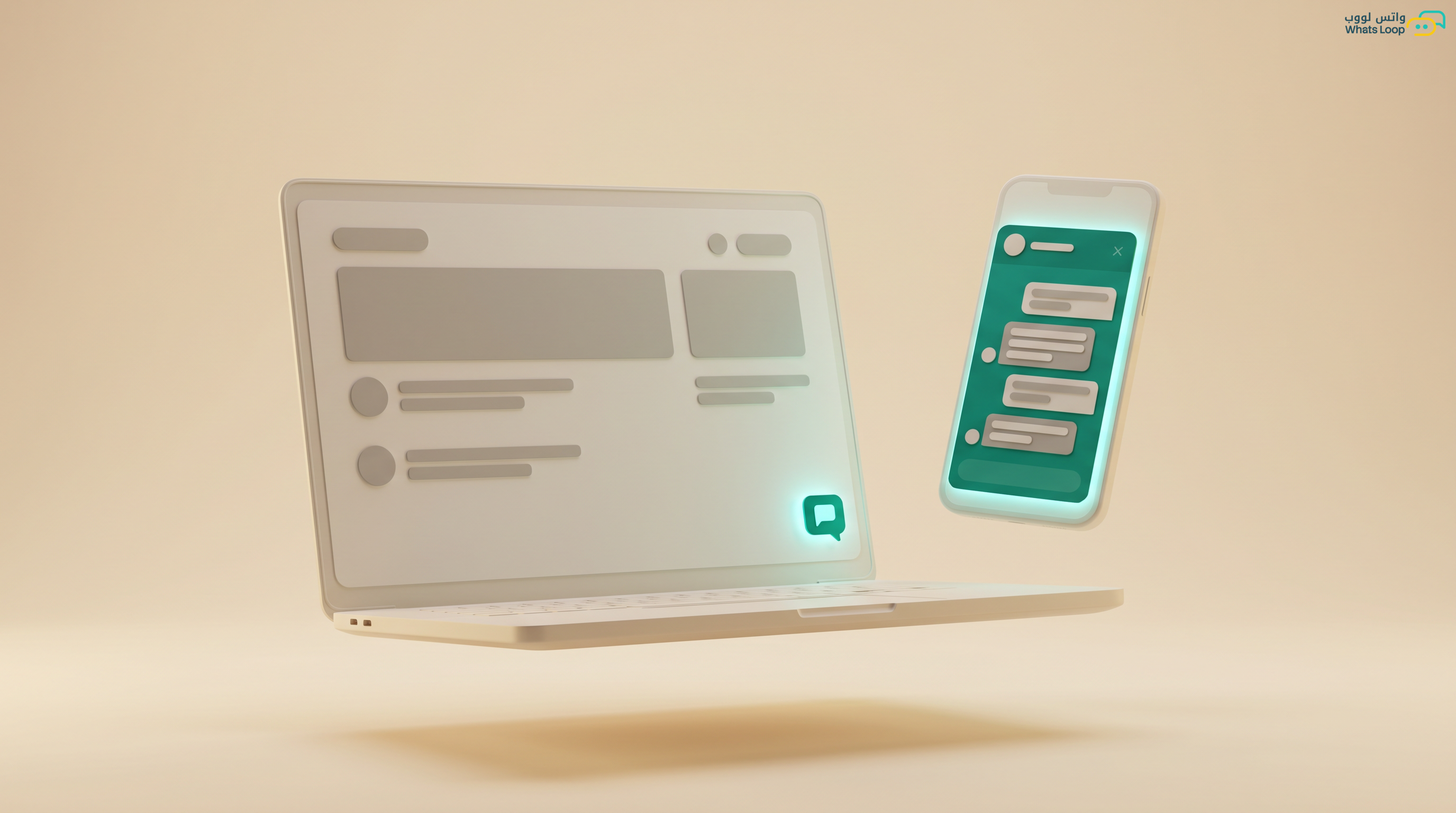
Adding a WhatsApp button to your website turns casual visitors into real customers. Statistics show a large portion of visitors leave websites without making contact because they could not find a quick and easy communication method. The WhatsApp widget solves this, a single button opens a direct conversation with your team in one click.
Why a WhatsApp Widget Beats Traditional Contact Forms
Traditional "Contact Us" forms are outdated. Most visitors ignore contact forms because they know the response will come hours or days later. In contrast, WhatsApp gives them the feeling of instant communication.
The Numbers Speak
- Websites that added a WhatsApp widget saw a notable increase in conversion rates compared to traditional contact forms
- Most customers prefer WhatsApp over email because they expect faster responses
- Engagement with WhatsApp widgets is several times higher than live chat because customers communicate on an app they already use
- A significant portion of conversations starting from a WhatsApp widget convert into real sales opportunities
- Customers reaching out via WhatsApp have a noticeably higher satisfaction rate than those using email or forms
Types of WhatsApp Widgets
1. Floating Button
The simplest and most popular type, a round green button appearing in the corner of the screen (typically bottom-left for English sites and bottom-right for Arabic sites). Follows the visitor as they scroll. Suitable for all website types and works on both mobile and desktop.
2. Welcome Pop-up
A small window appearing above the floating button with a greeting message like "Hello! How can we help?" Shows after a specified time (for example, after 5 seconds) or when the visitor reaches a certain section. Significantly increases engagement compared to a floating button alone.
3. Multi-Channel Widget
Instead of a WhatsApp button only, displays a button with multiple options: WhatsApp, email, live chat, or even phone call. Visitors choose their preferred method. Ideal for companies with multiple communication channels wanting to give customers freedom of choice.
4. Smart Widget
Changes based on visitor behavior and current page. For example: on a product page it shows "Ask about this product," on pricing it shows "I want a quote," on support it shows "I need help." Customization significantly increases engagement because the message is relevant to what the visitor is looking for.
Setting Up the WhatsApp Widget with WhatsLoop
Step 1: Create the Widget
From the WhatsLoop dashboard: Channels, then WhatsApp Widget, then Create New. Choose the design (floating button, pop-up, or smart), select the color (matching your site identity), and write the welcome message.
Step 2: Customize the Pre-filled Message
The message automatically sent when a visitor clicks the button. Crucial because it is the first interaction. Tips: include the page name the visitor came from (for example, "Coming from [Product Name] page"), ask for only one piece of information (name or inquiry type), and keep it short and direct.
Step 3: Add the Code to Your Website
WhatsLoop provides a simple JavaScript code, just two lines. Copy and paste into your site:
- WordPress: Appearance, then Theme Editor, paste before
</body>, or use the Header Footer Code Manager plugin - Salla: Settings, then Additional Code, paste in the "before body close" field
- Zid: Same location, Settings, then Additional Code
- Shopify: Online Store, then Themes, then Edit Code, then theme.liquid, before
</body> - Any HTML site: Paste the code directly before
</body>
Step 4: Configure Advanced Settings
- Display hours: Show the widget only during business hours and hide it after hours (or switch to a "We will respond tomorrow" message)
- Specific pages: Enable the widget on product and pricing pages only, hiding it from privacy policy pages for example
- Display delay: Do not show the widget immediately, delay it 3-5 seconds to avoid annoying visitors
- Mobile targeting: Ensure the widget works properly on mobile screens (the majority of Saudi website visitors browse from mobile)
Tracking Widget Performance
Key Metrics to Monitor
WhatsLoop provides detailed reports for each widget: daily, weekly, and monthly click counts, pages generating the most clicks, conversion rate from click to actual conversation, conversion rate from conversation to sale, and average response time for conversations started from the widget.
UTM Parameters
WhatsLoop automatically adds tracking identifiers (UTM) to every conversation starting from the widget. You can know exactly: which page started the conversation, which ad campaign brought the visitor, and how many customers converted from each page. This data helps you focus your advertising budget effectively.
Best Practices
Button Placement Matters
For Arabic websites (RTL), the button should be at the bottom-right. For English websites, bottom-left. Ensure it does not cover important content or other buttons. Websites with correct button placement see noticeably more clicks.
Page-Specific Welcome Messages
Instead of a generic "Hello, how can we help?" message, customize: product page shows "Want to know more about [product]?", pricing page shows "Let me help you choose the right plan," FAQ page shows "Didn't find your answer? Talk to our team." Customization significantly increases engagement.
Loading Speed
The widget must not affect your site speed. WhatsLoop's code is optimized and loads asynchronously, the site opens first, then the widget appears. Code size is under 15 kilobytes. A large portion of visitors leave if a site takes more than 3 seconds to load.
Frequently Asked Questions
Q: Does the WhatsApp widget affect my website speed? No, WhatsLoop's code is optimized and loads asynchronously, the site opens first, then the widget appears afterward. The code size is under 15 kilobytes, so it does not impact page performance or search engine rankings.
Q: Can I control which pages display the widget? Yes, WhatsLoop gives you full control, you can enable the widget on specific pages like product and pricing pages and hide it from pages like your privacy policy. You can also customize the welcome message per page to increase engagement. To learn more about customizing communication experiences, check out the WhatsApp chatbot building guide.
Q: Does the widget work on both mobile and desktop? Yes, the WhatsLoop widget is fully responsive and adapts to all screen sizes automatically. On mobile it opens the WhatsApp app directly, and on desktop it opens WhatsApp Web or the desktop app depending on what the visitor has installed.
Q: How do I track conversations that started from the widget? WhatsLoop provides a dashboard with detailed reports for each widget, click counts, pages generating the most engagement, and conversion rate from click to actual conversation. It also automatically adds UTM tracking identifiers to every conversation so you know exactly where each customer came from.
Add a WhatsApp widget to your site with WhatsLoop. Two lines of code, 3-minute setup, and results from day one.