WhatsApp Restaurant Ordering System: Interactive Menu & App-Free Ordering
Turn WhatsApp into a complete ordering system for your restaurant. Interactive menu, one-tap ordering, digital payment, and ready notifications.
WhatsApp Restaurant Ordering System: Interactive Menu and App-Free Ordering
Saudi Arabia's restaurant industry is undergoing a major shift, Most customers prefer ordering online over calling. But many restaurants cannot afford a custom app, and delivery platform commissions take a large percentage of each order's value. The solution? A complete ordering system via WhatsApp.
Why WhatsApp for Restaurants
- No app download needed: The customer already has WhatsApp
- Zero commissions: Orders come directly without a middleman
- Personal connection: You can build relationships and personalize offers
- Lower cost: Instead of paying high commissions to a delivery app, you pay a flat monthly subscription
Building the Ordering System
1. Interactive Menu
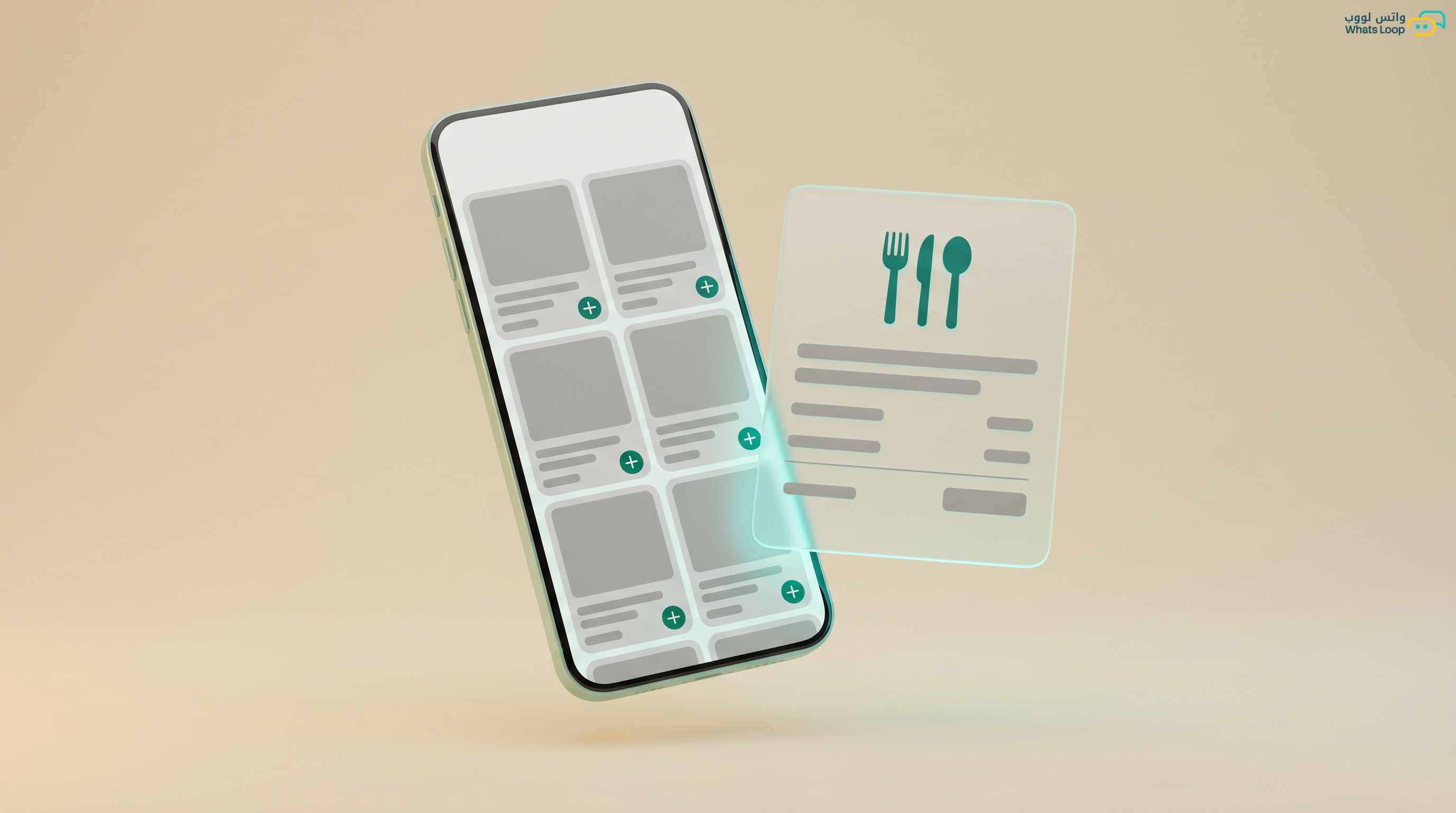
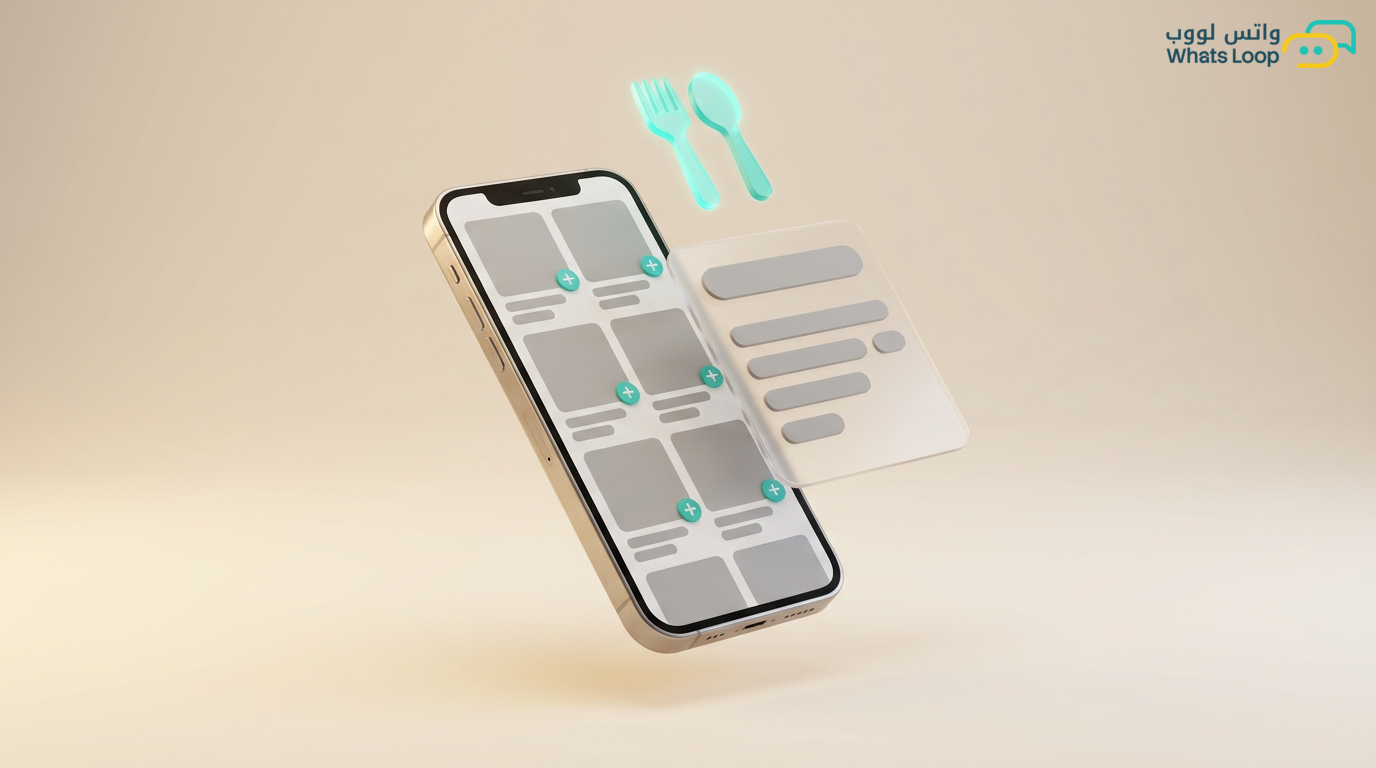
Convert your restaurant menu into an interactive WhatsApp experience. The customer sends "menu" or taps a button, and sees:
- Items organized by category (appetizers, mains, beverages, desserts)
- Each item with photo, price, and short description
- Direct "Add to cart" buttons
- Customization options (no onions, extra cheese, large size)
2. Smart Shopping Cart
The customer adds items and before confirming, sees:
- Complete order summary
- Total including tax
- Option to adjust quantities or remove items
- Delivery method: delivery or pickup
3. Payment
- Digital payment link: A payment link sent directly in the chat (Mada, Visa, Apple Pay)
- Cash on delivery: For customers who prefer cash
- Auto-confirmation: Once payment clears, the customer receives instant confirmation with an order number
4. Order Status Notifications
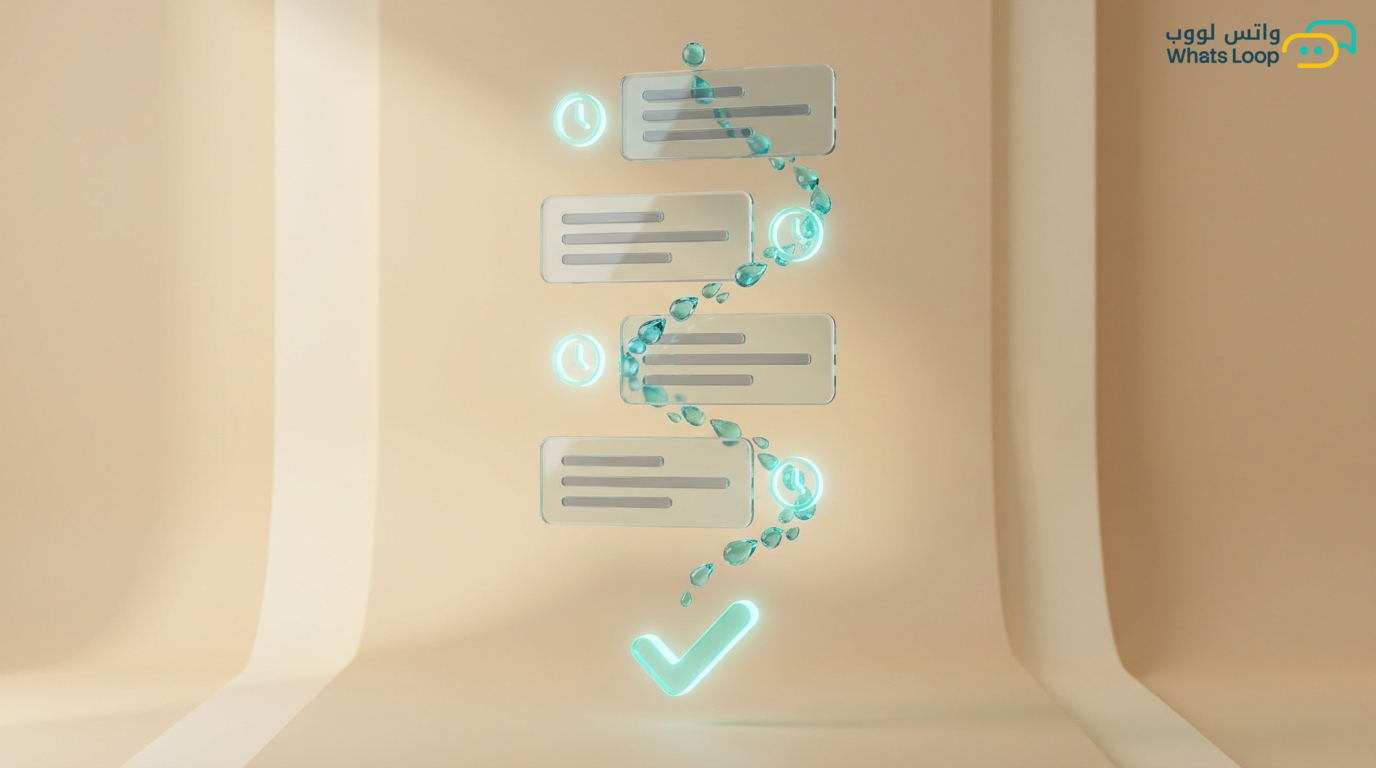
The customer tracks their order in real time:
- "Order received" → immediately
- "Being prepared" → when the kitchen starts
- "On the way" → when the driver departs
- "Delivered! Enjoy your meal" → upon delivery
Real Numbers
A burger restaurant in Riyadh activated a WhatsApp system with WhatsLoop:
- Average order value increased notably (the interactive menu showcases add-ons and combos)
- Repeat orders grew significantly (thanks to quick reorder, "repeat my last order")
- Cost per order dropped significantly compared to delivery apps
- Inquiry calls decreased dramatically due to automated status notifications
Restaurant Marketing Campaigns
WhatsApp is not just for orders, use it for marketing:
- Daily lunch special: Send the offer at 11 AM to nearby customers
- Loyalty program: Every 10 orders = 1 free order. The system tracks automatically
- Post-order review: "How was your order?" with star ratings, helps you improve quality
- Seasonal offers: Ramadan specials, National Day deals, weekend promotions
Tips for Restaurants
- Update the menu weekly: Add seasonal items and remove sold-out ones
- Speed matters: A hungry customer will not wait, the bot responds instantly
- Photograph your food professionally: Photos sell. Orders increase notably when image quality is high
- Enable reorder: Let customers repeat their last order with one tap, easy and fast
- Collect feedback: A short post-order survey gives you valuable data
Managing Multiple Branches
If you have more than one branch, WhatsLoop helps you manage everything from one place:
- Custom menu per branch: Each branch can have different items or pricing based on location
- Auto-route orders: The system identifies the nearest branch to the customer based on their location and routes the order automatically
- Unified reports: View each branch's performance, most ordered items, average prep time, and customer ratings, all in a single dashboard
Steps to Activate the Ordering System
Step 1: Prepare your menu: Photograph your items in high quality and write a short description for each with the price. Organize them into clear categories.
Step 2: Build the bot: Use the no-code bot builder to create the ordering flow, from menu display to cart to payment.
Step 3: Connect payment: Activate an electronic payment gateway so customers can pay directly from the conversation.
Step 4: Configure status notifications: Define the messages sent with each order status change, from received to preparing to delivered.
Step 5: Test and monitor: Activate the system and monitor the first 50 orders. Adjust the flow based on customer and team feedback.
Connecting WhatsApp with Your POS System
If you use a POS system, you can connect it to WhatsLoop via the API. The integration enables:
- Orders appear directly on the kitchen display without manual entry
- Inventory updates automatically, when an item sells out, it is removed from the menu
- Reports consolidate order data from all channels (WhatsApp, in-store, apps) in one place
Frequently Asked Questions
Q: Can customers order to multiple delivery addresses? A: Yes, customers can save multiple addresses (home, office, etc.) and select the appropriate one with each order.
Q: How do I handle peak hours when orders surge? A: The system supports setting expected preparation times visible to customers. During peak hours, you can increase the expected time or temporarily pause order intake when the kitchen is at capacity.
Q: Does the system support scheduled orders (advance ordering)? A: Yes, customers can specify a delivery time in advance, for example, ordering at 10 AM and scheduling delivery for 1 PM.
Q: Can I add combo deals inside the interactive menu? A: Yes, you can add bundled offers (combos) as a separate category or display them as automatic suggestions when the customer adds a specific item to the cart.
Get Started with WhatsLoop
WhatsLoop turns WhatsApp into a complete ordering system for your restaurant, interactive menu, smart cart, electronic payment, status notifications, and marketing campaigns. No app, no commissions, no complexity. Register free and start receiving orders via WhatsApp today.