WhatsApp Widget for Your Website: Best Practices to Increase Conversions
Add a WhatsApp button to your site the right way. Learn widget customization, optimal placement, and how to write the perfect welcome message.
What Is a WhatsApp Widget and Why Does It Matter?
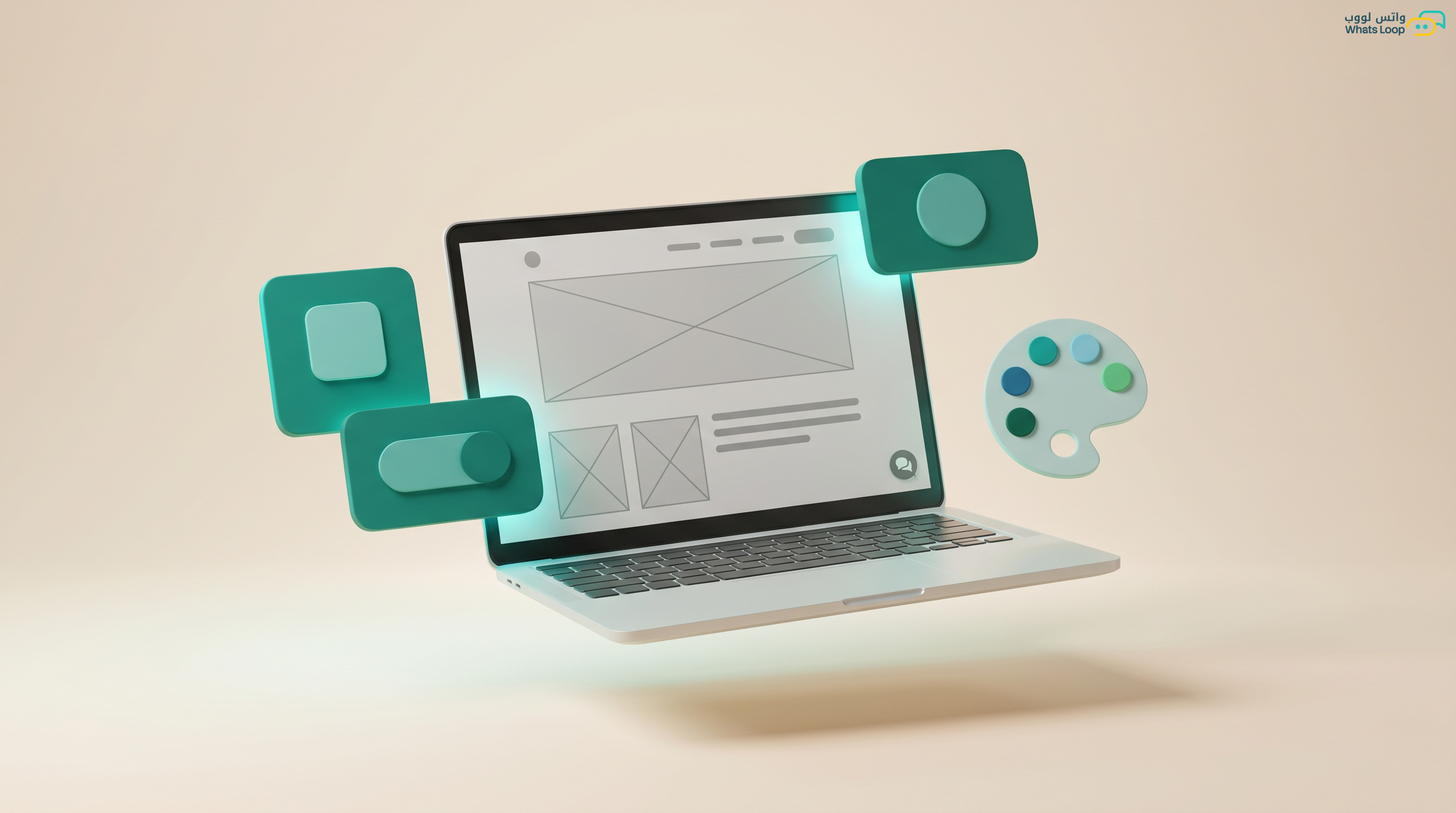
A WhatsApp widget is a floating button on your website that lets visitors open a WhatsApp conversation with a single click. It sounds simple, yet it is one of the most powerful tools for converting visitors into customers. In Saudi online stores, adding an optimized WhatsApp widget increases contact rates with potential customers significantly.
The difference between a basic widget and a professional one is the difference between a random green button in the corner and an intelligent tool that knows when to appear, what to say, and whom to target.
Customizing Appearance
Design That Matches Your Brand
Do not use the default look. Customize the widget to align with your site's identity:
- Primary color: Match it to your brand color (not necessarily green)
- Icon: Use the official WhatsApp icon or a custom chat icon
- Size: Large enough to tap on mobile (minimum 48x48 pixels) but not so large it covers content
- Position: Bottom-left corner for Arabic RTL sites, bottom-right for English sites
Welcome Message
When the widget is clicked, a small popup appears before opening WhatsApp:
- Page-specific message: On a product page "Have a question about this product?", on a pricing page "Let us help you choose the right plan"
- Expected response time: "We reply within 5 minutes" increases conversation initiation significantly
- Support agent photo: Adding a real photo of someone from your team boosts trust
Smart Display Timing
Do Not Show the Widget Immediately
A visitor who just landed on your site does not yet know if they need help. Best practices:
- Delayed appearance: Show the widget 15-30 seconds after page load
- Scroll trigger: Show it when the visitor reaches the middle of the page (meaning they are actually reading)
- Exit intent: Display a special message when the cursor moves toward closing the page
Time-Based Scheduling
- During business hours: Show "Chat with us now, we reply instantly"
- Outside business hours: Show "Leave your message and we will reply first thing in the morning"
- This sets customer expectations and prevents frustration
Intelligent Targeting
By Page
Each page gets a different message:
- Homepage: "Hello! How can we help you today?"
- Product page: "Want to know more about [product name]?"
- Cart page: "Need help completing your order?"
- Pricing page: "Let us help you choose the plan that fits your budget"
By Visitor Behavior
- A visitor returning for the third time without purchasing: "Welcome back! We noticed you are interested, want a discount code?"
- A visitor spending over 3 minutes on a single page: "Need help choosing?"
- A visitor who added a product to the cart then stopped: "Your cart is ready! Need help with delivery?"
By Traffic Source
- From a Google ad: Show a message related to the ad copy
- From Instagram: "Saw the offer on Instagram? Here are the full details"
- Direct visit: The customer knows your store. Show "Welcome back"
Pre-Filled Messages
When the visitor clicks and opens WhatsApp, send a pre-filled message containing:
- The name of the page they were browsing
- The product they were viewing (if applicable)
- The traffic source
Example: "Hello, I am interested in [product name] that I saw on your website. I would like to know more."
This saves your support team the time of asking why the customer reached out and speeds up response.
Measuring Widget Performance
Key Metrics
- Display-to-click rate: What percentage of visitors who saw the widget clicked it
- Conversation start rate: What percentage of clickers actually started a conversation
- Conversion rate: What percentage of conversations led to actual customers
- Top converting pages: Which pages generate the most productive conversations
Continuous Optimization
- Test different colors every two weeks and compare performance
- Change the welcome message text monthly
- Experiment with different positions on the screen
- Compare widget performance on mobile versus desktop
Common Mistakes
Widget Covers Content
On small mobile screens, an oversized widget hides important buttons. Ensure its size is appropriate and it does not overlap essential page elements.
No Widget on Certain Pages
Do not display the widget on the checkout page or login page. On these pages, the customer needs to focus without distractions.
Ignoring Mobile
The vast majority of Saudi website visitors browse on mobile. A widget that has not been tested on mobile may be annoying or untappable.
Conclusion
An optimized WhatsApp widget transforms your website from a passive display into an active communication channel. Investing in smart customization, appearance, timing, and targeting, multiplies conversations and lifts conversion rates.
Sign up for WhatsLoop and get an intelligent WhatsApp widget that adapts to every visitor.
Frequently Asked Questions
Q: Where is the best place to position a WhatsApp widget on my website? A: Bottom-left corner for Arabic RTL sites and bottom-right corner for English sites. Ensure the button is at least 48x48 pixels for mobile tappability, but not so large that it covers important content.
Q: When should the WhatsApp widget appear to visitors? A: Do not show it immediately when the page loads. Best practice is to delay the appearance by 15-30 seconds after page load, or display it when the visitor reaches the middle of the page. WhatsLoop supports smart timing including showing a special message on exit intent.
Q: Can I customize the WhatsApp widget message based on the page? A: Yes, you can set a different message for each page. For example: "Have a question about this product?" on product pages, and "Let us help you choose the right plan" on pricing pages. Page-specific customization increases conversation initiation rates significantly.
Q: Should I display the WhatsApp widget on every page of my website? A: No, avoid showing the widget on the checkout page and login page since customers need to focus without distractions. Focus on pages where visitors are likely to need help, such as product pages and pricing pages.