WhatsApp CRM Integration: Best Practices and Common Mistakes
A complete guide to integrating WhatsApp with your CRM correctly while avoiding common mistakes that reduce effectiveness.
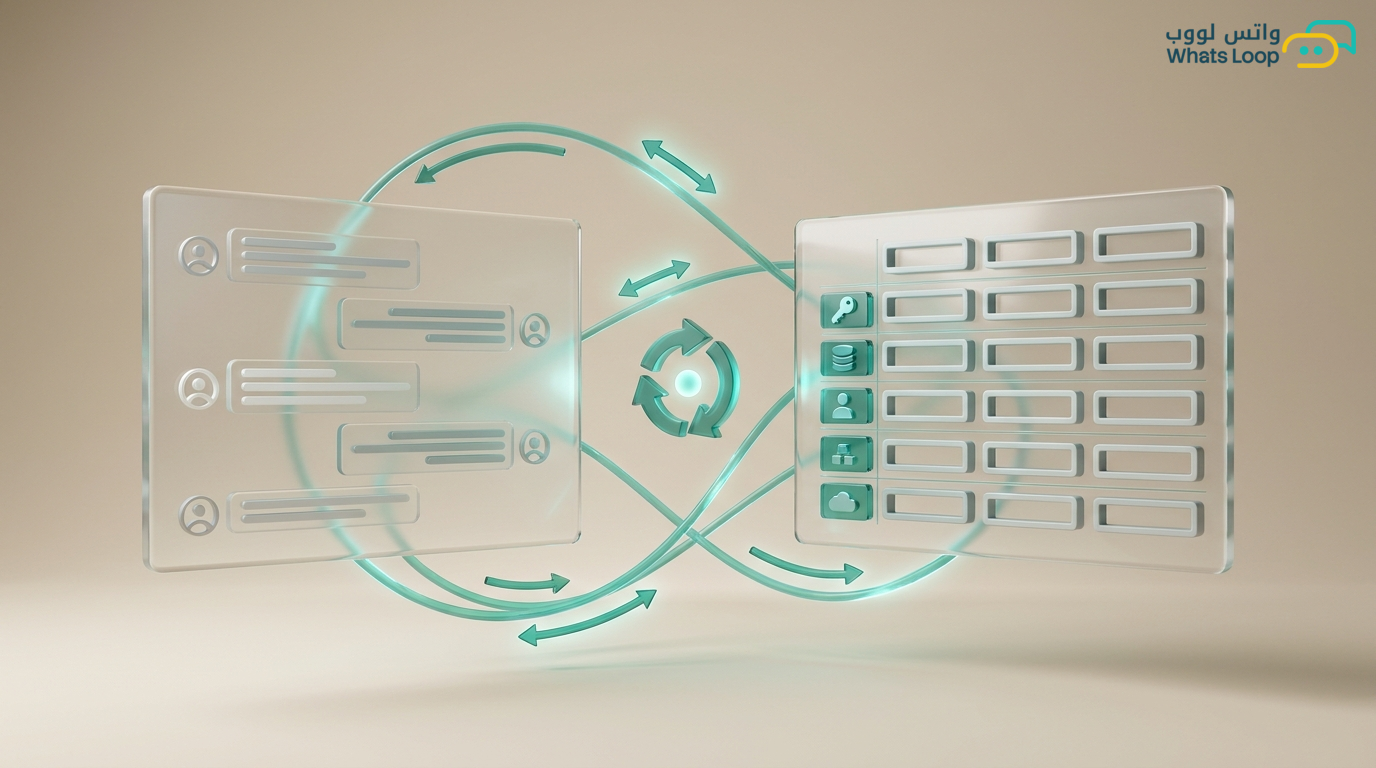
WhatsApp CRM Integration: Best Practices and Common Mistakes
Integrating WhatsApp with a CRM system is one of the most important technical decisions for any company that relies on WhatsApp for sales. The right integration multiplies your team's efficiency, while the wrong one causes chaos and wastes more time than it saves. Many CRM integration projects fail or get delayed due to avoidable mistakes.
Why Integration Matters
Without integration, your team works across two separate systems: WhatsApp for conversations, CRM for data. This separation causes:
- Incomplete data: conversations are not logged in the customer's file
- Wasted time: agents manually copy data between systems
- Wrong decisions: reports do not reflect the full picture
WhatsLoop provides direct integration with popular CRM systems and also functions as a complete WhatsApp CRM if you do not have an existing system. Companies that integrate WhatsApp with CRM increase team productivity significantly.
Best Practices for Successful Integration
1. Define the Data You Need to Sync
Before starting the integration, specify exactly which data needs to synchronize between systems. Not everything needs to transfer. The essential data includes:
- Customer data: name, phone number, city, contact source
- Conversation history: last conversation, total count, topic
- Sales status: customer's pipeline stage, expected deal value
- Team notes: agent comments on each customer
Defining data upfront prevents most integration problems that occur from trying to move everything at once.
2. Use Bidirectional Sync
Many integration solutions transfer data in one direction only, from WhatsApp to CRM. This is risky because any update made in CRM does not reach WhatsApp. WhatsLoop provides bidirectional sync: if you change a customer's status in CRM, the change reflects in WhatsApp automatically. And vice versa. Bidirectional sync reduces data errors significantly.
3. Enable Real-Time Sync, Not Scheduled
Some systems sync data every hour or every day. This delay can cause problems, such as an agent contacting a customer with outdated information. WhatsLoop syncs data instantly, and any change in either system reflects immediately in the other. This speed is critical especially in sales where the first minute makes the difference between a successful deal and a lost opportunity.
4. Create Automation Rules Between Systems
Integration is not just data transfer, it is full process automation. For example:
- When a customer sends "interested" on WhatsApp, a new sales opportunity is created in CRM automatically
- When an agent closes a deal in CRM, WhatsApp sends an automatic thank-you message
- When a customer does not reply for 7 days, a follow-up task is created in CRM
WhatsLoop provides an automation engine that connects WhatsApp events to CRM actions and vice versa. Cross-system automation saves an average of 6 hours per week per agent.
Common Integration Mistakes
Mistake 1: Ignoring Data Cleanup Before Integration
If your CRM data contains duplicates or errors, the integration will transfer those problems to WhatsApp. Clean your data first: remove duplicates, standardize formats, and verify phone numbers. A significant portion of integration problems are caused by unclean data.
Mistake 2: Not Training the Team
The biggest mistake is activating integration without training the team. Agents need to understand how data syncs, where to enter information, and how to avoid duplication. Allocate at least a 2-hour training session before going live.
Mistake 3: Not Testing on a Staging Environment
Do not activate integration directly on your production environment. WhatsLoop provides a staging environment where you can test the integration with dummy data before switching to real data. Most errors are caught during the testing phase.
Ongoing Integration Maintenance
Integration is not a one-time project you do and forget. It requires continuous maintenance. WhatsLoop helps you with maintenance through:
- Automatic connection health monitoring: The system periodically checks the connection between WhatsApp and CRM and alerts you to any issues before they affect operations.
- Detailed sync log: Every sync operation is logged, so you can review the log and identify any data that did not sync correctly.
- Automatic updates: WhatsLoop updates the CRM integration automatically with every update in both systems to ensure continuous compatibility.
Connecting CRM with Advanced WhatsLoop Tools
CRM integration becomes more powerful when combined with WhatsLoop's other tools:
- Smart WhatsApp chatbot: The bot registers customer data in CRM automatically from the first conversation without the agent entering anything manually.
- Complete sales pipeline: Connect CRM data with the sales pipeline so every customer status update reflects immediately in the pipeline.
- Process automation: Create complex automation rules between WhatsApp and CRM, such as automatically creating a follow-up task when a customer stops responding for a certain period.
Frequently Asked Questions
Q: Does WhatsLoop integrate with any CRM system or only specific ones?
A: WhatsLoop integrates directly with the most popular CRM systems. At the same time, it provides an open API that allows connection with any CRM system that supports an application programming interface.
Q: Is customer data secure during sync between systems?
A: Yes, WhatsLoop uses full encryption during data transfer between systems. Every sync operation is secured and logged to ensure customer data protection.
Q: What happens if there is a data conflict between WhatsApp and CRM?
A: WhatsLoop provides a smart conflict resolution system. You can define which system takes priority for each data type, for example: contact data from CRM, and conversation history from WhatsApp.
Q: Do I need to stop operations during integration setup?
A: No, WhatsLoop allows integration setup without stopping operations. The integration runs in the background and data syncs gradually without affecting your team's workflow.
The Right Integration Starts with WhatsLoop
Whether you have an existing CRM or want to start fresh, WhatsLoop has the solution. Ready-made integrations with popular systems, a built-in WhatsApp CRM, and smart automation between systems. Sign up for your free account and connect WhatsApp to your system without complexity. WhatsLoop helps you centralize all your customer data in one place and automate processes between systems so your team can focus on selling, not moving data.