WhatsApp Appointment Booking Bot | Fully Automated Scheduling
A bot that books appointments, sends reminders, and manages cancellations automatically. Ideal for clinics and salons.

Appointment Booking Bot: Fully Automated Scheduling Without Human Intervention
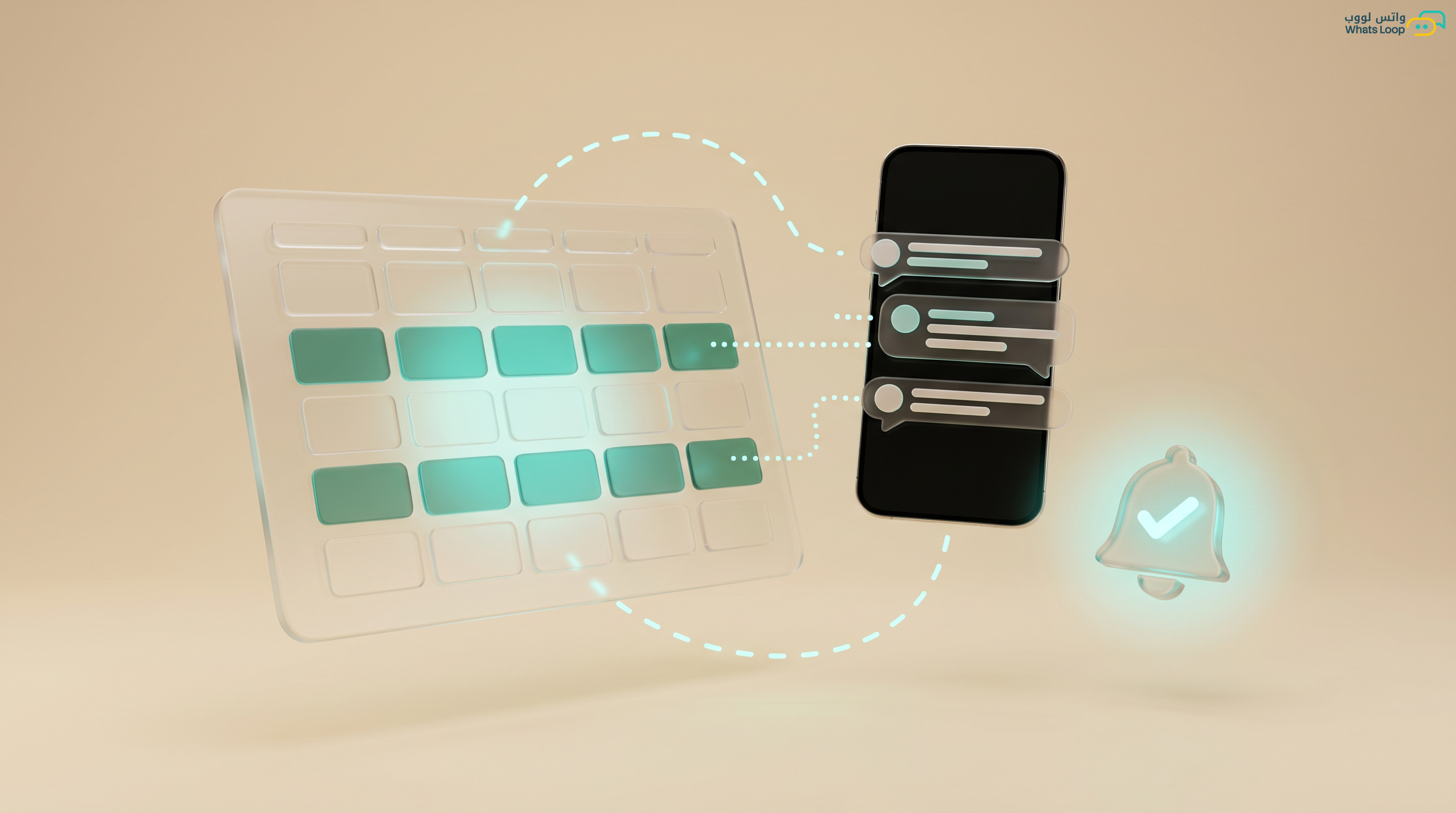
Every day, reception teams at clinics, salons, and service companies spend 3-4 hours just responding to appointment inquiries. A customer asks "Do you have availability on Thursday?", the receptionist opens the calendar, searches for openings, replies, the customer thinks, asks about another time: and the conversation drags on. With a WhatsApp appointment booking bot, this entire process takes under 60 seconds.
How the Appointment Booking Bot Works
The bot manages the complete booking process without any human intervention:
- Customer sends a message: "I want to book an appointment" or simply "appointment"
- Bot displays services: An interactive list of available services: consultation, examination, photo session, etc.
- Customer selects a service: One button tap
- Bot shows available slots: Pulls open dates and times directly from your calendar
- Customer picks a time: Taps on the preferred slot
- Bot confirms the booking: Sends a confirmation with date, time, address, and any preparation instructions
- Automatic reminder: The bot sends reminders 24 hours and 1 hour before the appointment
Numbers That Show the Difference
| Metric | Without Bot | With Bot |
|---|---|---|
| Booking time | 8-15 minutes | 45 seconds |
| No-show rate | High | Significantly lower |
| After-hours bookings | None | A significant portion of all bookings |
| Customer satisfaction | Average | Very high |
| Cost per booking | High | Dramatically lower |
Advanced Appointment Bot Features
Cancellation and Rescheduling Management: Customers can cancel or modify appointments via WhatsApp without calling. The bot instantly displays alternative available slots. The majority of customers prefer managing appointments digitally over phone calls.
Smart Waitlist: When a slot is full, the bot adds the customer to a waitlist and automatically notifies them when an opening appears. A good portion of canceled appointments convert to new bookings this way.
Multi-Branch Booking: Operating multiple locations? The bot displays branches based on customer proximity and shows availability at each location.
Booking Fee Collection: Connect the bot to a payment gateway and let customers pay deposits or full booking fees directly in WhatsApp. Businesses requiring deposits see dramatically lower no-show rates.
Building an Appointment Bot in WhatsLoop: Step by Step
Step 1: Define Your Services and Durations
- Register each service with its time duration (e.g., dental checkup = 30 minutes, cleaning = 45 minutes)
- Specify if a service requires preparation time or buffer between appointments
Step 2: Connect Your Calendar
- Define working hours for each day
- Mark holidays and pre-booked slots
- Enable synchronization with Google Calendar or your existing scheduling system
Step 3: Design Bot Messages
- Clear welcome message
- Service list with interactive buttons
- Confirmation message with complete details
- Reminder messages (24 hours and 1 hour before)
- Cancellation and rescheduling messages
Step 4: Test the Bot
- Try every scenario: standard booking, cancellation, rescheduling, fully booked slots
- Verify reminders arrive at the correct time
- Test with different phrasings: "I need an appointment", "Can I book?", "Any availability?"
Industries That Benefit from Appointment Bots
- Clinics and hospitals: Dramatically reduce phone wait times
- Salons and beauty centers: Accept bookings 24/7 even outside working hours
- Consulting and legal firms: Schedule meetings without a secretary
- Auto service centers: Book maintenance appointments with automatic vehicle details capture
- Photography studios: Schedule sessions with type and location selection
Connecting the Bot with Team Calendars
If you have multiple service providers (doctors, designers, consultants), the bot can display each provider's schedule independently. The customer selects their preferred provider and sees their available slots. This feature eliminates scheduling conflicts and ensures every service provider has an organized calendar without overlaps.
Enhancing the Post-Booking Customer Experience
The bot should not stop at booking confirmation, let it continue the customer journey:
- Send preparation instructions: Dental clinic? Remind the customer not to eat for two hours before the appointment. Salon? Suggest the client avoid certain creams before the session
- Request attendance confirmation: 3 hours before the appointment, send a message: "Your appointment is in 3 hours, will you attend? Yes / No / I want to reschedule." This step significantly reduces no-show rates
- Collect post-appointment feedback: One hour after the appointment ends, send a short satisfaction survey, 3 questions are enough. The feedback helps you continuously improve your service
- Suggest the next appointment: "Thank you for your visit! Your next follow-up is in one month, would you like us to book it now?"
You can build all these scenarios using automation tools in WhatsLoop without writing a single line of code. To learn more about building bots, check out the No-Code WhatsApp chatbot Guide. For connecting the bot with a CRM system to track each customer's appointment history, review the WhatsApp CRM Integration Guide.
Frequently Asked Questions
Q: Can the bot handle bookings for multiple services at the same time? A: Yes, you can program the bot to allow customers to select multiple services, for example "checkup + dental cleaning", and the bot calculates the total duration and displays available slots that accommodate all selected services.
Q: How do I handle appointments that require manual approval? A: You can configure the bot to log the request and send a notification to your team for approval before confirming the appointment with the customer. The customer receives a message: "Your request has been received, we will confirm within minutes."
Q: Does the bot support advance payment for appointments? A: Yes, WhatsLoop supports connecting payment gateways with the bot. Customers can pay a deposit or full appointment fees directly within WhatsApp, which significantly reduces no-show cases.
Q: Can I customize the bot for each branch's working hours? A: Absolutely. Each branch can have an independent schedule: different working hours, different services, and different holidays. The bot displays available slots to the customer based on the branch they selected.
Free Up Your Team's Time
An appointment booking bot is not a luxury, it is a necessity for any appointment-based business. WhatsLoop provides no-code bot building tools, no developer needed. Sign up for WhatsLoop and let the bot manage your schedule while you focus on serving your customers.