WhatsApp Appointment Booking Automation: From Scheduling to Auto-Reminders
Turn WhatsApp into a complete booking system. Customers book, confirm, and get reminders, all automated without manual intervention.
Why Automate Appointment Booking via WhatsApp?
In Saudi Arabia, Most appointment bookings at clinics, salons, and service centers happen manually through phone calls or WhatsApp. This means a dedicated employee answering calls and messages, coordinating schedules, and sending confirmations. Automating this process saves many hours of work weekly and reduces no-show rates significantly.
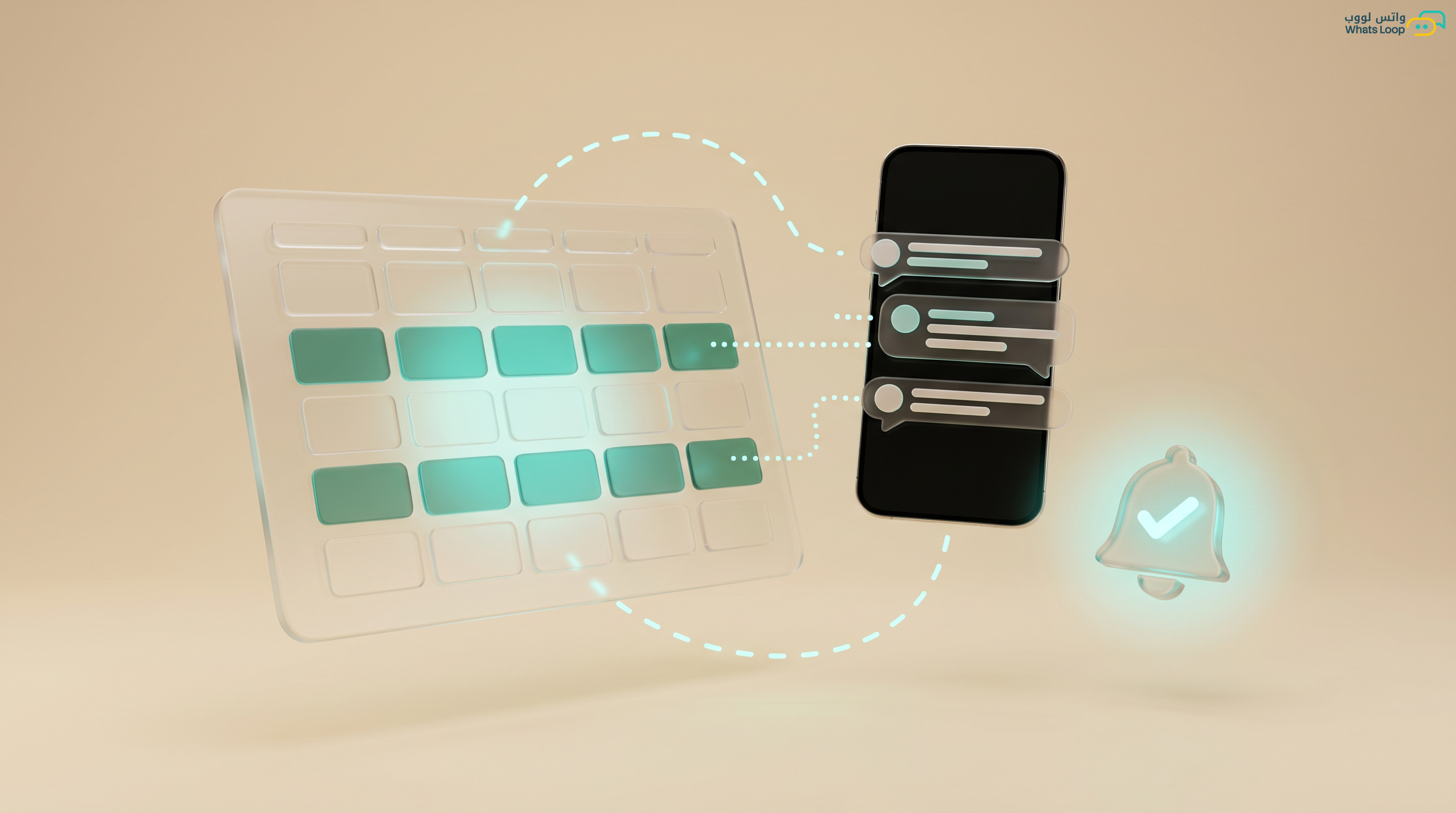
The WhatsLoop appointment booking bot transforms a WhatsApp conversation into a complete booking system: the customer selects the service and time and receives confirmation, all automatically without human intervention.
Setting Up the Booking System
Defining Services
Start by specifying bookable services:
- Service name in Arabic and English
- Service duration (30 minutes, 1 hour, etc.)
- Price (if applicable)
- Does the customer need to prepare anything beforehand?
- Maximum concurrent bookings
Defining the Schedule
Set working hours for each day:
- Working days and holidays
- Start and end times
- Break periods (such as lunch breaks)
- Special days (such as Ramadan schedule changes)
- Buffer time between appointments (e.g., 15 minutes for cleanup or setup)
Calendar Integration
WhatsLoop integrates with:
- Google Calendar: Bi-directional sync
- Microsoft Outlook: Direct connection to your business calendar
- Custom calendar: Open API to connect any existing booking system
The Customer Experience
Typical Booking Flow
Customer: I want to book an appointment
Bot: Hello! Which service would you like?
     1. Haircut (30 min - 50 SAR)
     2. Hair coloring (90 min - 200 SAR)
     3. Beard trim (20 min - 30 SAR)

Customer: 1
Bot: Choose your preferred day:
     Sunday, June 15
     Monday, June 16
     Tuesday, June 17

Customer: Sunday
Bot: Available times on Sunday:
     10:00 AM
     11:30 AM
     2:00 PM
     4:30 PM

Customer: 2:00
Bot: Your appointment is booked!
     Service: Haircut
     Date: Sunday, June 15
     Time: 2:00 PM
     Amount: 50 SAR
     Location: [Google Maps link]
     We will send you a reminder 24 hours before.
Handling Special Cases
- No available slots: "This week is fully booked. Would you like to be added to the waitlist?"
- Customer needs an urgent appointment: "The nearest available slot is in 2 hours. Does that work?"
- Customer wants a specific provider: "Would you like to book with Ahmed or Khaled?"
Smart Reminder System
Before the Appointment
- 24 hours before: "Reminder: You have an appointment tomorrow at 2:00 PM. Reply 'confirm' or 'cancel'"
- 2 hours before: "Your appointment is in 2 hours. Are you on your way?"
- Customer is 10 minutes late: "We noticed you are running late. Would you like to reschedule?"
After the Appointment
- 1 hour later: "Thank you for visiting! How was your experience? Rate from 1 to 5"
- 1 week later: "Time for your next appointment. Should we book the same time next week?"
Managing Cancellations and Rescheduling
Flexible Cancellation Policy
Define a clear cancellation policy:
- Cancellation 24+ hours before: free
- Cancellation 6 hours before: partial fee
- No-show without cancellation: higher fee
The bot enforces this policy automatically and informs the customer before confirming the cancellation.
Smooth Rescheduling
- Customer sends "I want to change my appointment"
- Bot displays available alternative slots
- Customer selects the new time
- Calendar updates automatically
- Confirmation message with new appointment details
Smart Waitlist
When the schedule is full:
- Customer is added to the waitlist
- When any other booking is cancelled, the first customer on the list receives an instant notification
- "A slot just opened at 3:00 PM on Tuesday. Would you like it?"
- If they accept → booked automatically
- If they decline → moves to the next customer on the list
Payment Integration
Prepayment
To reduce no-shows:
- Send a payment link with the booking confirmation
- The amount is held and only charged after attendance
- In case of no-show, the charge follows the cancellation policy
Subscription Packages
- Book 4 monthly appointments at a discounted rate
- The bot schedules all four appointments automatically on the same day and time each week
- Monthly notification for package renewal
Booking Reports
Key Metrics
- Daily and weekly booking counts
- Attendance rate versus no-show rate
- Most booked services
- Busiest time slots
- Average revenue per appointment
- Rebooking rate (returning customers)
Continuous Improvement
- Many empty slots? → Send special offers to fill them
- High no-show rate? → Enable prepayment
- A service that rarely gets booked? → Review the price or bundle it with another service
Conclusion
Automating appointment booking via WhatsApp transforms an exhausting manual process into a seamless experience for both your customers and your team. No missed calls, no scheduling conflicts, and no surprise no-shows.
Sign up for WhatsLoop and turn WhatsApp into a 24/7 appointment booking system.
Frequently Asked Questions
Q: Does the WhatsApp appointment booking bot integrate with Google Calendar? A: Yes, WhatsLoop integrates with Google Calendar and Microsoft Outlook with bi-directional sync. Every booking, cancellation, or modification updates the calendar automatically, and it also supports connecting to any existing booking system via an open API.
Q: How does a WhatsApp booking bot reduce no-show rates? A: The bot sends automatic smart reminders: 24 hours before it asks for confirmation or cancellation, 2 hours before it asks "Are you on your way?", and if the customer is 10 minutes late it offers rescheduling. It also supports prepayment to further reduce no-shows.
Q: Does the booking bot support a waitlist when the schedule is full? A: Yes, when the schedule is full, customers are added to the waitlist automatically. When any other booking is cancelled, the first customer on the list receives an instant notification about the available slot, and if they accept it is booked automatically.
Q: Can customers cancel or change their appointment via WhatsApp? A: Yes, customers can send "I want to change my appointment" or "cancel" and the bot handles the request automatically according to the defined cancellation policy. It displays available alternative slots and updates the calendar immediately without human intervention.