New Customer Onboarding Bot: Build an Exceptional First Contact Experience on WhatsApp
Make a lasting first impression with every new customer through a smart WhatsApp bot that introduces your services and collects data automatically.
The first interaction between you and a new customer defines the entire relationship trajectory. 73% of customers decide their brand loyalty during the first contact experience, making smart WhatsApp onboarding a necessity rather than a luxury.
What Is an Onboarding Bot and Why You Need One
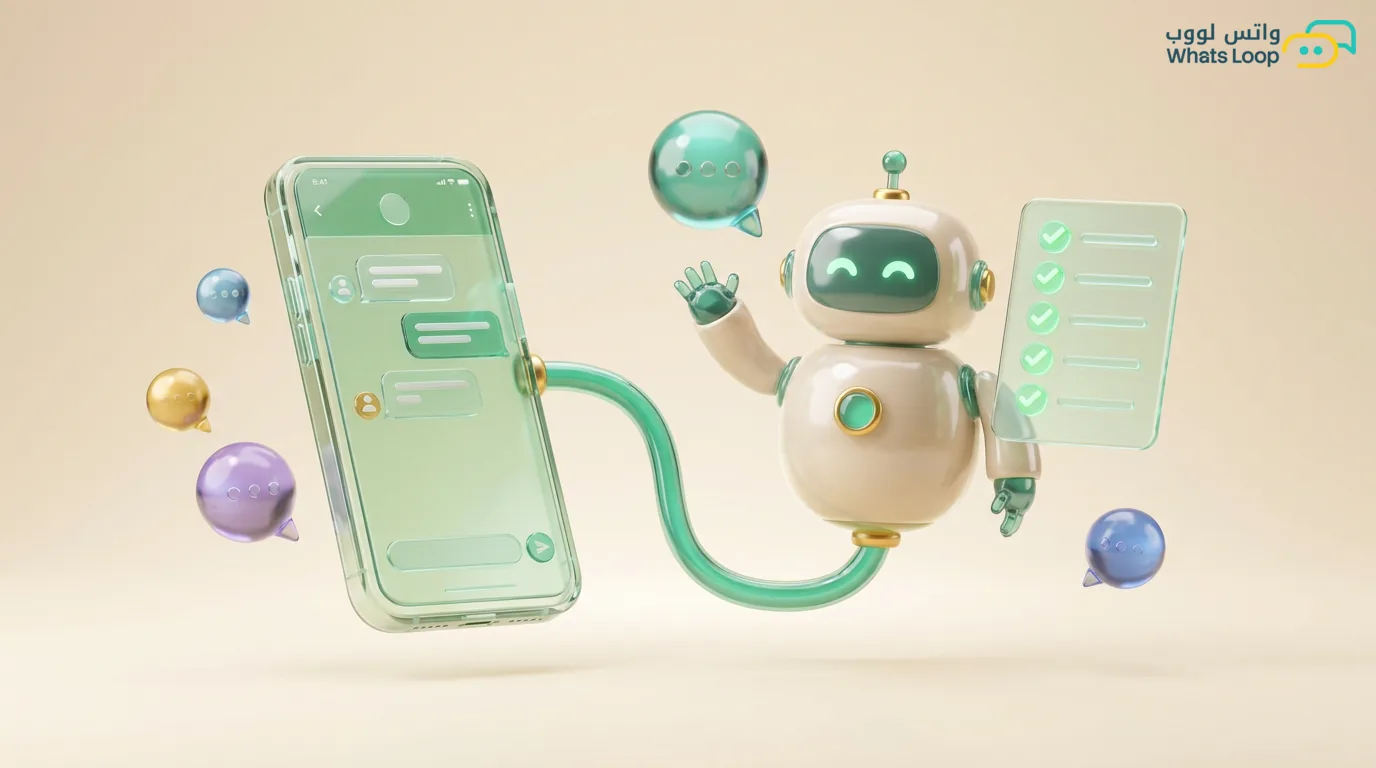
An onboarding bot is a series of automated messages sent to customers on first contact. It introduces your services, answers basic questions, and collects key information, all without human intervention.
Stages of the Ideal Onboarding Bot
Stage 1: Instant Welcome (1 Second)
An immediate reply containing your business name, a warm greeting, and interactive button options: "Learn about our services," "Pricing," "Talk to our team."
Stage 2: Service Introduction (Based on Selection)
If they choose "Learn more," send a brief summary of each service with images or a short video. Use carousel messages to showcase services in an engaging format.
Stage 3: Data Collection (After Showing Interest)
Ask essential questions gradually: name, business type, team size, primary need. Each question in a separate message so the customer does not feel overwhelmed by a form.
Stage 4: Routing (Based on Answers)
Based on customer responses, route them to the right path: a custom quote, a demo booking, or a handoff to a specialized agent.
How to Build an Onboarding Bot with WhatsLoop
1. Plan the Flows
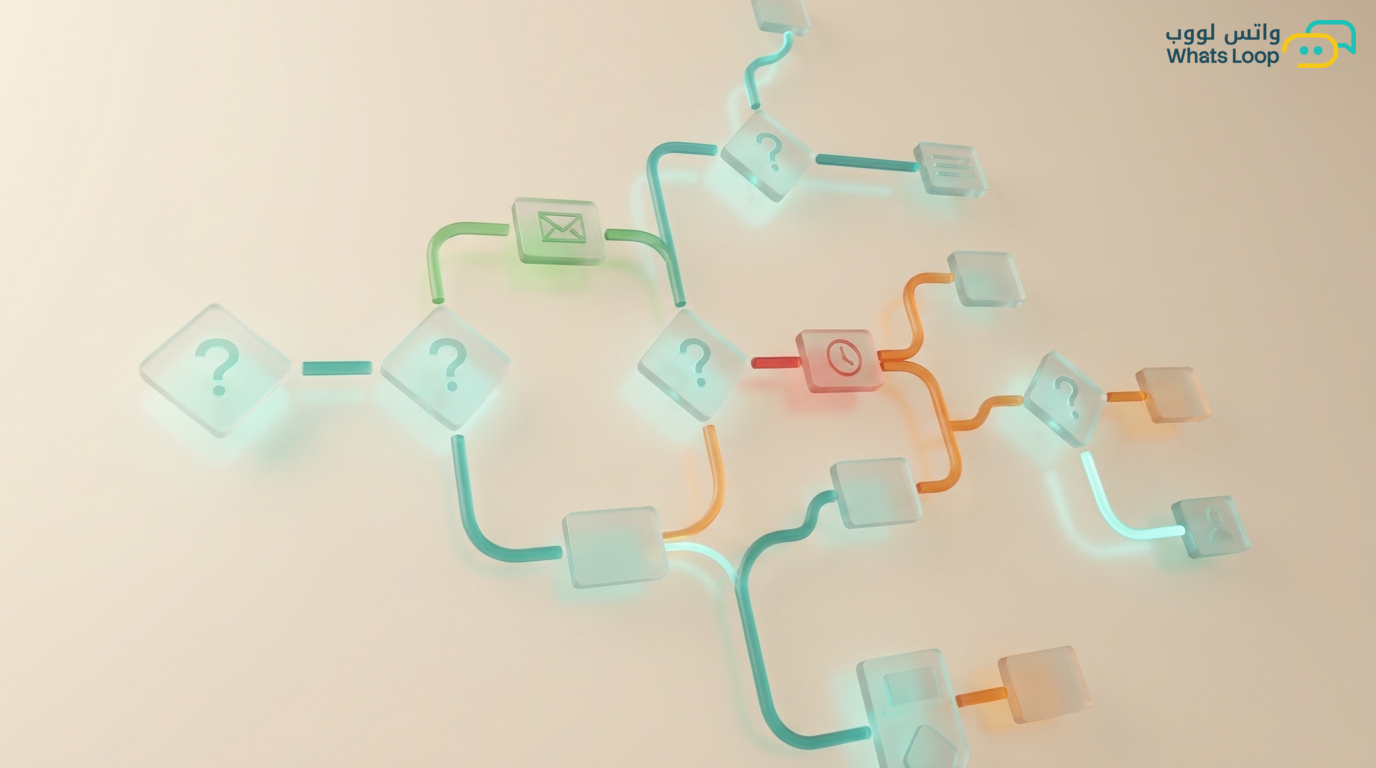
Map out every possibility: What if they select a specific service? What if they ask about pricing directly? What if they type an open-ended question? Every path needs a clear endpoint.
2. Write the Messages
Use simple, warm language. Avoid long messages and split content across multiple messages. Add emoji sparingly to create a friendly tone without overdoing it.
3. Configure Buttons and Lists
In WhatsLoop, use quick reply buttons for short options (fewer than 3) and interactive lists for multiple options (up to 10).
4. Define the Human Handoff Point
The bot does not replace humans. Define when a customer should be transferred to a real agent: when requesting a custom quote, when filing a complaint, or when asking a complex question the bot cannot handle.
Success Metrics
- Sequence completion rate (how many customers reach the final stage)
- First response time (should be under 5 seconds)
- Visitor-to-lead conversion rate
- Customer satisfaction with the first contact experience
Conclusion
An onboarding bot works 24 hours a day and gives every customer the same professional experience. Invest two hours setting it up once, and reap the results with every new customer.