Building Advanced WhatsApp Bot Workflows with Conditional Logic
Learn to build advanced WhatsApp bots with conditional branching. From automated lead qualification to intelligent conversation routing.
What Are Advanced Bot Workflows?
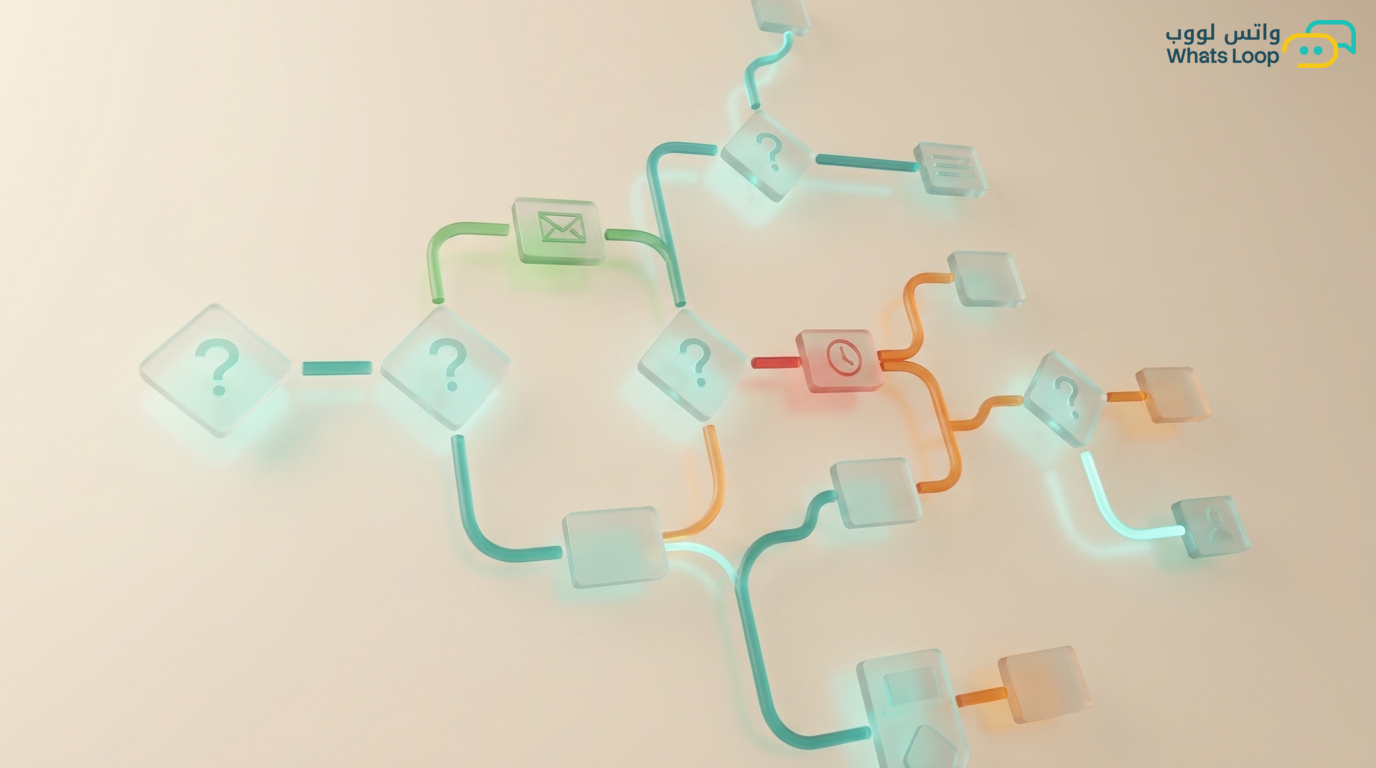
A simple bot responds to keywords with fixed replies. An advanced bot thinks. It makes different decisions based on multiple conditions: who the customer is, what they said, when they reached out, and their history. This difference transforms a bot from an auto-reply tool into an intelligent assistant that guides customers toward the desired outcome.
In WhatsLoop, the visual bot builder lets you create complex workflows without writing a single line of code, using a system of conditions, variables, and branches.
Understanding Conditions and Variables
Types of Conditions
A condition is a question the bot asks itself before deciding the next step:
Text conditions: Does the customer's message contain the word "price"? Does it start with "I want"? Does it exactly match "yes"?
Numeric conditions: Is the order value greater than 500 SAR? Is the number of previous orders equal to zero?
Time conditions: Is the current time within business hours? Has more than 24 hours passed since the last message?
Segment conditions: Is the customer in the "VIP customers" segment? Have they purchased within the last 30 days?
Channel conditions: Did the customer reach out from the website widget, a Facebook ad, or directly?
Variables
Variables store information that accumulates during the conversation:
{customer_name}: The customer's name{selected_product}: The product they chose{total_orders}: Total previous orders{last_visit}: Date of last contact- You can create custom variables as needed
Building an Advanced Bot Flow
Example 1: Intelligent Sales Bot
Customer sends any message
↓
[Condition] Is the customer new or existing?
├── New → Welcome message + ask about interests
│   ↓
│   [Condition] What is their interest?
│   ├── Products → show catalog
│   ├── Services → show service list
│   └── Pricing → show pricing plans
│
└── Existing → [Condition] Do they have an open order?
    ├── Yes → show order status
    └── No → "Welcome back! How can we help?"
Example 2: Tiered Technical Support Bot
Customer describes their issue
↓
[Condition] Do keywords relate to "payment" or "invoice"?
├── Yes → Financial support path
│   ↓
│   [Condition] Is the amount greater than 1000 SAR?
│   ├── Yes → Immediate transfer to specialized human agent
│   └── No → Attempt automatic resolution + self-service link
│
├── Related to "technical" or "not working"
│   ↓
│   Automatic diagnostic questions
│   ↓
│   [Condition] Did the solution work?
│   ├── Yes → Close + satisfaction rating
│   └── No → Transfer to technical support
│
└── Unclear → "Could you please elaborate?"
Example 3: Booking Bot with Dynamic Conditions
Customer requests an appointment
↓
[Condition] Are there available slots today?
├── Yes → Show available time slots
│   ↓
│   Customer selects a slot
│   ↓
│   [Condition] Does the service require prepayment?
│   ├── Yes → Send payment link
│   │   ↓
│   │   [Wait] Payment confirmation
│   │   ↓
│   │   Confirm booking + send reminder 24 hours before
│   └── No → Confirm booking immediately
│
└── No → "Available slots tomorrow: ..."
Nested Conditions
You can nest conditions at multiple levels to handle precise scenarios:
Example: Special Offer by Segment and Region
[Condition 1] Is the customer VIP?
├── Yes
│   └── [Condition 2] Do they live in Riyadh or Jeddah?
│       ├── Yes → 25% discount + free delivery
│       └── No → 20% discount + reduced delivery
└── No
    └── [Condition 2] Have they purchased within the last 90 days?
        ├── Yes → 10% discount
        └── No → Show best-selling products without discount
Loops and Iteration
Question Loop
The bot asks a series of questions and collects answers:
- "What is your full name?" → saves to
{name} - "What is your city?" → saves to
{city} - "What service do you need?" → saves to
{service} - If any answer is unclear → repeat the question (maximum 3 attempts)
- After all questions are complete → summarize and ask for confirmation
Follow-Up Loop
- After sending a price quote → wait 4 hours
- If the customer has not replied → send first reminder
- Wait an additional 24 hours
- If no reply → send final reminder with an alternative offer
- If still no reply → close the conversation and mark as "cold lead"
Connecting Conditions to External Systems
Inventory Check
The bot connects to the inventory system and verifies:
- Is the product in stock? → show price and purchase option
- Out of stock? → show alternatives or register for back-in-stock notification
Order Status Check
The bot retrieves order status from the shipping system:
- "Being prepared" → inform customer of expected time
- "Shipped" → send tracking number
- "Delivered" → request experience rating
Best Practices
- Start simple and add complexity gradually: Do not build 20 conditions on day one
- Test every path: Ensure each branch works before going live
- Always provide a human exit: At any point, the customer should be able to say "I want to talk to a person"
- Log exceptions: Every message the bot could not understand should be saved for later improvement
- Review reports weekly: Identify drop-off points and ask "Why do customers leave here?"
Conclusion
Advanced bot workflows transform WhatsApp from a chat channel into an intelligent automated system. Conditions and variables are your tools for building a personalized experience for each customer, and the more data you collect, the smarter your decisions become.
Sign up for WhatsLoop and start building intelligent bots with an easy-to-use visual builder.
Frequently Asked Questions
Q: Do I need coding experience to build advanced WhatsApp bot workflows? A: No, WhatsLoop provides a visual bot builder that lets you create complex workflows with conditions, variables, and branches without writing a single line of code. You can drag and drop elements and connect them visually.
Q: What types of conditions can be used in a WhatsApp bot? A: You can use text conditions (analyzing message content), numeric conditions (order value or purchase count), time conditions (business hours or wait duration), segment conditions (customer classification), and channel conditions (customer contact source).
Q: How does an advanced bot handle questions it does not understand? A: A human exit should always be available at any point in the flow. Every message the bot fails to understand is saved automatically for later improvement. Adding an "I want to talk to a person" option at every stage ensures customers can reach a human agent when needed.
Q: Can a WhatsApp bot connect to external systems like inventory or shipping? A: Yes, the bot connects to inventory systems to check product availability and retrieves order status from shipping systems automatically. It can inform customers about stock levels, show alternatives, or send tracking numbers based on order status.