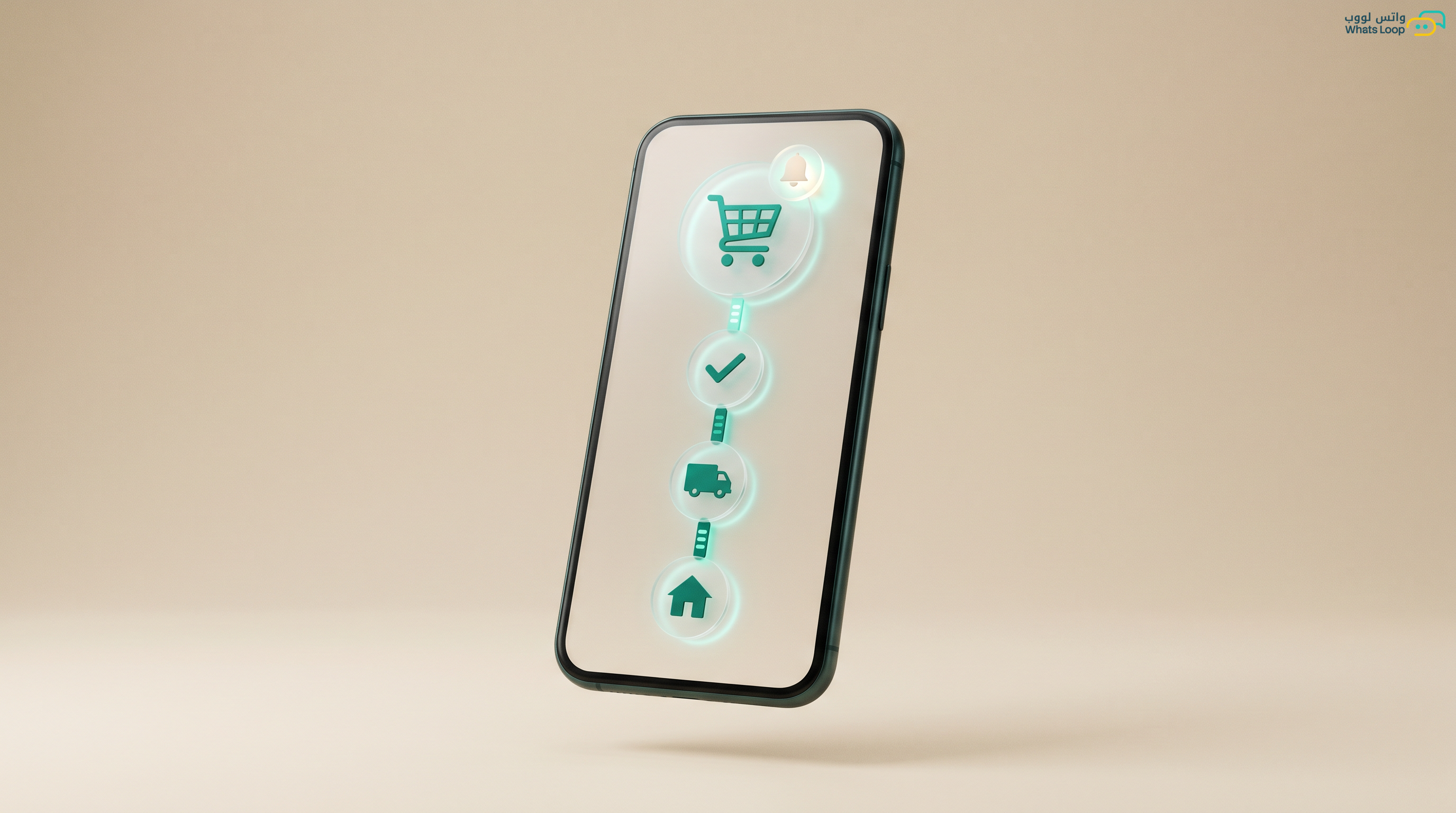
WhatsApp for Restaurants: Take Orders and Run Your Venue
Your customer wants to order fast without calling ten times. Let WhatsApp take orders, send the menu, and answer repeat questions while you focus on the kitchen.

Short answer: Make WhatsApp the front door for your restaurant orders. Connect one number, build an interactive menu with items and prices, turn on auto reply for repeat questions like hours and delivery, and keep orders in clean threads instead of chaotic calls. This way you lose fewer orders and serve more customers with the same team.
Why WhatsApp for restaurants matters now
A restaurant customer in Saudi Arabia today opens WhatsApp before they call. A message gets read fast and the reply reaches them while they relax, while a phone line stays busy during peak hours and orders slip away. When you use WhatsApp Business in an organized way, every order arrives written down: the item, the quantity, notes like no onions or extra spicy, and the delivery location. That removes the mistakes that usually happen in a rushed call.
More importantly, WhatsApp lets you keep all your customers in one place, so you can reach them with weekend offers or a new dish without paying for an ad every single time. A small venue that lives on repeat customers benefits from this more than anyone.
Picture the restaurant that peaks from after sunset until midnight. Every call lands in the same hour, one staff member cannot hold two receivers at once, so the line rings out and the order goes to a competitor. WhatsApp takes that pressure off you because messages wait in a queue and every customer feels seen, and even a two minute delay does not upset them the way a dropped call does. That alone brings back orders you were quietly losing every night.
The interactive menu beats a heavy PDF
Most venues send a PDF menu, the customer opens it, gets confused, and sometimes it will not open at all. It is far better to use interactive buttons and lists inside WhatsApp. The customer taps a Burger button, then picks a size, and their choice reaches you neatly. Tools like a WhatsApp bot build this flow step by step with no coding.
Keep the menu split into clear sections such as grills, meals, drinks, and dessert, each with light images and updated prices. When prices change you edit them in one place and it reflects everywhere, instead of resending a new file each time.
Taking and organizing orders
An order coming through WhatsApp needs a fixed path so nothing gets lost. A simple path is a greeting, showing the menu, confirming the order, asking for location or table number, then confirming the expected time. Each step cuts a lot of back and forth with the customer.
During peak hours you can assign conversations to more than one staff member, one for new orders and one for delivery, so no customer waits without a reply. If your restaurant has branches, each branch can receive on the same system with orders separated by area.
| Task | The old way | With organized WhatsApp |
|---|---|---|
| Taking the order | A line busy at peak time | A message read and answered fast |
| The menu | A heavy PDF file | Interactive buttons and lists |
| Repeat questions | A staff member answers by hand | Instant auto reply 24 hours |
| Following up | Hard and scattered | One clear conversation |
| Offers | A paid ad every time | A message to loyal customers |
Auto reply to repeat questions
Half the questions your venue gets are repeats: what are your hours, do you deliver to my area, how much is the delivery fee, do you have family tables. Instead of your staff answering the same question fifty times a day, turn on an auto reply that gives the answer instantly. The customer is happy and your staff is free for real orders.
Arrange the replies smartly, so if a customer writes delivery they get the fee and covered areas, and if they write booking they move to the reservation path. Over time you notice most of the work runs without intervention while you only handle special cases. That is the core of proper WhatsApp customer service: speed without losing the human touch.
Reservations and table management
If your venue relies on bookings, especially during events and Ramadan, run reservations on WhatsApp in an orderly way. Ask the customer for the date, the number of people, and the preferred time, then confirm the booking with a clear message. A few hours before the slot, send a reminder to reduce no shows.
This automated reminder makes a big difference in busy venues, because an empty seat from a booking the guest forgot is a direct loss. A simple reminder before the slot usually lifts the attendance rate noticeably.
Offers and messages to loyal customers
The strongest asset your restaurant owns is its customer list. When you have numbers of customers who ordered before, you can send them a weekend offer or a new dish through bulk messages. The key is to send with taste and real value, not daily spam that makes people block you.
A practical example is sending a family offer every Thursday to delivery customers in your area, and a seasonal dish with each national occasion. A message aimed at a customer who already tasted your food converts far higher than an ad to people who do not know you.
Connecting with your store and systems
If your restaurant sells through an online store or app, you can link WhatsApp with the system so order notifications and confirmations run automatically. If your store is on Salla, the link sends order status to the customer on WhatsApp right away. And for venues with a custom system, the WhatsApp API opens flexible integration with your cashier or order system.
The idea is that WhatsApp should not be an island on its own, it becomes part of the full order cycle from the moment the customer orders until they receive their food happy.
Try WhatsLoop for your restaurant free
Your venue deserves an organized ordering system instead of call chaos. Try WhatsLoop free, set up your interactive menu and auto replies today, and see the difference in your first weekend.