WhatsApp Appointment Booking Bot: Automate Bookings for Clinics and Salons
How to build a WhatsApp bot for automated appointment booking and reduce no-shows by 40% for clinics and salons.
WhatsApp Appointment Booking Bot: Automate Bookings for Clinics and Salons
If you run a clinic, salon, training center, or any appointment-based business, you know that managing bookings manually is a real nightmare. Your receptionist spends half the day on the phone coordinating schedules, and then customers forget their appointments and disrupt the calendar. The solution? A WhatsApp bot that manages everything automatically.
The Problem: Manual Booking Costs More Than You Think
The reality is clear:
- A large portion of customers book outside business hours, meaning without a bot, you lose many potential bookings
- A significant number of appointments are canceled or forgotten without automatic reminders
- Staff spend hours every day managing appointments, coordinating, confirming, rescheduling
- Most customers prefer booking via WhatsApp over phone calls
The Real Cost
Missed appointments translate directly into lost daily revenue. Without an automatic reminder system, monthly losses add up quickly.
How Does an Appointment Booking Bot Work?
The Basic Flow
- Customer sends a message: "I want to book an appointment"
- Bot asks about the service: Displays a list of available services
- Specialist selection: If there is more than one doctor or specialist
- Show available times: The bot displays only open time slots
- Confirm booking: The customer selects a time and the bot confirms
- Automatic reminders: 24 hours and 1 hour before the appointment
Features WhatsLoop Provides
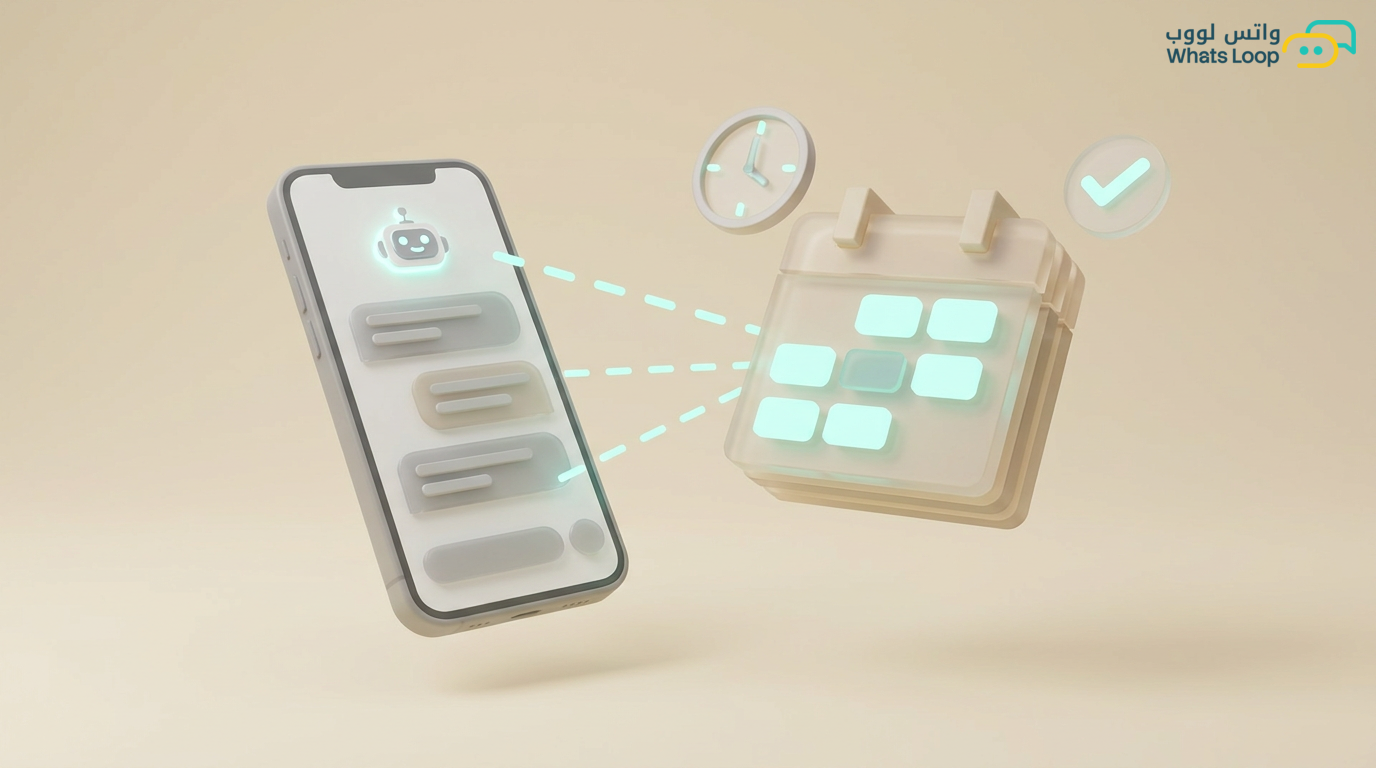
- Calendar integration: The bot reads directly from your schedule, it never double-books
- Smart reminders: 24 hours before + 1 hour before + post-appointment (feedback)
- Easy rescheduling: Customers can change their appointment without calling
- Waitlist: If all slots are full, the bot adds the customer to a waitlist and notifies them when a slot opens
- Button confirmation: The customer confirms attendance with a single tap
Setting Up an Appointment Bot Step by Step
Step 1: Prepare Your Database
Before building the bot, prepare:
- Service list with duration for each (e.g., dental checkup, 30 minutes)
- Operating hours for each day (e.g., Saturday-Thursday 8 AM - 8 PM)
- Break periods when no bookings occur (e.g., 12 PM - 1 PM)
- Specialist list if there is more than one
Step 2: Design Bot Messages
Every message should be clear and concise:
- Welcome message: "Hello! Would you like to book an appointment at [Business Name]?"
- Service list: Numbered list or interactive buttons
- Available times: "Here are the available slots for [Date]:"
- Booking confirmation: "Your appointment is booked! [Service] with [Doctor] on [Date] at [Time]"
- Reminder: "Reminder: You have an appointment tomorrow at [Time]. Press 1 to confirm or 2 to cancel"
Step 3: Activate Smart Reminders
Reminders make the real difference:
- 24 hours before: Friendly reminder with option to confirm or reschedule
- 1 hour before: Short reminder with location link or directions
- After appointment: "Thanks for your visit! How was your experience?" with 1-5 rating
- 1-week follow-up: "Do you need a follow-up appointment?"
Step 4: Handle Special Cases
- Late cancellation: The bot asks for the reason and offers the nearest alternative slot
- No-show: Automatic message 15 minutes after the missed appointment
- Emergencies: Clear option for direct contact with the clinic
- Holiday schedules: The bot updates automatically based on holiday calendars
Real Results from WhatsLoop Clients
Dental Clinic in Khobar
- Before: Full reception team managing appointments manually
- After: Bot handles most bookings, one receptionist manages complex cases
- Result: Major reduction in missed appointments thanks to smart reminders
Women's Salon in Jeddah
- No-show rate dropped significantly
- Bookings increased noticeably because customers can book 24/7
- Staff time dedicated to appointment management reduced dramatically
Fitness Center in Riyadh
- Hundreds of monthly bookings handled automatically by the bot
- Very high attendance rate thanks to the triple-reminder system
- Noticeable increase in revenue from peak-hour bookings
Golden Tips for a Successful Appointment Bot
- Keep the flow short: From first message to booking in 4 steps maximum
- Offer rescheduling: Customers prefer to reschedule rather than cancel
- Send instant confirmation: After every booking, send a clear summary with all details
- Collect feedback: After every appointment, ask about the experience, this data is gold
- Enable internal notifications: Staff need to know about new bookings immediately
Integrating the Appointment Bot with Your Systems
An appointment booking bot becomes more powerful when integrated with the systems you already use. WhatsLoop supports connecting with:
- Google Calendar or Outlook: Appointments sync automatically with your calendar, no manual transfer needed
- Clinic and salon management systems: Patient or client data transfers directly without duplicate entry
- Payment gateways: Customers can pay booking fees or deposits directly from the conversation
- CRM systems: Every client interaction is saved in their record, you can view their full appointment history
To learn more about connecting with the WhatsApp Business API, check out the complete WhatsApp Business API guide. To explore advanced automation and customer relationship management capabilities, visit the WhatsLoop features pages.
Frequently Asked Questions
Q: Can the customer book with a specific doctor or specialist? A: Yes, the bot displays a list of available specialists with each one's specialty and open time slots. The customer selects their preferred specialist and books directly with them.
Q: How does the bot handle last-minute bookings or urgent appointments? A: The bot displays the nearest available time slot immediately. If no slots are available today, it suggests the closest day with openings. It can also add the customer to a waitlist and notify them instantly if a slot opens up due to a cancellation.
Q: Does the bot send reminders in multiple languages? A: Yes, you can configure reminder messages in both Arabic and English. The bot sends the reminder in the language the customer prefers or the language they used during their first interaction.
Q: Can I see reports on missed appointments and attendance rates? A: Absolutely. The WhatsLoop dashboard provides detailed reports on attendance rates, canceled appointments, peak times, and most requested services. These reports help you make smarter decisions to optimize your scheduling.
Start Now and Save Your Team's Time
If you run an appointment-based business, a bot saves you hours every day and significantly reduces missed appointments.
Sign up for WhatsLoop today and activate your appointment booking bot in minutes. Your customers book at their convenience, and you monitor everything from a single dashboard.