AI-Powered WhatsApp Customer Service: Smart 24/7 Responses Without Staff
Enable AI on WhatsApp to auto-answer 80% of inquiries. It learns from your knowledge base and escalates to agents when needed.
AI-Powered WhatsApp Customer Service: Smart 24/7 Responses
Customers do not wait. Many customers in Saudi Arabia expect a quick response or they move to a competitor. The problem? Your team sleeps while customers message at 2 AM. The solution is not hiring a night shift, it is activating artificial intelligence to respond to your customers with accuracy and precision around the clock.
AI Is Not a Regular Chatbot
A standard chatbot replies with pre-programmed messages, if the customer phrases something differently, the bot gets stuck. AI in WhatsLoop is fundamentally different:
- Understands context: Whether a customer says "I want to return the product" or "I did not like what I bought", the AI understands both as a return request
- Learns from your data: Teach it your products, policies, and pricing, it becomes an expert in your business
- Speaks your tone: Set the dialect, formal Saudi Arabic, casual Saudi, or professional English
- Knows its limits: When it does not know the answer or the matter is sensitive, it transfers to a human agent immediately
How It Works
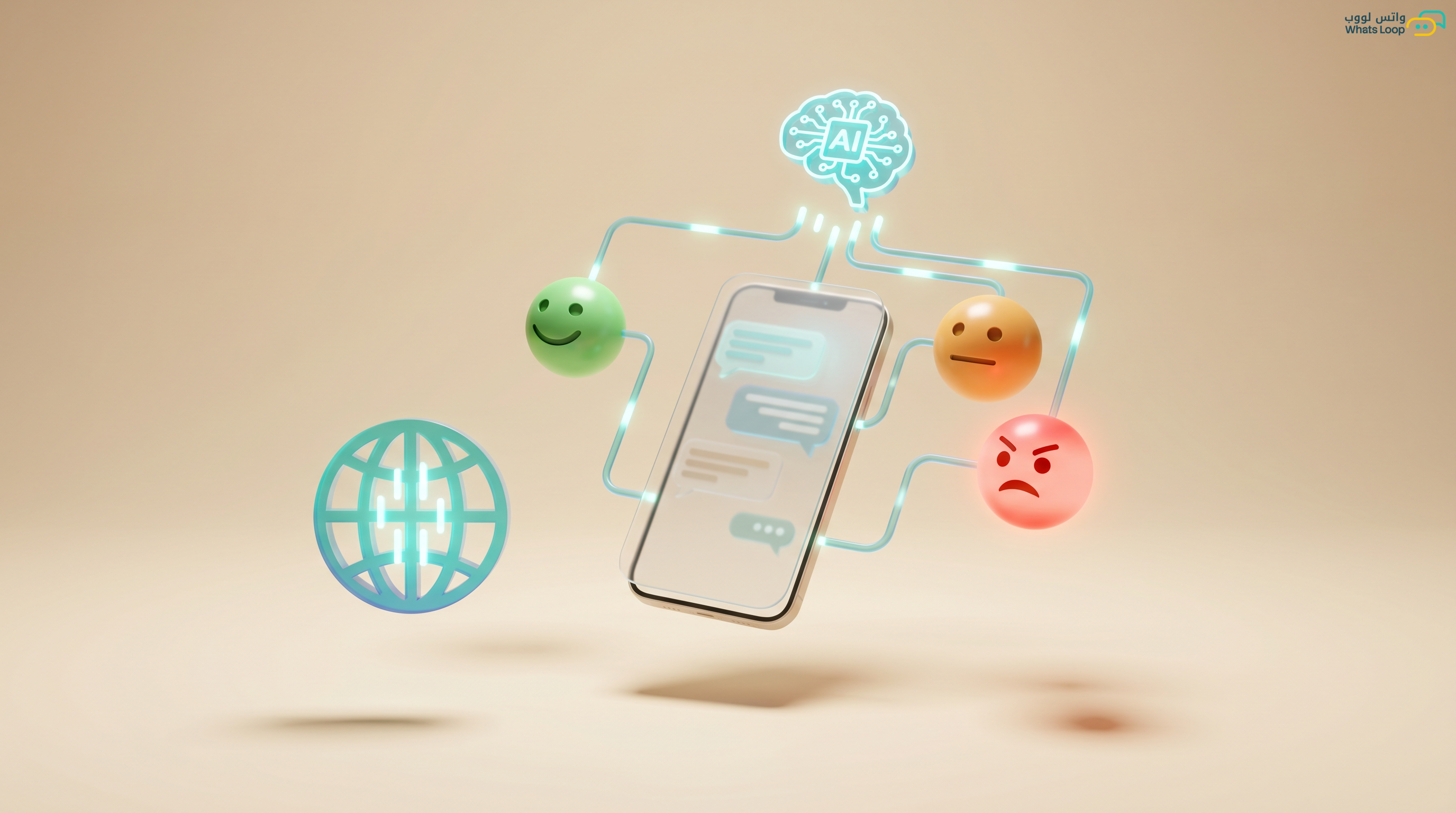
Stage 1, Receive message: Customer sends a message, AI analyzes it and determines intent (inquiry, complaint, purchase request, order tracking).
Stage 2, Search for answer: It searches the knowledge base you built, products, prices, policies, FAQs.
Stage 3, Respond: It crafts a natural, human-readable reply. Not a stiff automated response, a reply that feels like talking to a knowledgeable person.
Stage 4, Smart escalation: If the topic is complex, the customer is upset, or escalation is needed, it transfers immediately to the right agent with a full conversation summary.
Typical Results
| Metric | Before AI | After AI |
|---|---|---|
| Instant response rate | Low | Very high |
| Messages handled by AI | None | Most |
| First response time | Minutes | Seconds |
| Customer satisfaction | Average | High |
| Monthly service cost | High | Much lower |
Use Case Scenarios
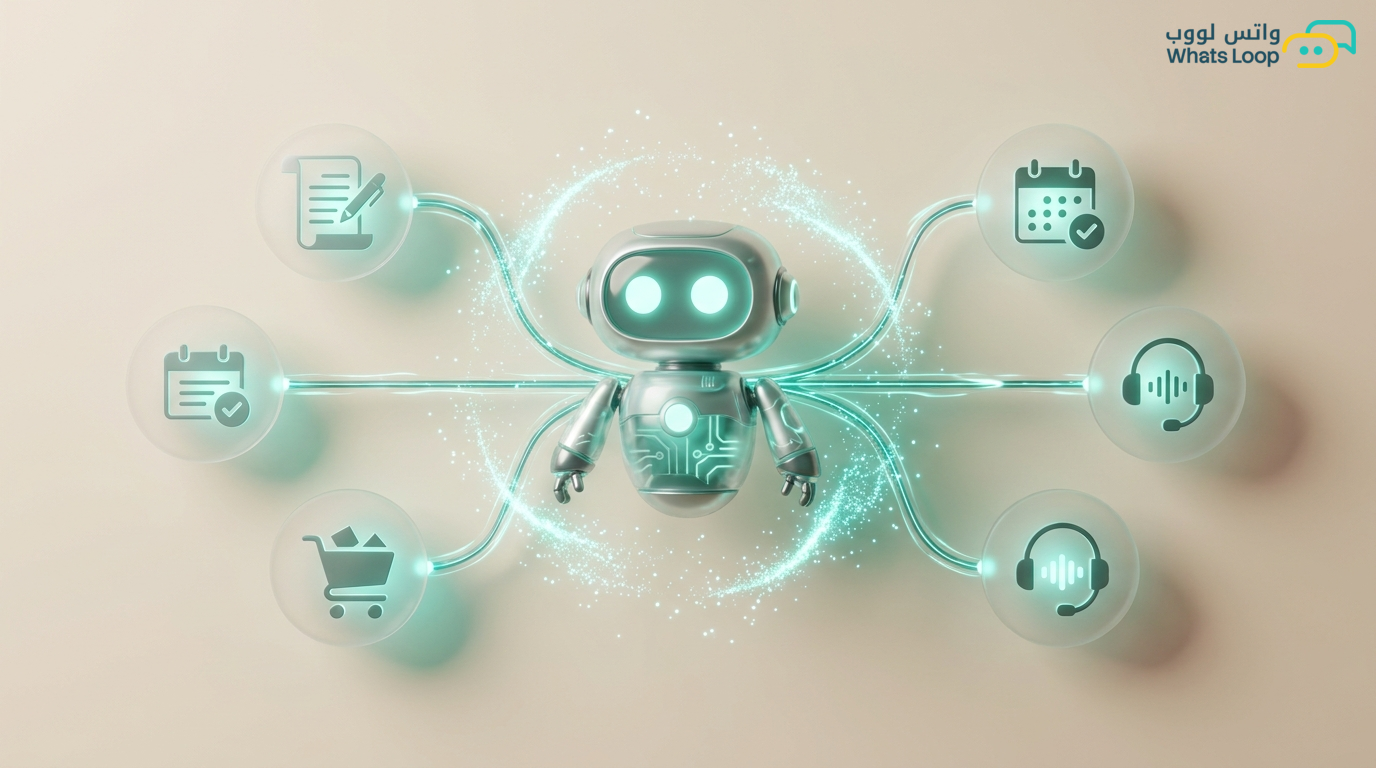
1. FAQs: "How much is the product?", "When is delivery?", "What is the return policy?", AI answers instantly and accurately.
2. Order tracking: "Where is my order?", AI checks the system and responds with the current order status.
3. Appointment booking: "I want to book an appointment", shows available slots and confirms the booking.
4. Simple complaints: "My order arrived incomplete", opens a ticket, gives the customer a tracking number, and apologizes.
5. Sales: "I want a deal on 3 devices", presents relevant products with applicable discounts.
Smart Escalation to Human Agents
The most important feature: AI knows when it should not respond:
- Customer mentions words like "I want to speak to the manager" or "I will take legal action"
- The issue is technically complex and outside the knowledge base
- The customer is contacting for the third time about the same issue
- A special request requiring authorization (e.g., an exceptional discount)
In every case, it transfers to the agent with a summary: "Customer Ahmad, contacted 3 times regarding order #4521 that was not delivered. Last resolution attempt: re-ship. Escalation required."
Activation Steps
- Upload your knowledge base: PDF files, website links, product catalog, company policies
- Define bot personality: Name, dialect, formality level
- Set escalation rules: Define when to transfer to a human
- Test and refine: Try different scenarios and improve responses
- Activate and monitor: Roll out gradually and monitor performance for the first two weeks
Get Started Now
WhatsLoop gives you AI that responds to your customers 24/7 with accuracy and speed. Save team costs and increase customer satisfaction. Try it free.
Frequently Asked Questions
Q: Can the AI respond in casual Saudi Arabic dialect? Yes, you can set the bot's dialect, whether formal Saudi Arabic, casual Saudi, or professional English. The system understands customer messages in any dialect and responds in the tone you configure. Set up the bot personality from the AI settings.
Q: Does the bot transfer the conversation to a human agent when needed? Yes, the AI knows its limits. When the topic is complex, the customer is upset, or they request to speak with a person, the bot immediately transfers the conversation to the right agent along with a full conversation summary.
Q: How long does it take to activate AI on WhatsApp? Activation takes a short time. You upload your knowledge base (products, policies, FAQs), define the bot personality, and test, then activate. Follow the detailed activation steps.
Q: Can I monitor the conversations handled by AI and review response quality? Yes, all conversations are saved in the conversations inbox where you can review bot responses and evaluate them. The system provides reports on satisfaction rates and the rate of escalation to human agents.