Abandoned Cart Recovery via WhatsApp: Recover 35% of Lost Sales
Learn how to set up WhatsApp abandoned cart recovery messages and win back a significant portion of lost sales.

Abandoned Cart Recovery via WhatsApp: Recover a Significant Portion of Lost Sales
Abandoned carts are the biggest revenue leak in e-commerce. In Saudi Arabia specifically, A significant portion of shopping carts are abandoned without completing the purchase, which means you lose potential sales every single day that could easily be recovered.
Why Email Is Not Enough
Most stores send a cart recovery email. The problem? Email open rate in Saudi Arabia is very low, and click-through rate is even lower. Meanwhile, WhatsApp achieves a far higher open rate and better engagement. The difference is clear: WhatsApp actually delivers your message.
How Cart Recovery Works with WhatsLoop
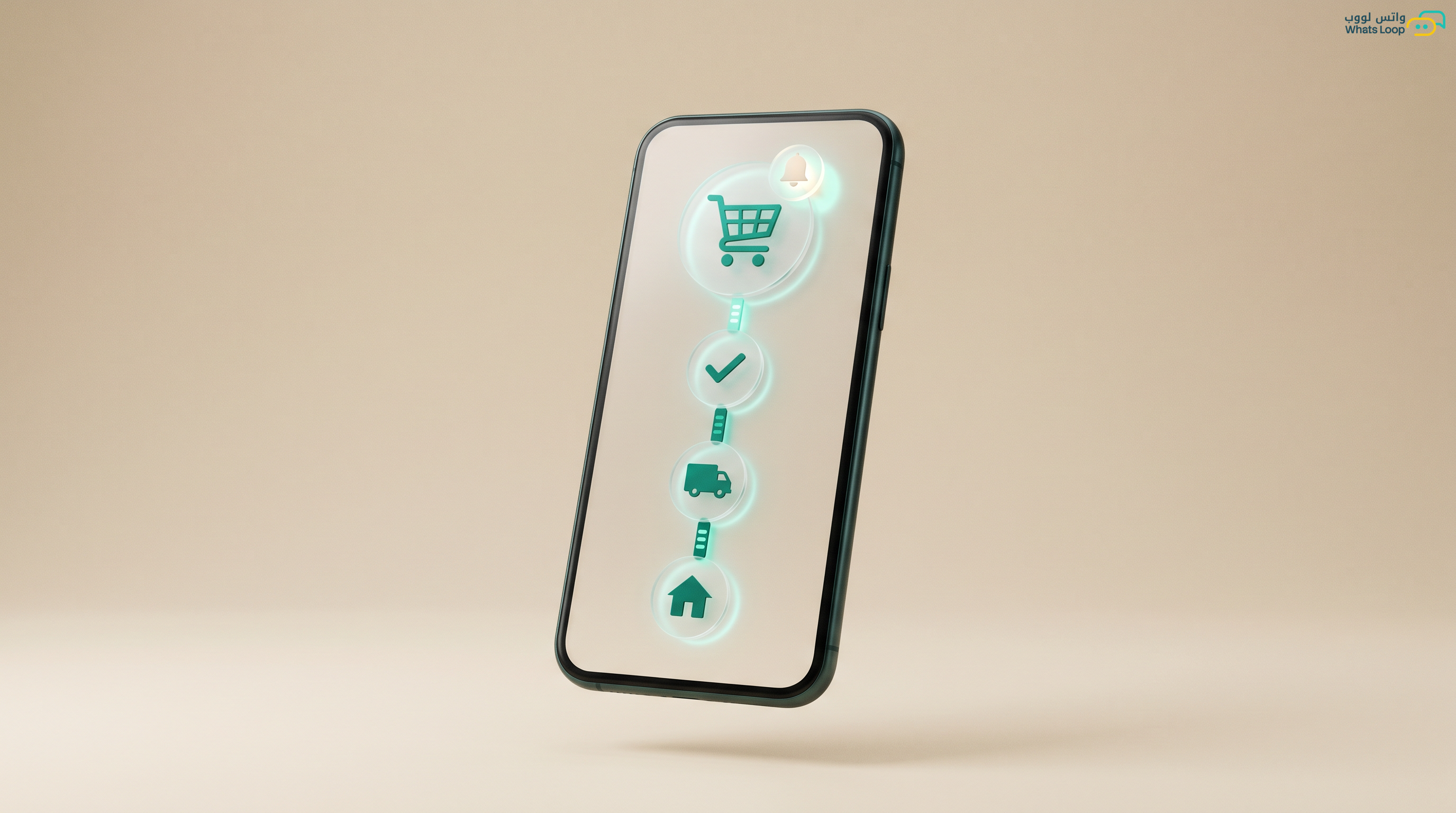
Step 1: Detecting the Abandoned Cart
When a customer adds products to their cart and leaves without completing the purchase, WhatsLoop detects this automatically. The system waits for a set period (typically one hour) to confirm the customer is not returning. If they do not come back, the recovery process begins.
Step 2: First Message, The Reminder
One hour after cart abandonment, WhatsLoop sends a friendly reminder message:
"Hi {name}, we noticed you did not complete your order. The products you selected are still in your cart. Complete your order here: {link}"
This simple message recovers a good portion of carts on its own. The reason? Many customers abandoned their cart not because they did not want the products, they simply got distracted or the app closed.
Step 3: Second Message, Added Value
After 24 hours, if the customer still has not returned, WhatsLoop sends a second message with additional value:
"The products in your cart are still waiting for you! By the way, shipping is free on orders over 200 SAR. Complete your order now: {link}"
Adding value such as free shipping or a warranty instead of a direct discount is a smarter strategy. This message recovers an additional portion of carts.
Step 4: Third Message, Final Offer
After 72 hours, WhatsLoop sends the final offer:
"Last chance! A {percentage}% discount coupon on your cart, valid for 24 hours only. Use code: {code}. Complete your order: {link}"
This message creates urgency and gives the customer a financial reason to return. Urgency messages recover an additional portion of carts.
Personalizing Messages by Product
WhatsLoop customizes recovery messages based on the products in the cart. If the cart contains clothing, the message focuses on "sizes sell out fast." If it contains electronics, it focuses on "limited stock." This personalization increases recovery rate significantly compared to generic messages.
Recovery Analytics
WhatsLoop provides detailed reports on recovery campaign performance:
- Open rate: how many customers opened the recovery message
- Click rate: how many customers clicked the cart link
- Completion rate: how many customers actually completed the purchase
- Recovered revenue: how many SAR were recovered from abandoned carts
- Best send time: the time that achieves the highest recovery rate
Stores that analyze and optimize recovery performance monthly increase their recovery rate continuously.
Real Numbers from Salla and Zid Merchants
After activating cart recovery via WhatsLoop, stores see a significant recovery of abandoned carts, meaning additional revenue that would have otherwise been lost.
Common Cart Recovery Mistakes and How to Avoid Them
Many stores activate cart recovery but fail to achieve good results due to simple mistakes that can easily be avoided:
- Sending messages too quickly: If you send a recovery message two minutes after the cart is abandoned, the customer feels watched. The ideal timing for the first message is one full hour after abandonment.
- Using the same message for everyone: A single message for all customers does not work. Customize messages based on product type, cart value, and the customer's history with your store.
- Ignoring returning customers: If a customer comes back and completes the purchase after the first message, do not send them the second and third messages. WhatsLoop automatically stops the sequence once the customer completes the purchase.
- Over-discounting: Do not start with a large discount in the first message. Begin with a simple reminder, then added value, and then a discount as a last resort.
- Not monitoring reports: Activating recovery and forgetting about it wastes many opportunities. Review reports monthly and adjust messages that are not producing results.
Connecting Cart Recovery with Your E-commerce Strategy
Cart recovery is not an isolated feature, it is part of a comprehensive e-commerce strategy. With WhatsLoop, you can connect cart recovery with:
- Order and shipping notifications: A customer who recovers their cart and completes the purchase automatically receives order notifications.
- Smart WhatsApp chatbot: If a customer replies to a recovery message with a product question, the bot answers instantly.
- Salla and Zid integrations: WhatsLoop works with the most popular platforms in Saudi Arabia, Salla and Zid, to detect abandoned carts and send recovery messages automatically.
If you want to learn more about e-commerce strategies via WhatsApp, read the complete e-commerce guide.
Frequently Asked Questions
Q: How many recovery messages should I send to a customer? A: The ideal strategy is a maximum of three messages: a reminder after one hour, added value after 24 hours, and a final offer after 72 hours. More than three messages may annoy the customer and negatively affect their relationship with your store.
Q: Does cart recovery work with all e-commerce platforms? A: WhatsLoop supports cart recovery with Salla, Zid, WooCommerce, and any platform that provides an open API. The integration is done from the dashboard without needing a developer.
Q: Can I customize the discount type in the final recovery message? A: Yes, you can set the discount percentage and coupon validity period from the dashboard. WhatsLoop generates unique discount codes for each customer so you can track the performance of each message accurately.
Q: Is there a minimum cart value for sending a recovery message? A: You can set a minimum cart value in the recovery settings. This helps you focus your efforts on high-value carts and avoid sending messages for very small carts.
Activate Cart Recovery Today
Every abandoned cart is money on the table waiting for you to collect it. WhatsLoop turns abandoned carts into real sales, automatically and without effort from your team. Sign up for your free account and start recovering your lost sales today with WhatsLoop.