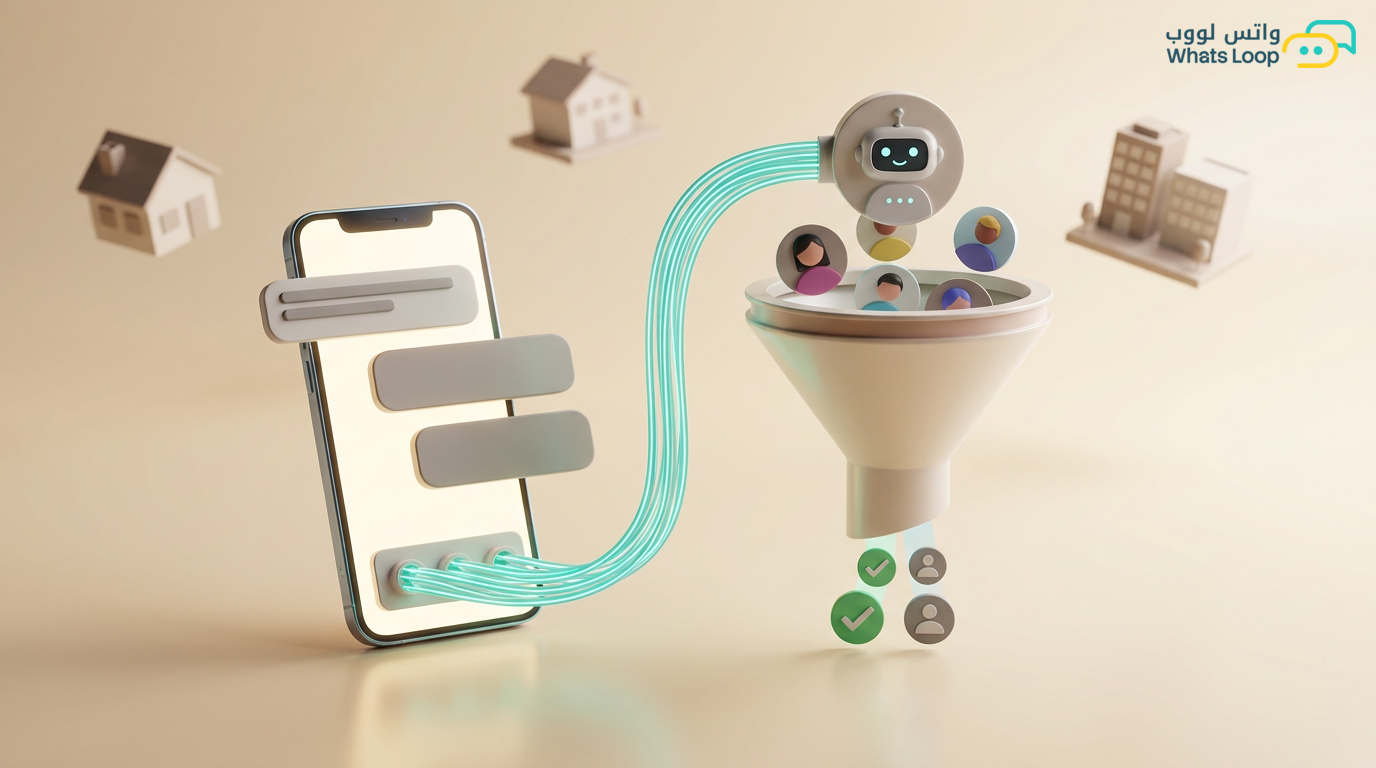
WhatsApp for Real Estate: Showcase Properties & Auto-Manage Inquiries
Use WhatsApp to showcase properties with media, auto-schedule viewings, and track every prospect from inquiry to contract signing.

WhatsApp for Real Estate: Showcase Properties and Auto-Manage Inquiries
Saudi Arabia's real estate sector is booming, with Vision 2030, the scale of real estate projects is massive and growing. Today's buyers do not want to call and ask about each property individually, they want to see photos, details, and prices directly on WhatsApp. Most buyers in the Saudi market start their property search on WhatsApp.
Challenges Facing Real Estate Agencies
- Dozens of daily inquiries about different properties, and agents struggle to keep track
- One client asks about an apartment in Riyadh while another asks about land in Jeddah, and the agent mixes them up
- Viewings are scheduled manually and sometimes double-booked
- Following up with prospects after viewings gets forgotten
The Solution: A Complete Real Estate System on WhatsApp
With WhatsLoop, you can build a full property management system via WhatsApp:
1. Interactive Property Catalog
Upload your properties with complete details, high-quality photos, area, location, price, and features. Clients browse properties inside WhatsApp using interactive lists and select what interests them. Each listing comes with buttons: "More details," "Schedule a viewing," "Contact agent."
2. Property Qualification Bot
The bot asks smart questions:
- What are you looking for? (Apartment, villa, land, commercial)
- Which area?
- Approximate budget?
- For living or investment?
Based on answers, it displays matching properties instantly. Result: Most inquiries are handled by the bot without human intervention.
3. Automated Viewing Scheduling
The client picks a viewing time from available slots. The system sends:
- Instant confirmation to client and agent
- Reminder 24 hours before the viewing
- Second reminder 1 hour before
- Post-viewing: "How was the viewing?" feedback request
This automation reduces no-shows significantly and saves hours of daily manual coordination.
4. Post-Viewing Follow-Up
After every viewing, the system automatically sends:
- A thank-you message to the client
- A short survey about their opinion of the property
- Similar property suggestions if the first was not a fit
- A follow-up reminder to the agent if the client showed interest
Market Numbers
| Metric | Before WhatsLoop | After WhatsLoop |
|---|---|---|
| Inquiry response time | 4 hours | 3 minutes |
| Viewing attendance rate | Low | High |
| Lead-to-sale conversion | Low | Much higher |
| Inquiries handled by bot | None | Most |
Tips for Real Estate Agencies
- Photograph well: High-quality photos plus a 30-second property video. Listings with video receive significantly more engagement
- Update prices promptly: Nothing frustrates clients more than outdated pricing
- Segment your clients: Investors differ from residential buyers. Each needs different content
- Use geolocation: Send the property location directly on WhatsApp's map
- Document everything: Every client conversation is saved, a reference for the future
Managing Your Agent Team via WhatsApp
If you have multiple real estate agents, WhatsLoop helps you organize their work:
- Auto-distribute inquiries: Each new inquiry is routed to the available agent based on area or specialization (residential, commercial, land)
- Performance tracking: See how many inquiries each agent handled, how many viewings they coordinated, and how many deals they closed
- Internal notes: Agents add notes on each client (actual budget, specific preferences, viewing feedback), visible to the entire team
- Agent-to-agent transfer: Client wants a property in a different area? Transfer the conversation to the right agent with one click and full context
Read more about team management via WhatsApp to learn how to organize your entire team.
Targeted Real Estate Campaigns
WhatsApp is not just for responding to inquiries, use it for real estate marketing:
- New listings: When you add a new property, notify clients interested in the same area and budget range
- Price drops: Property price reduced? Send an instant update to clients who previously inquired about it
- Market reports: Send a monthly report on real estate market activity in each area, builds trust and positions you as a go-to authority
- Special occasions: Year-end offers or new project launch promotions
Use the tagging system to segment clients by interest (residential, commercial, investment) and send each group relevant content.
Frequently Asked Questions
Q: Can clients view property photos and videos inside WhatsApp? A: Yes, the interactive catalog displays high-quality photos and short videos directly within the conversation. Clients browse and select without leaving WhatsApp.
Q: How do I connect my real estate CRM with WhatsLoop? A: WhatsLoop provides a comprehensive API that integrates with most real estate CRM systems. Every new inquiry automatically creates a client record, and every update is reflected in both systems.
Q: Can I manage multiple real estate projects on the same number? A: Yes, you can build separate catalogs for each project (for example, a residential project in Riyadh and a commercial project in Jeddah) and link each to a different agent team.
Q: Can the bot answer detailed questions about a property such as floor plans and finishes? A: Yes, you can add all details to the knowledge base, floor plans, finishes, nearby amenities, and even financing options. The bot uses this information to respond accurately.
Get Started with WhatsLoop
WhatsLoop gives you all the tools your real estate agency needs, interactive catalog, smart qualification bot, viewing scheduling, automated follow-up, and targeted campaigns. Whether you are a solo agent or a large agency, the system adapts to your scale. Register free and turn WhatsApp inquiries into successful real estate deals.