WhatsApp Audience Segmentation: Send the Right Message to the Right Person
Learn to segment WhatsApp lists by interest, behavior, and location. Targeted campaigns that triple your conversion rate.
Why Audience Segmentation Is Essential
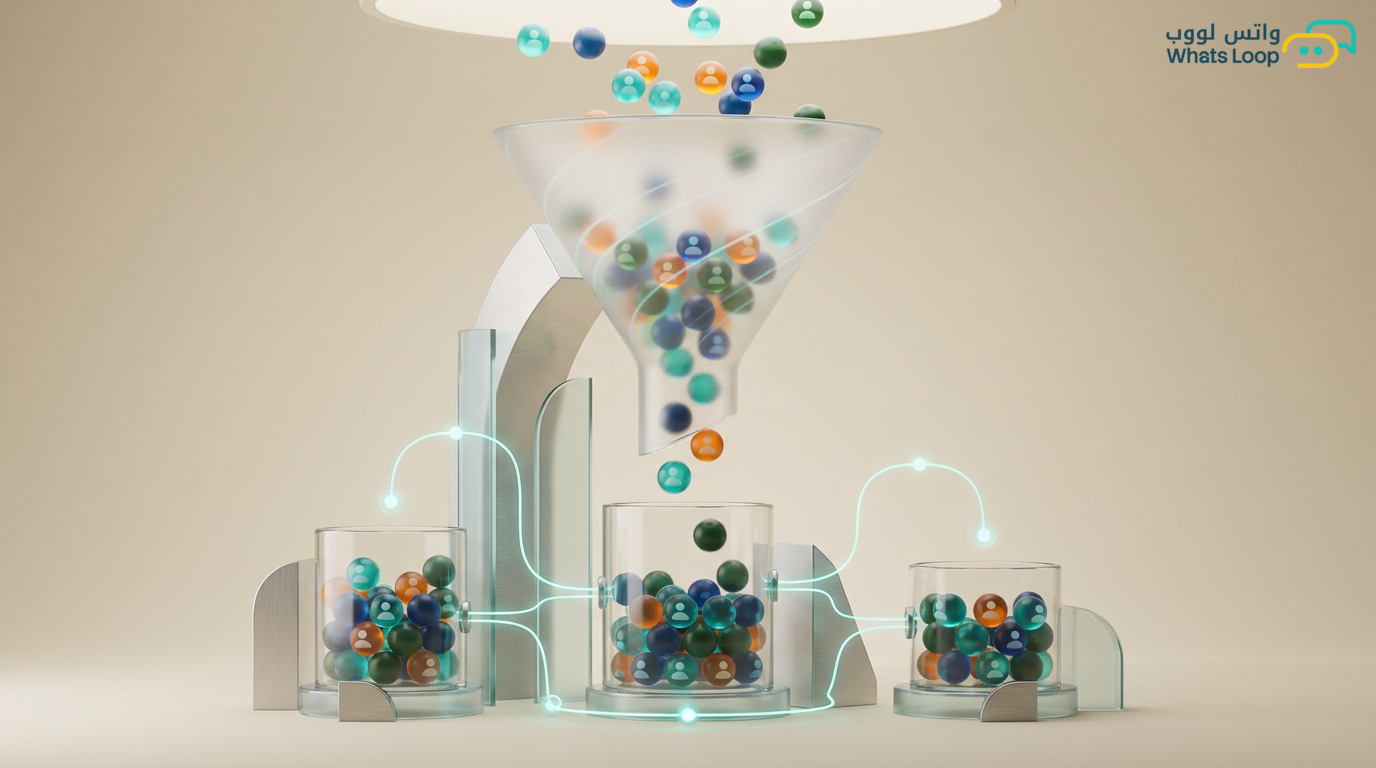
Sending the same message to all your customers is the fastest way to lose them. A customer who has purchased from you 10 times does not need the same message as someone who has never bought. And a customer interested in cosmetics does not want electronics offers.
Audience segmentation means dividing your customer list into homogeneous groups and sending tailored messages to each. The result: significantly higher conversion rates and far fewer reports.
Fundamentals of Audience Segmentation
Demographic Segmentation
Based on customer characteristics:
- City: Special offers for Riyadh versus Jeddah versus the Eastern Province
- Gender: Women's offers versus men's offers
- Age group: Different messages for millennials versus Gen Z
- Language: Arabic messages for Arab customers and English for expatriates
Behavioral Segmentation
Based on customer actions:
- Last purchase date: Recent buyer (within 30 days) versus dormant (over 90 days)
- Purchase count: First-time buyer versus repeat customer versus VIP
- Average order value: Customer spending 50 SAR versus one spending 500 SAR
- Products purchased: Specific interests (clothing, electronics, food)
- Engagement with previous messages: Opens and reads versus never opens
Journey Stage Segmentation
- Awareness: Knows your brand but has not purchased
- Interest: Browsed your products or asked about pricing
- Decision: Added to cart or requested a quote
- Purchase: Completed a transaction
- Loyalty: Purchased more than 3 times
- Advocacy: Recommends you to friends
Building Segments in WhatsLoop
Automatic Segments
WhatsLoop creates segments automatically based on data:
"New Customers" Segment
- Condition: First contact date within the last 7 days
- Use case: Welcome campaign + first order offer
"Active Buyers" Segment
- Condition: Purchased within the last 30 days
- Use case: Complementary products + exclusive offers
"At Risk of Churn" Segment
- Condition: Purchased previously but not within 60-90 days
- Use case: Re-engagement campaign + special discount
"VIP" Segment
- Condition: Spent over 2,000 SAR or purchased more than 5 times
- Use case: Exclusive offers + early access to new products
Custom Segments
Create segments specific to your business:
- Customers in a specific area (to announce a new branch)
- Those who bought a specific product (to send updates or accessories)
- Those who did not complete a purchase (abandoned cart)
- Those who rated your service below 3 stars (special follow-up)
Smart Broadcast Strategies
Staggered Sending
Instead of sending 10,000 messages at once:
- Send to the first 500 customers and wait one hour
- Monitor open rates and report rates
- If results are good → send to an additional 2,000
- Repeat until the full list is covered
This protects your account from bans and lets you stop the campaign early if problems appear.
Segment-Level Personalization
Do not send the same message to every segment. Example for an "End of Season Sale":
For VIP Customers: "Exclusively for you before everyone else! End-of-season sale starts tomorrow. Enter now with code VIP2025 and enjoy 30% off."
For Active Customers: "End of season sale! 20% off your purchases. Offer ends in 3 days."
For Dormant Customers: "We miss you! The end-of-season sale is your chance to come back. 25% off with free shipping on any order."
For New Customers: "Your first offer with us! 20% off any product + free shipping. Discover our collection now."
Smart Timing
Each segment has its optimal send time:
- Business customers: Sunday - Thursday, 9-11 AM
- Regular consumers: 8-10 PM
- Homemakers: 10 AM - 12 PM
- Students: 4-6 PM
Measuring Segment Performance
Cross-Segment Comparison
WhatsLoop displays each segment's performance side by side:
- Open rate per segment
- Click rate per segment
- Conversion rate per segment
- Revenue generated per segment
- Report rate per segment
Segment Optimization
Based on data:
- A segment with a low open rate? → Change the timing or message headline
- A segment with a high report rate? → Reduce frequency or improve content
- A segment with the highest conversion? → Allocate a larger ad budget to it
- A segment that never engages? → Remove it from active lists
List Hygiene
Why Cleaning Lists Matters
Inactive and blocked numbers harm your account reputation:
- They increase delivery failure rates
- They increase costs (you pay for messages that never arrive)
- They lower your number's quality rating
Periodic Cleaning Actions
- Monthly: Remove numbers that failed delivery 3 consecutive times
- Every 3 months: Move numbers that never opened any message to a separate "dormant" segment
- Every 6 months: Send a re-confirmation message to dormant contacts. Those who do not reply → remove permanently
Respecting Opt-Outs
- Every broadcast must include a "Stop" or "Unsubscribe" option
- When unsubscription is requested → immediate removal (within seconds, not days)
- Do not send an "Are you sure?" message, this frustrates the customer and triggers a report
CRM Integration
Segment Sync
WhatsLoop integrates with CRM systems to synchronize segments:
- A segment changes in CRM → WhatsLoop updates automatically
- A customer moves from "prospect" to "active" in CRM → automatically moves to the appropriate segment in WhatsLoop
- WhatsApp engagement data flows back to CRM to enrich the customer profile
Conclusion
Broadcasting without segmentation equals annoyance. Broadcasting with smart segmentation equals high conversions and greater satisfaction. Take the time to understand your segments and personalize your messages, and the results will speak for themselves.
Sign up for WhatsLoop and use intelligent audience segmentation tools to send the right message to the right person.
Frequently Asked Questions
Q: What are the most important types of audience segmentation for e-commerce stores? A: The three most important types are behavioral segmentation (based on purchase history and frequency), customer journey stage segmentation (awareness, interest, decision, purchase, loyalty), and demographic segmentation (city, language). The most effective approach combines multiple types for more precise message targeting.
Q: How should I handle customers who have not engaged with my messages for a long time? A: Dormant customers (over 90 days without interaction) need a dedicated re-engagement campaign with an exclusive offer or a simple question about their interests. If they do not engage after two or three attempts, it is better to remove them from the active list to protect your number quality.
Q: Can customer segments be automatically synchronized with a CRM system? A: Yes, WhatsLoop integrates with CRM systems to synchronize segments automatically. When a customer moves from one segment to another in your CRM, the classification updates automatically in WhatsLoop, and WhatsApp engagement data flows back to enrich the customer profile in CRM.
Q: How many segments are appropriate for a contact list of a few thousand entries? A: For a list of that size, start with 4-6 core segments such as new customers, active buyers, at-risk customers, and VIP customers. As your list grows and you gather more data, you can add more refined sub-segments. The key is ensuring each segment is large enough to justify creating dedicated content for it.