WhatsApp Message Templates: Design Messages That Get Opened
Learn how to create Meta-approved WhatsApp message templates and best practices for achieving high engagement rates.
message templates are the gateway to proactive communication on WhatsApp Business API. Without an approved template, you cannot send any message to a customer outside the 24-hour session window. The challenge that many business owners face? a significant portion of submitted templates get rejected by Meta due to simple, avoidable mistakes. In this guide, we will teach you how to design templates that get approved on the first try and deliver high-performance results.
How the Template System Works
WhatsApp divides messages into two fundamental categories, and understanding the difference is critical:
- Template Messages: Pre-approved messages you can send to customers at any time, whether they have messaged you before or not. These are the only way to initiate a new conversation
- Session Messages: Free-form replies you can send within 24 hours of the customer's last message. During this window, you can send anything without a template, text, images, videos, documents
Templates matter because they are the only way to start a new conversation or re-engage a customer after the 24-hour window closes. If a customer last messaged you a week ago and you want to send them a promotion, you must use an approved template.
The Three Template Categories in Detail
1. Marketing Templates
Designed for promotions, discounts, product launches, and any promotional content. These are the most expensive category, message costs vary by conversation category and region, check Meta's official pricing page for details. But with open rates far exceeding email and SMS and high click-through rates compared to other channels, the ROI surpasses every other marketing channel by a significant margin.
Use cases include:
- New product announcements with image and "Order Now" button
- Seasonal promotions, Black Friday, holiday sales, back-to-school offers
- Personalized discount codes based on purchase history
- Event invitations and RSVP requests
- Back-in-stock notifications for previously unavailable products
2. Utility Templates
Designed for order updates, shipping notifications, invoices, and appointment information. Lower cost than marketing messages, rates vary by region. The majority of customers prefer receiving order updates via WhatsApp over SMS because the messages are clearer and contain more detail.
Use cases include:
- Order confirmation with order number and total amount
- Shipping status updates with tracking links
- Electronic invoice delivery as PDF attachment
- Appointment reminders 24 hours before the scheduled time
- Account status change notifications
3. Authentication Templates
Designed for OTP verification codes and identity confirmation. The cheapest paid message category. Delivery speed is noticeably faster than SMS and more secure due to end-to-end encryption. Several major banks and retailers have switched from SMS to WhatsApp authentication due to its speed and reliability.
How to Design Templates That Get Approved First Time
This is the most important section, because every rejected template costs you additional time for resubmission and review. Follow these rules and your approval rate climbs significantly:
The Golden Rules for Approval
- Communicate clear value immediately: Every message must offer the customer a tangible benefit from the very first line. Meta rejects templates that provide no real value
- Avoid vagueness and generic content: "We have great offers" does not work. Be specific: "25% off all fragrances until January 15th"
- Do not pressure the customer excessively: "LAST CHANCE EVER!!!" increases rejection rates. Reasonable urgency is acceptable, exaggeration is not
- Include an opt-out button: For marketing templates, Meta now requires it in 2026. Without it, automatic rejection
- Use variables for personalization: {{1}} for customer name, {{2}} for order number. Personalized messages significantly boost engagement
- Write sample content carefully: When submitting, Meta reviews your sample content. Make sure it is realistic and reflects actual usage
The Ideal Template Structure
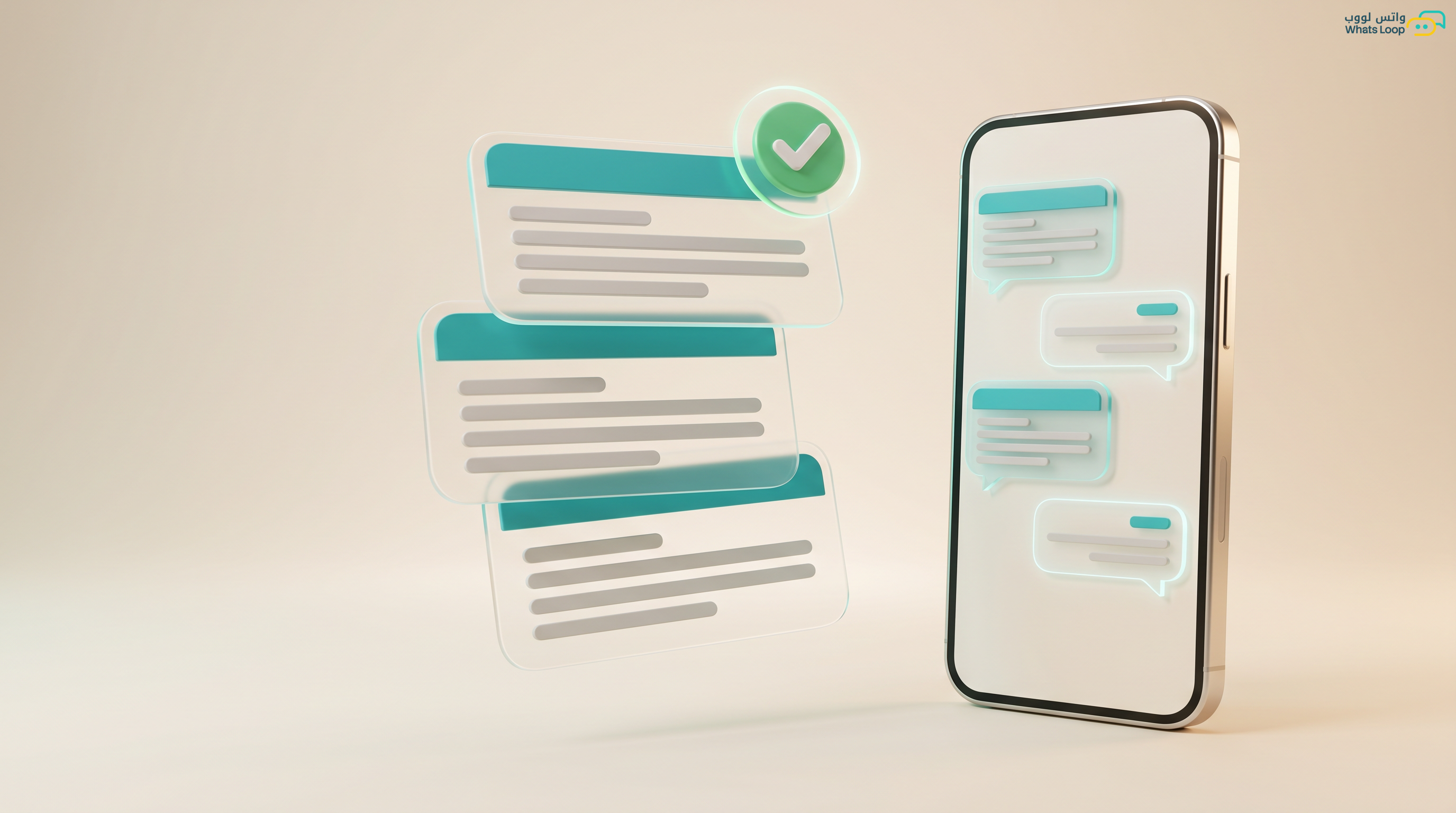
Every template consists of four main components:
Header: Image, video, or bold text, captures attention and clarifies the topic
Body: Main content with variables, the actual message the customer reads
Footer: Small text, e.g., "WhatsLoop, WhatsApp Management Platform"
Buttons: Maximum 3, quick reply, URL link, or phone call button
Practical Examples You Can Use Immediately
Order Confirmation (Utility):
Hi {{1}}! Your order #{{2}} has been confirmed successfully. Total: ${{3}} (including tax) Expected delivery: {{4}} [Track Order] [Contact Us]
Seasonal Offer (Marketing):
{{1}}, summer deals are here! {{2}}% off all products for a limited time Valid until {{3}} Use code: SUMMER26 [Shop Now] [Unsubscribe]
Abandoned Cart Reminder (Marketing):
{{1}}, we noticed you didn't complete your order! Your items are still in your cart and ready Complete your order before {{2}} and enjoy free shipping [Complete Order] [Unsubscribe]
Common Mistakes That Increase Rejection Rates
Based on our experience processing templates through WhatsLoop, here are the top 6 rejection reasons:
- Prohibited words: "100% free", "guaranteed profit", "zero cost", "opportunity of a lifetime", Meta flags these as spam
- Excessive urgency: "You must buy today or the offer is gone forever" without legitimate justification
- Missing opt-out button: Every marketing template in 2026 must include a clear unsubscribe option
- Unnecessary language mixing: If you select Arabic, all content must be Arabic. A single misplaced English word can cause rejection
- Variables without clear context: {{1}} must be clearly defined. In sample content, write "Ahmed" not "{{1}}"
- Misleading headers: The header must reflect actual content. A "Free Gift" header for a 10% discount template gets rejected
Advanced Tips for Better Performance
A/B Testing
Test two versions of the same template, image vs video, one button vs two buttons. Templates with images achieve significantly higher engagement than text-only. However, short videos (under 15 seconds) outperform images in fashion and food industries.
Optimal Send Times
Based on millions of messages analyzed: weekdays 10 AM-12 PM and 8 PM-10 PM perform best. Weekends 4 PM-9 PM. Avoid early mornings and late nights. Adjust for local time zones and cultural considerations.
Message Frequency
Do not send more than 2-3 marketing messages per week to the same customer. Daily messaging increases spam reports and degrades your quality rating. Utility messages have no practical limit, send whatever the customer needs.
How WhatsLoop Simplifies Template Management
With WhatsLoop, managing templates becomes dramatically easier:
- Professional visual editor with drag-and-drop, zero coding
- One-click template submission for Meta approval directly from the dashboard
- Library of 50+ ready-made templates optimized for high approval rates
- Individual performance analytics for every template, read, reply, click rates
- Automatic quality drop alerts for every template
- Built-in A/B testing to compare template performance
Frequently Asked Questions
Q: How long does Meta take to approve a template? A: It depends on the template type. Authentication templates take under 12 hours, utility templates take 12 to 24 hours, and marketing templates take 24 to 48 hours. In some cases, it may take longer during peak periods.
Q: Why does my template get rejected by Meta? A: The most common rejection reasons are: using prohibited words like "100% free," missing an unsubscribe button in marketing templates, unnecessary language mixing, or a misleading header that does not reflect the actual content.
Q: How many templates can I create? A: Meta allows a large number of templates per account. With WhatsLoop, you can easily create and manage templates from the dashboard, plus access a library of over 50 ready-made templates designed for high approval rates.
Q: Can I send messages without a template? A: Yes, but only within the 24-hour window after the customer's last message. Outside this window, you must use a Meta-approved template to initiate the conversation.
Q: Do templates support images and video? A: Yes, templates support a header with an image, video, document, or bold text, plus a message body, footer, and interactive buttons. Messages with images achieve notably higher engagement rates.
Sign up for WhatsLoop today and use our ready-made template library to start sending professional messages immediately, no mistakes and no rejections.