WhatsApp Flows | Interactive Forms Inside Conversations
Collect customer data, create surveys, and receive orders directly inside WhatsApp conversations using Flows.
WhatsApp Flows: Interactive Forms That Change the Game
WhatsApp Flows is a feature officially launched by Meta in late 2023 that has evolved significantly through 2024 and 2025 to become one of the most powerful WhatsApp Business tools ever created. The concept is simple but its impact is massive: instead of sending your customer a link that opens an external web page where they fill out a form, WhatsApp Flows lets you build complete interactive forms inside WhatsApp itself, the customer enters data and completes the process without ever leaving the conversation. No second app, no external browser, no additional steps that lose the customer along the way.
Companies using WhatsApp Flows see a significant increase in form completion rates compared to external forms via links. The reason is clear and logical, every additional step in the customer journey kills a portion of conversions. When a customer needs to leave WhatsApp, open a browser, load a page, and enter their data, a large portion of customers abandon before completion. WhatsApp Flows eliminates all this friction entirely, making the process smooth from start to finish.
Available Elements in WhatsApp Flows
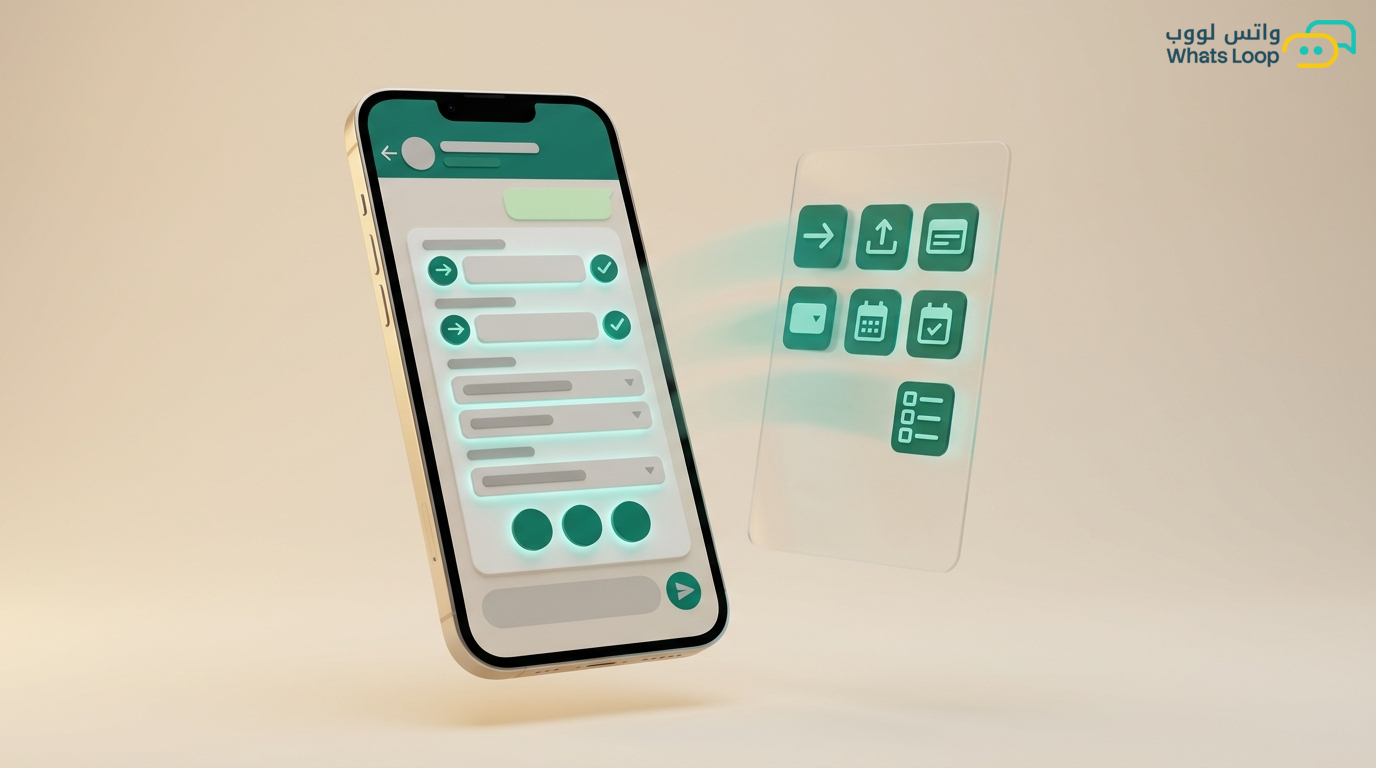
WhatsApp Flows supports a diverse and rich set of interactive interface elements that allow you to build advanced forms with complete flexibility:
- Text Input fields: For entering name, email, address, and any free text, with the ability to specify keyboard type (text, number, email) and validate inputs instantly
- Dropdown menus: For selecting city, branch, service type, or any option from a predefined list, supporting up to 500 options
- Radio Buttons: For selecting exactly one option from several available choices, such as payment method or delivery type
- Checkboxes: For selecting multiple options simultaneously, such as required add-ons or supplementary services
- Date Picker: For easily selecting a date, such as delivery date or booking date
- Display elements: Texts, links, and images for clarifying instructions or displaying products
- Multi-screen forms: Forms can consist of multiple sequential screens to divide required data and simplify the experience
Practical Application Scenarios That Deliver Immediate Results
New account registration: Instead of sending a registration link to your website, a method where you lose more than half of interested customers, send a WhatsApp Flows form inside the conversation. The first screen asks for name and phone number, the second asks for business type and city, the third displays the appropriate plan with a confirmation button. The customer completes registration quickly without leaving WhatsApp. Registration completion rate increases significantly with WhatsApp Flows compared to the traditional method.
Smart appointment booking: A medical clinic sends a booking form displaying available specialties (dropdown), the customer selects a specialty to see only available doctors in that field (dynamic dropdown), selects a doctor to see available time slots (date picker with booked days disabled), confirms and receives an instant confirmation with automatic reminders. The entire process happens inside WhatsApp without a single phone call.
Custom quote request: An HVAC or contracting company sends a form requesting service type (installation, maintenance, repair), area in square meters, number of units needed, location (neighborhood plus city from a dropdown), and site photos if available. The system calculates an approximate quote instantly and sends it along with scheduling a field visit for precise assessment. This process used to take a full day the traditional way and now takes only 3 minutes.
Customer satisfaction survey: After completing a service or delivering an order, send a simple rating form: star rating (radio buttons 1 to 5), an optional open question for comments, and a choice of whether the customer wants to speak with a manager. Response rate for WhatsApp Flows surveys is significantly higher than email surveys, a difference that means more data and smarter decisions.
Electronic payment form: In supported markets and with integration with local payment gateways like Tabby, Mada, and Apple Pay, you can build a complete payment flow inside WhatsApp: product selection, quantity specification, delivery address entry, and payment method selection. Each step on a separate screen with a progress indicator showing the customer where they are. Conversion rate in WhatsApp Flows payment paths is notably higher than external payment pages.
Technical Architecture: How to Build WhatsApp Flows
WhatsApp Flows operates with a simple yet powerful mechanism: a JSON definition for form screens and elements, with an endpoint on your server that receives data, processes it, and returns the appropriate response.
The three essential components are:
- Flow JSON definition: Specifies screens, their elements, ordering, and transitions between them. Each screen consists of a title, input or display elements, and a navigation button. Conditional logic can be included: for example, if the customer selects "New installation" show the specifications screen, if they select "Maintenance" show the problem description screen
- Endpoint: An HTTPS server that receives form data and processes it: saves to database, sends notification to the relevant team, calculates a quote, or returns a dynamic results screen based on inputs
- Trigger message: A regular WhatsApp message or template that includes a button opening the Flow, can be sent manually or automatically via bot or campaign
Design Best Practices That Boost Completion Rates
- Keep each screen simple: 2-3 elements per screen maximum. Cluttered screens make customers abandon and close the form
- Use dropdowns instead of free text: The more input comes from selecting from a list instead of typing text, the higher the completion rate and the fewer errors in entered data
- Show a progress indicator: Customers like knowing how much is left, "Screen 2 of 4" gives them a sense of control and significantly reduces form abandonment
- Provide smart defaults: If you know the customer's city from their phone number, pre-select it. If they have a previous order, auto-fill the address. Every auto-filled field saves precious seconds and increases customer satisfaction
- Test on actual devices: WhatsApp Flows appears differently on iOS and Android and depending on screen size. Test on at least 5 different devices before launch to ensure a smooth experience for everyone
- Add a clear, motivating success message: After completing the form, send a clear confirmation message with a summary of what was done, this gives the customer reassurance and significantly reduces follow-up inquiries
Comparison: WhatsApp Flows vs. Traditional Alternatives
| Criteria | External Web Form | Sequential Bot Questions | WhatsApp Flows |
|---|---|---|---|
| Completion rate | Low | Medium | High |
| User experience | Leaves WhatsApp | Slow and sometimes frustrating | Smooth in-app experience |
| Media support | Full | Limited | Good and growing |
| Input validation | Full | Weak | Strong with error messages |
| Development time | 2-5 days | 1-2 days | 1-3 days |
| Maintenance | Independent of WhatsApp | Tied to bot | Independent and easy |
Current WhatsApp Flows Limitations and Alternative Solutions
WhatsApp Flows is still in continuous development and has some limitations you need to know for proper planning:
- Limited file upload: Currently does not support uploading images or files from within the Flow. Workaround: ask the customer to send the image or file as a regular message after completing the form
- Maximum screen count: The limit is 10 screens per Flow. Workaround: design the form efficiently and combine similar fields on one screen
- Arabic RTL support: Formatting generally works but some elements may need special adjustment. Test carefully with long Arabic texts
WhatsApp Flows with WhatsLoop: Seamless and Powerful Integration
WhatsLoop supports WhatsApp Flows fully and with advanced capabilities: you can build, deploy, and manage Flows directly from the dashboard without code, and connect them with automation, bots, campaigns, and CRM. Every customer response is automatically recorded in the customer's profile and triggers the appropriate action: whether a follow-up message, team notification, or system update.
Sign up for WhatsLoop and start building interactive forms inside WhatsApp that convert your conversations into sales, bookings, and appointments, without your customer ever leaving the chat.
Frequently Asked Questions
Q: Does WhatsApp Flows require coding to build interactive forms inside conversations? A: WhatsApp Flows relies on JSON definitions for screens and elements with an endpoint on your server for data processing. However, platforms like WhatsLoop provide visual no-code builders that let you design and deploy Flows directly from the dashboard and connect them with automation and bots easily.
Q: How many screens does WhatsApp Flows support per form and what are the current limitations? A: The current maximum is 10 screens per Flow. Additionally, uploading files and images from within the Flow is not currently supported, the workaround is asking the customer to send them as a regular message after completing the form. WhatsApp continuously develops the feature and limitations are lifted with each update.
Q: What is the difference between WhatsApp Flows and sending an external form link to the customer via WhatsApp? A: The fundamental difference is completion rate, WhatsApp Flows achieves a notably higher completion rate than external forms because the customer fills in data without leaving the conversation. Every additional step (opening a browser, loading a page) loses you a significant portion of potential customers.
Q: Does WhatsApp Flows support electronic payments inside conversations in Saudi Arabia? A: Yes, with integration with local payment gateways like Mada, Tabby, and Tamara, you can build a complete payment flow inside WhatsApp: product selection, quantity specification, address entry, and payment method selection. Each step on a separate screen with a progress indicator showing the customer their current stage.