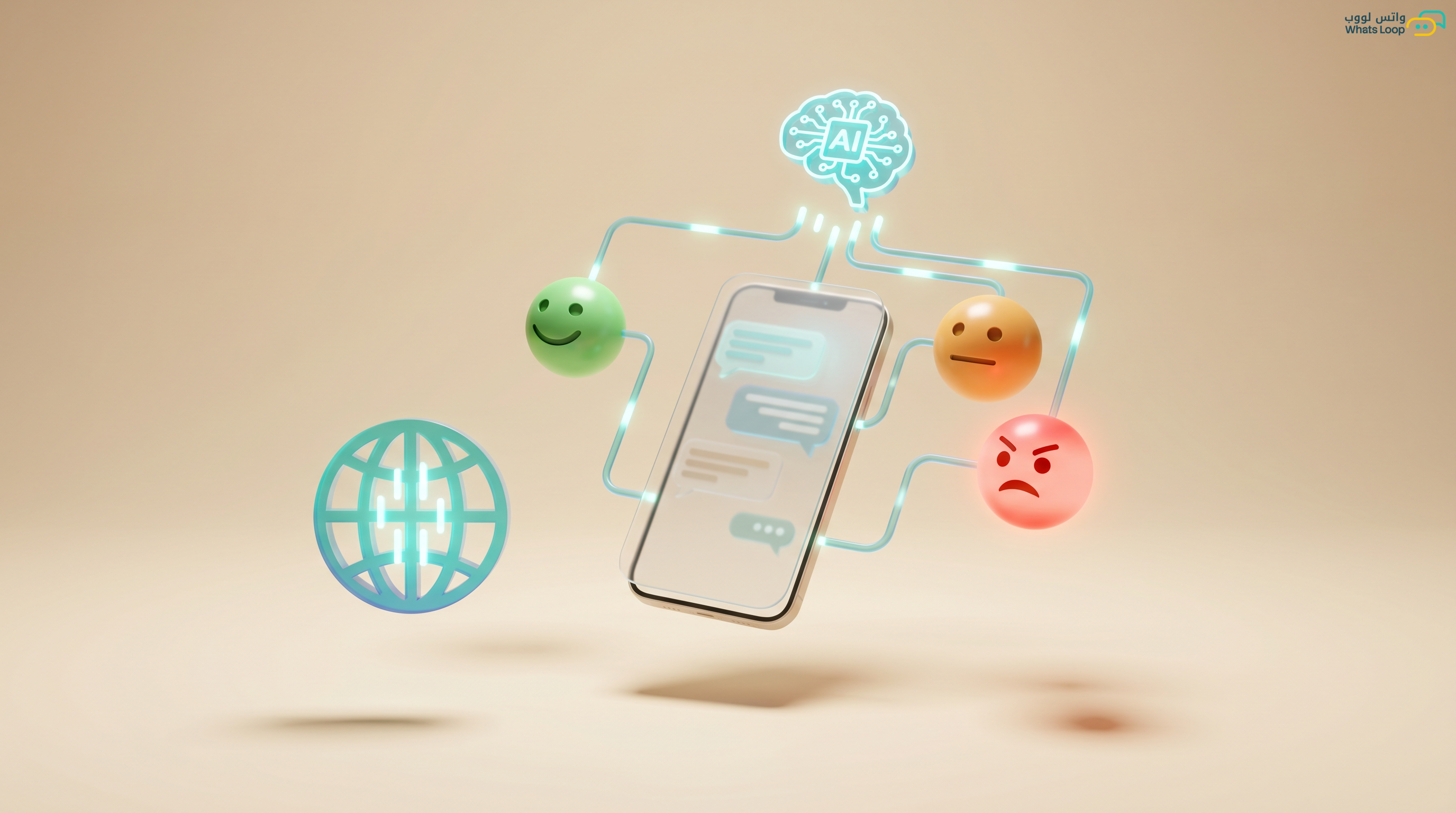
Automate Customer Satisfaction Surveys via WhatsApp with 70%+ Response Rates
Send automated post-service surveys and achieve 70%+ response rates. Learn to design concise questions and analyze results effectively.
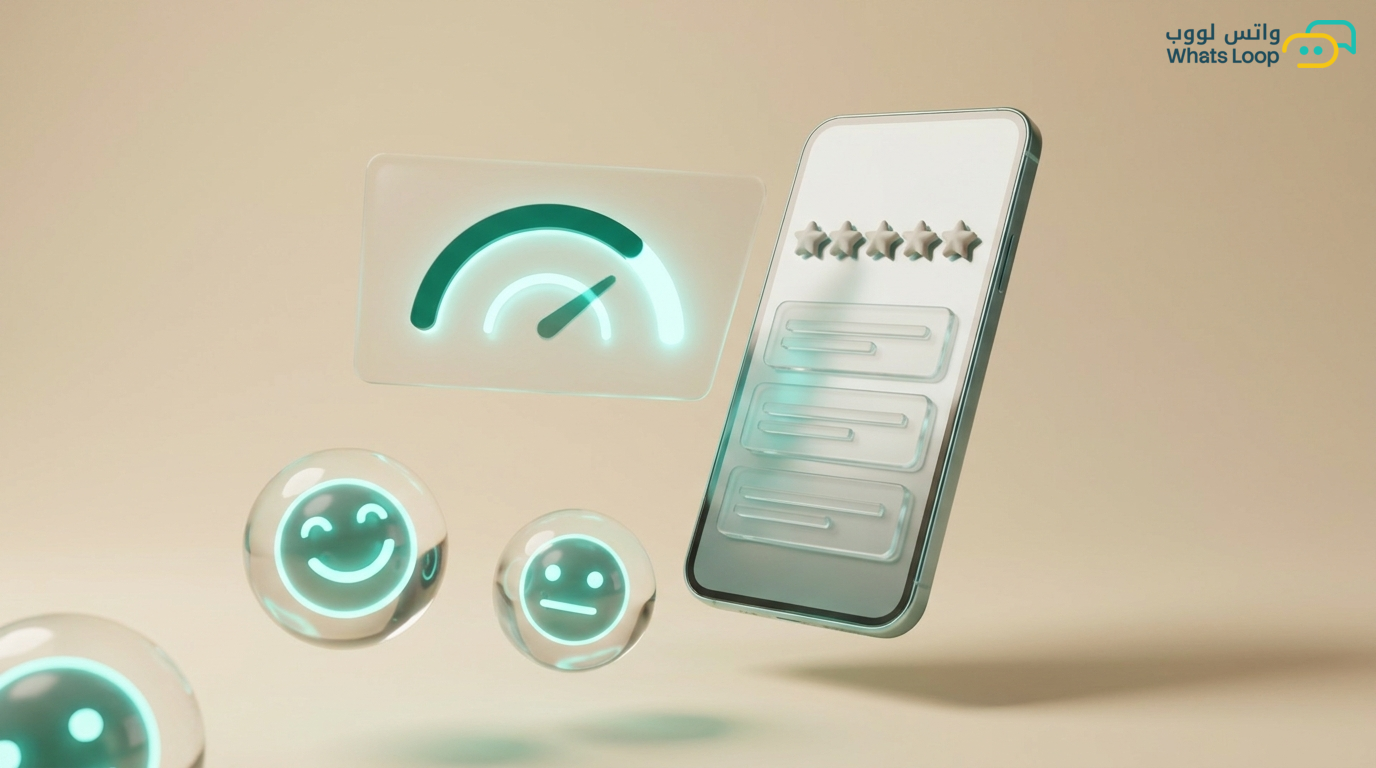
Why WhatsApp Surveys Outperform Email
Email open rates in Saudi Arabia are low, and survey completion rates even lower. In contrast, WhatsApp messages are opened at much higher rates and survey completion rates are significantly better. The reason is simple: WhatsApp is the app your customers open dozens of times daily.
Customer satisfaction surveys via WhatsApp are not just questions, they are a strategic tool that reveals strengths and weaknesses in your service and gives customers the feeling that their opinion matters.
Types of Surveys
Post-Purchase Survey
Sent automatically 24-48 hours after order completion:
- "How would you rate your purchase experience?" (1-5 stars)
- "Did the product arrive in excellent condition?" (Yes/No)
- "Would you recommend our store to friends?" (Yes/Maybe/No)
Post-Service Survey
Sent immediately after service completion:
- "How would you rate the service you received?"
- "Was your issue fully resolved?"
- "How was the support team's interaction?"
NPS (Net Promoter Score) Survey
The golden question: "On a scale of 0 to 10, how likely are you to recommend us to someone you know?"
- 9-10: Promoters: loyal customers
- 7-8: Passives
- 0-6: Detractors: need immediate attention
Periodic Survey
Sent every 3 months to measure overall customer satisfaction and detect changes in perception.
Building an Effective Survey in WhatsLoop
Golden Rules
- Keep it short: 3-5 questions maximum. Each additional question loses you a portion of respondents
- Make it easy: Use quick-reply buttons instead of free text for closed questions
- Personalize: Start with the customer's name: "Ahmed, your opinion matters to us!"
- Time it right: Send during active hours (10 AM - 2 PM or 7 - 9 PM)
- Say thanks: End with genuine gratitude or a discount code as a reward
Ideal Survey Structure
Message 1: "Hi [Name]! We'd love to hear about your recent experience. Takes less than a minute."

Question 1: Overall rating (Buttons: Excellent / Good / Fair / Poor)

Question 2: Context-specific question
   - After purchase: "Did the product match your expectations?"
   - After service: "Was your issue resolved?"

Question 3: "Any feedback you'd like to share with us?" (Free text)

Closing: "Thank you for your time! Here's a special discount code for your next order: THANKS10"
Advanced Automation
Branching Based on Responses
The bot reacts intelligently based on the customer's answer:
If rating is Excellent or Good:
- Thank the customer
- Request a Google review
- Send a discount code to encourage the next order
If rating is Fair or Poor:
- Immediate apology: "We're sorry about your experience. Could you tell us more so we can improve?"
- Transfer to a human agent within 5 minutes
- Automatically log the complaint in the ticketing system
- Follow up after 48 hours: "We contacted the relevant team. Has the issue been resolved?"
Smart Escalation
- Poor rating from a VIP customer → instant notification to the relationship manager
- 3 consecutive poor ratings for the same service → alert to the operations manager
- NPS drops below 30 → automatic detailed weekly report
Analyzing Survey Results
Satisfaction Dashboard
WhatsLoop displays:
- Overall satisfaction score: Average rating across all customers
- Current NPS: With comparison to the previous month
- Response distribution: Percentage of each rating (Excellent, Good, Fair, Poor)
- Most frequent words: In free-text responses (reveals common themes)
- Improvement over time: Chart showing monthly satisfaction trends
Detailed Reports
- Customer satisfaction by product or service
- Customer satisfaction by support agent
- Customer satisfaction by time period
- Satisfaction comparison between customer segments (new versus existing)
Connecting Surveys to Actions
Continuous Improvement Cycle
- Collect ratings automatically
- Analyze results weekly
- Identify the top 3 weaknesses
- Implement improvements
- Measure the impact in the next survey
- Repeat
Real Examples from the Saudi Market
- An e-commerce store in Riyadh: Discovered from surveys that most complaints were about packaging. Improved packaging and customer satisfaction rose significantly
- A restaurant in Jeddah: Found that wait time was the top complaint. Added a smart queue system and complaints dropped significantly
- A clinic in Dammam: Discovered that many patients were unaware of additional services. Added informational messages after the survey and upsell revenue increased notably
Tips for Increasing Response Rates
- Timing is everything: Send the survey immediately after the experience, not days later
- Reward participants: A simple discount code increases participation significantly
- Make it personal: "Mohammed, what did you think of your haircut today?" is better than "Rate our service"
- Do not annoy: One survey every 3 months maximum for the same customer
- Show impact: "Based on customer feedback, we added a new service!" encourages future participation
Conclusion
WhatsApp surveys are the shortest path to learning what your customers truly think. The results are not just numbers, they are a roadmap for continuous improvement. Collect, analyze, improve, repeat.
Sign up for WhatsLoop and start collecting customer feedback automatically via WhatsApp.
Frequently Asked Questions
Q: How many questions should a WhatsApp survey contain? A: A maximum of 3-5 questions. Each additional question costs you a portion of respondents. Use quick-reply buttons for closed questions and leave one open-ended question for free-text feedback at the end.
Q: When is the best time to send a customer satisfaction survey via WhatsApp? A: Send the survey immediately after the experience, not days later. The best times are 10 AM - 2 PM or 7 - 9 PM. WhatsLoop supports automatic scheduling to send surveys at the right time based on the experience type.
Q: How should I handle negative customer ratings from a WhatsApp survey? A: The bot branches automatically based on the response: a poor rating triggers an immediate apology, transfer to a human agent within 5 minutes, and automatic logging in the ticketing system. The bot follows up after 48 hours to confirm the issue was resolved.
Q: What is the difference between an NPS survey and a post-purchase survey? A: An NPS survey measures how likely a customer is to recommend you to others (on a scale of 0 to 10) and serves as a strategic loyalty indicator. A post-purchase survey measures satisfaction with a specific experience and is sent within 24-48 hours after order completion.