WhatsApp CRM: Build a Full Sales Pipeline from Chat to Close
Learn how to use WhatsApp CRM to build an integrated sales pipeline tracking every customer from first message to deal close.
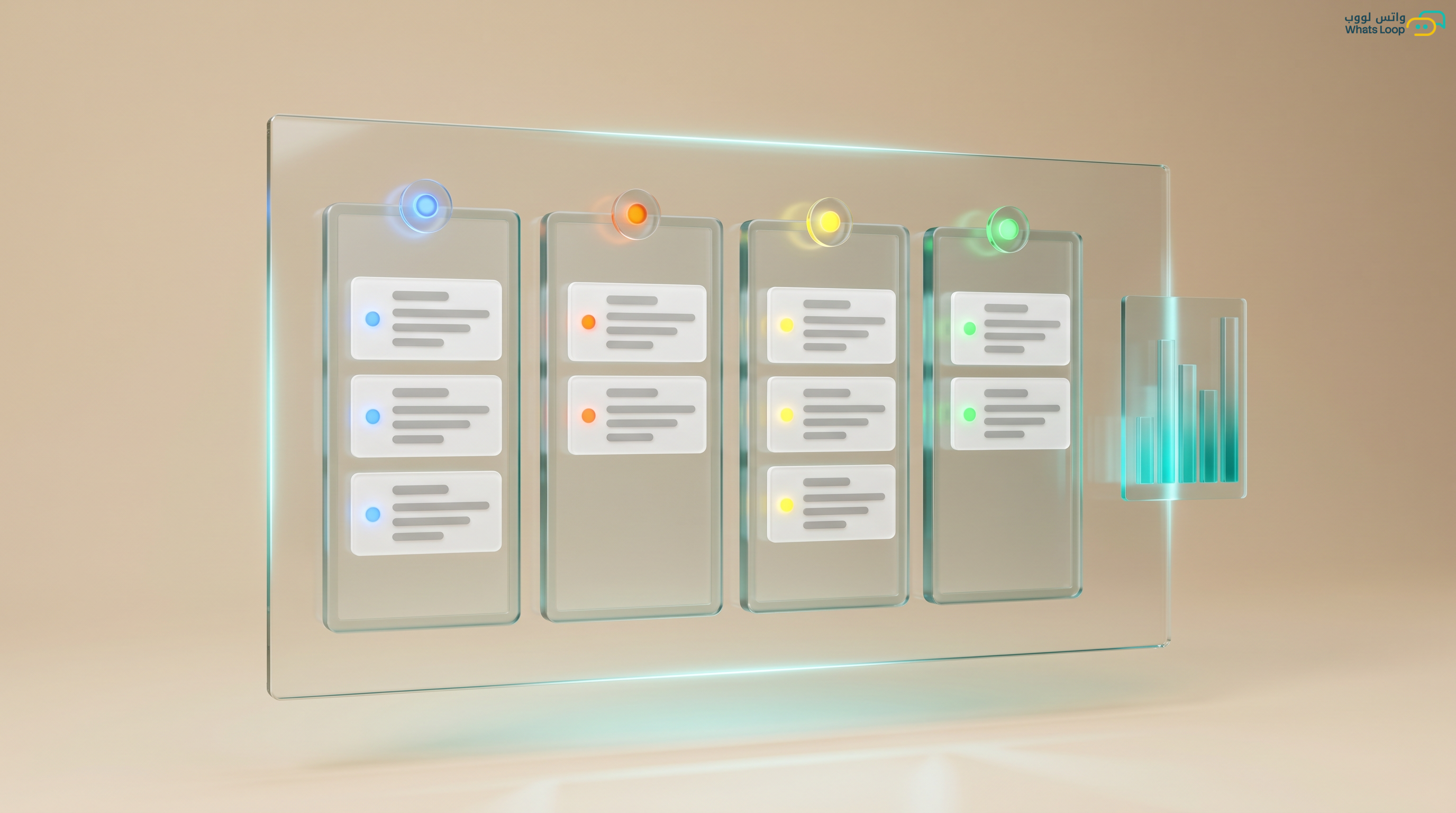
WhatsApp CRM: Build a Full Sales Pipeline from Chat to Close
Every day, sales teams across Saudi Arabia lose thousands of riyals in potential revenue because WhatsApp conversations never convert into actual deals. Messages get lost between agents, customers wait for replies that never come, and opportunities slip away to competitors. Many customers in Saudi Arabia abandon a seller if the response takes more than one hour.
Why You Need a Sales Pipeline Inside WhatsApp
A sales pipeline is the roadmap that moves a prospect from the first message to a closed deal. Without one, your team operates randomly: each agent responds differently, follow-ups are forgotten, and there is no data to analyze performance. With WhatsLoop, you can build a complete sales pipeline inside WhatsApp without relying on complex external tools. Companies that use a structured sales pipeline generate significantly more revenue compared to those working without a system.
Stage 1: Capturing the Lead
The first step is funneling every potential customer into a single system. Whether the lead comes from an ad, your website, or a direct message, every new conversation must be automatically logged. WhatsLoop does this out of the box: each new message creates a lead card containing the customer's name, phone number, source, and timestamp. A significant portion of leads are lost in companies that lack automatic logging.
Stage 2: Qualification and Scoring
Not every person who messages you is ready to buy. Some are browsing, some are comparing, and some are ready to pay right now. You need to classify each lead by stage. WhatsLoop gives you customizable labels (cold, warm, hot) and and lets you define qualification criteria based on your product. For example: if a lead asks about pricing, they automatically move from "cold" to "warm." If they request a quote, they become "hot." This automation saves your team hours daily on manual classification.
Stage 3: Engagement and Presentation
This is where content matters. When a lead is qualified, your team needs to send a tailored offer quickly. WhatsLoop provides ready-made message templates you can personalize, including price quotes, product catalogs, or explainer videos. Templates are sent with a single tap, and you can track whether the customer opened the message. Personalized WhatsApp messages achieve a far higher open rate compared to email.
Stage 4: Negotiation and Follow-Up
The stage where most deals die is follow-up. The customer says "I will think about it" and your team forgets to follow up. With WhatsLoop, you can schedule automated follow-up messages: after one day, three days, one week. Each follow-up is customized based on the last conversation. The system alerts the assigned agent if the customer has not replied and suggests an alternative action. Most deals require multiple touchpoints before closing.
Stage 5: Closing and Documentation
When the customer agrees, you need to document the deal fast. WhatsLoop lets you convert the conversation into an order directly, recording the amount, product, and close date. All data feeds into sales reports you can review anytime. After closing, the system sends an automatic thank-you message and initiates a post-sale flow: service rating and satisfaction follow-up.
How to Measure Pipeline Success
Without numbers, you cannot identify bottlenecks. Track these metrics:
- Stage conversion rate: how many leads move from one stage to the next
- Average time to close: how many days from first message to deal
- Average deal value: the mean value per deal
- Drop-off rate: exactly where leads exit the pipeline
WhatsLoop provides a real-time dashboard with all these metrics. Companies that review their pipeline metrics weekly improve their close rate significantly within a few months.
Common Sales Pipeline Mistakes and How to Avoid Them
Many companies build a sales pipeline but fail to achieve desired results due to common mistakes:
- Too many stages: Do not build a 10-stage pipeline if 5 will suffice. The more stages you have, the more likely leads will get lost between them. Start with a simple pipeline and evolve it over time.
- Not updating stages: If agents do not update a customer's pipeline status, the data becomes inaccurate. WhatsLoop simplifies updates with a single tap and reminds agents about customers whose status has not been updated.
- Ignoring post-sale: The pipeline does not end at deal closure. A satisfied customer buys again and refers others. WhatsLoop automatically builds a post-sale flow that includes satisfaction ratings and repurchase offers.
Connecting Your Pipeline with WhatsLoop Tools
Your sales pipeline becomes more powerful when connected with WhatsLoop's other tools:
- Smart WhatsApp chatbot: The bot handles the first stage automatically: greeting the customer, asking about their needs, and classifying them before routing to a sales agent.
- Campaign automation: Schedule follow-up messages between stages automatically so no customer gets lost between them.
- Platform integrations: Connect your pipeline with your store on Salla, Zid, or WooCommerce so every new order enters the pipeline automatically.
Frequently Asked Questions
Q: How many stages should a sales pipeline have?
A: It depends on your product type. Simple products need 3-4 stages, while complex services may need 5-7 stages. The rule: start with the fewest stages possible and add more only when truly needed.
Q: Can I create different sales pipelines for different products or services?
A: Yes, WhatsLoop supports creating multiple sales pipelines. Each pipeline has its own stages, qualification criteria, and message templates.
Q: How do I handle leads that stall in the middle of the pipeline?
A: WhatsLoop detects stalled leads automatically and alerts the responsible agent. The system suggests alternative actions, such as sending new content or a special offer, to re-engage the customer.
Q: Do reports show performance for each stage separately?
A: Yes, WhatsLoop provides detailed reports for each stage: conversion rate, average time, and number of leads in each stage. You can pinpoint exactly where the problem is and address it.
Get Started with WhatsLoop Today
Building a sales pipeline on WhatsApp is not complicated, it just requires the right tool. WhatsLoop gives you everything you need: automatic lead scoring, smart templates, scheduled follow-ups, and detailed reports. Sign up for your free account and start turning every conversation into a revenue opportunity. WhatsLoop helps you organize the entire sales process inside WhatsApp, from first message to final invoice.