WhatsApp Compliance & Ban Prevention: The Ultimate Guide
Learn WhatsApp Business policies and best practices to protect your number from bans. Covers sending limits, quality ratings, and report management.
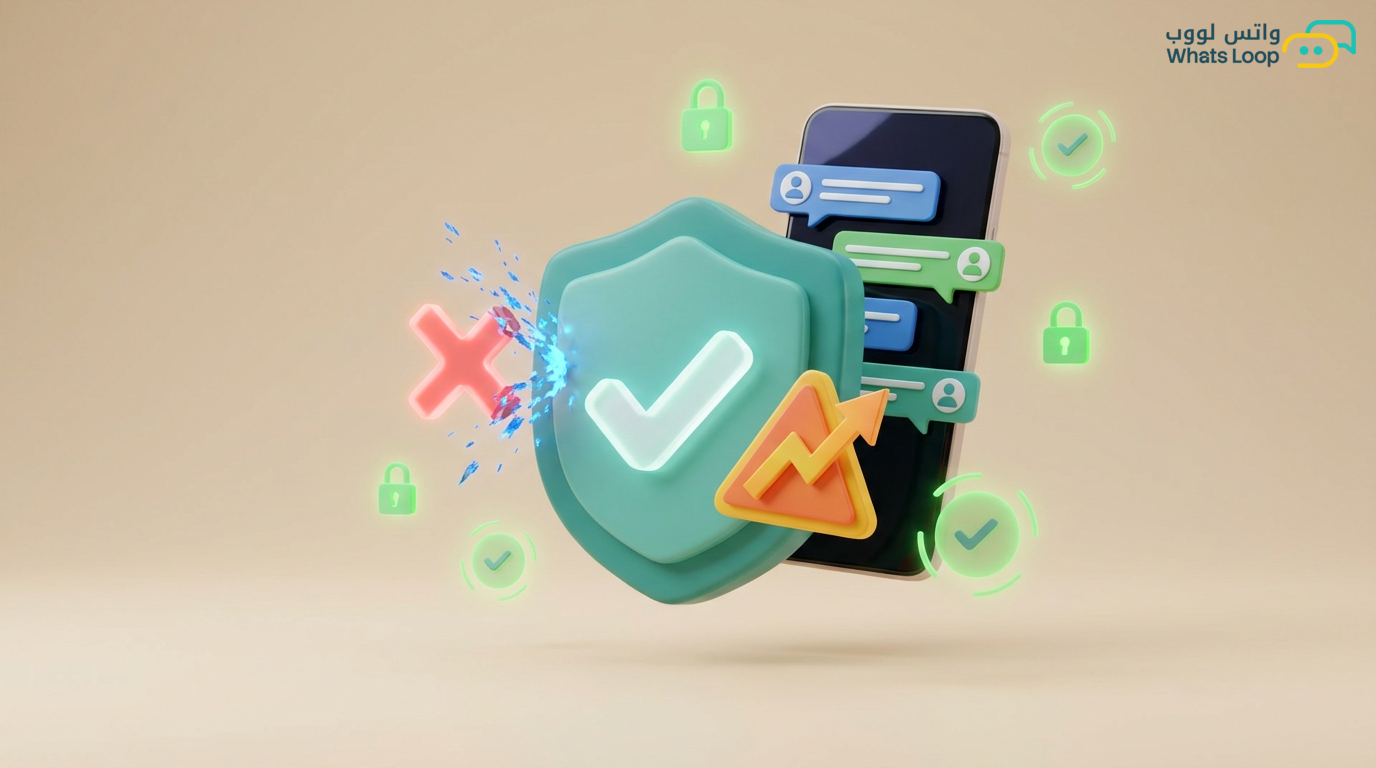
Why WhatsApp Accounts Get Banned
Many Saudi businesses dive into WhatsApp Business with enthusiasm, only to see their account banned within the first week. The root cause is rarely the platform itself, it is how the account is used. WhatsApp operates a strict quality rating system that monitors sending behavior and evaluates every business number based on recipient interactions.
A significant portion of bans in the Gulf region stem from bulk messaging without prior recipient consent. The highest risk comes from new accounts that skip the gradual warm-up phase.
Understanding the Quality Rating System
WhatsApp classifies every business number into three quality tiers:
Green Tier
Your account is in excellent standing. Report rate is very low and block rate from users is minimal. At this tier, you can gradually increase your daily sending limit.
Yellow Tier
An early warning. Some recipients have started reporting or blocking your messages. WhatsApp automatically reduces your sending limit and monitors behavior for 7 days.
Red Tier
Ban risk is imminent. If the decline continues, your account moves to a temporary ban, then a permanent one. Recovering from Red requires 14-30 days of ideal behavior.
New Number Warm-Up Strategy
The biggest mistake businesses make is sending hundreds of messages from a new number on day one. Here is the correct approach:
Week One
- Send only 50-80 messages per day
- Target customers who know you personally and are likely to reply
- Ensure reply rates remain high
Week Two
- Increase to 150-250 messages daily
- Gradually add new customer segments
- Monitor quality indicators daily in the WhatsLoop dashboard
Weeks Three and Four
- Scale up to 500-1,000 messages per day
- Begin bulk campaigns in small batches of 200-300 recipients each
- Maintain a 3-5 second delay between messages
Common Mistakes That Lead to Bans
Buying Pre-Built Contact Lists
This is the fastest path to a ban. Purchased numbers do not recognize your business and never consented to communication. Report rates from such lists are very high, which triggers an immediate ban.
Sending Identical Messages to Thousands
Even with a legitimate list, sending the same text to large numbers activates spam filters. Use dynamic variables like the customer's name and city to personalize every message.
Ignoring Opt-Out Requests
In Saudi Arabia, the Personal Data Protection Law (PDPL) requires you to provide a clear unsubscribe option. Non-compliance exposes you to legal fines on top of a WhatsApp ban.
Messaging at Inappropriate Hours
Messages sent after 10 PM or before 8 AM increase report likelihood dramatically.
Emergency Plan When Quality Drops
If you notice your quality indicator turning yellow:
- Stop all bulk campaigns immediately
- Continue responding to inbound conversations only for 3-5 days
- Review the last campaign sent and identify the segment that caused reports
- Remove inactive numbers from your lists
- When quality returns to green, resume at half the previous volume
How WhatsLoop Protects You from Bans
WhatsLoop provides built-in tools to keep your account safe:
- Real-time quality monitoring: Instant alerts when your number's rating drops
- Smart throttling: Automatic delays between messages that mimic human sending patterns
- Opt-out management: Automatic removal of contacts who request unsubscription
- Report rate analysis: Weekly reports highlighting high-risk segments
- Gradual warm-up: Intelligent scheduling that automatically raises sending limits based on account performance
Key Takeaways
Protecting your account requires commitment to the rules from day one. Never skip the warm-up phase, personalize every message, and respect your customers' privacy. Investing in building a strong number reputation saves you months of trying to recover a banned account.
Sign up for WhatsLoop and leverage smart protection tools that keep your account in the green zone at all times.
Frequently Asked Questions
Q: How long does it take to warm up a new WhatsApp Business number before sending bulk messages? A: The warm-up phase takes 3 to 4 weeks. Start by sending 50-80 messages daily in the first week, then gradually increase to 500-1,000 messages per day by the end of the first month. WhatsLoop offers an automatic gradual warm-up feature that manages this process without manual intervention.
Q: What should I do if my WhatsApp quality rating drops to yellow? A: Stop all bulk campaigns immediately and only respond to inbound conversations for 3-5 days. Review your last campaign to identify the segment causing reports and remove inactive numbers from your lists. Once quality returns to green, resume at half your previous sending volume.
Q: Is buying pre-built contact lists safe for WhatsApp messaging? A: No, buying pre-built contact lists is the fastest way to get banned. Purchased numbers never consented to your communication, and the report rates from such lists are high enough to trigger an immediate ban.
Q: What is the ideal delay between messages in a WhatsApp bulk campaign? A: The ideal delay is 3-5 seconds between each message. This mimics natural human sending behavior and reduces the chance of triggering spam filters. WhatsLoop sets this delay automatically through its smart throttling feature.