WhatsApp Chatbot Without Coding: Build a Professional Bot in 15 Minutes
A practical guide to building a WhatsApp chatbot without any coding experience using WhatsLoop. From setup to launch in simple steps.

WhatsApp Chatbot Without Coding: Build a Professional Bot in 15 Minutes
Many business owners believe building a WhatsApp chatbot requires a developer and a hefty budget. The reality? With the right tools, you can build a professional bot without writing a single line of code. In this guide, we will show you exactly how to create a WhatsApp bot from scratch in under 15 minutes.
Why Do You Even Need a WhatsApp Bot?
The reasons are clear:
- Very high open rates for WhatsApp messages compared to email
- Most customers expect a response within minutes
- A large proportion of consumers prefer communicating with businesses via WhatsApp
- Companies using WhatsApp bots reduce support costs significantly
Whether you run an online store, a clinic, a restaurant, or any customer-facing business, a chatbot is not a luxury. It is a necessity.
Step 1: Define Your Bot's Purpose
Before you start building, you need to know exactly what you want your bot to do. The most common use cases include:
- Answering FAQs, business hours, locations, pricing
- Receiving orders, restaurant or e-commerce orders
- Booking appointments, clinics, salons, consultations
- Qualifying leads, collecting customer information before connecting them to sales
- Sending updates, order status, appointment reminders
A Key Tip
Do not try to make your bot do everything from day one. Start with one clear goal, then expand.
Step 2: Design the Conversation Flow
The flow is the conversation map between your bot and the customer. Think of it as a decision tree:
Example: E-commerce Store Bot
- Welcome message: "Hi! I'm the [Store Name] bot. How can I help you?"
- Main options: Browse Products | Track My Order | Contact Support
- Sub-branches: Each option leads to specific information or actions
- Handoff point: When should the customer be transferred to a human agent
Golden Rules for Flow Design
- Keep options to 3-4 maximum at each level
- Use numbers or buttons instead of asking customers to type
- Always include a "Talk to an agent" option
- Messages should be short and direct, no one reads long paragraphs on WhatsApp
Step 3: Build the Bot on WhatsLoop
On WhatsLoop, building a bot is done through drag-and-drop, no code required:
1. Access the Dashboard
Log into WhatsLoop and navigate to the "Bots" section.
2. Create a New Bot
Click "Create Bot" and select "Conversation Bot."
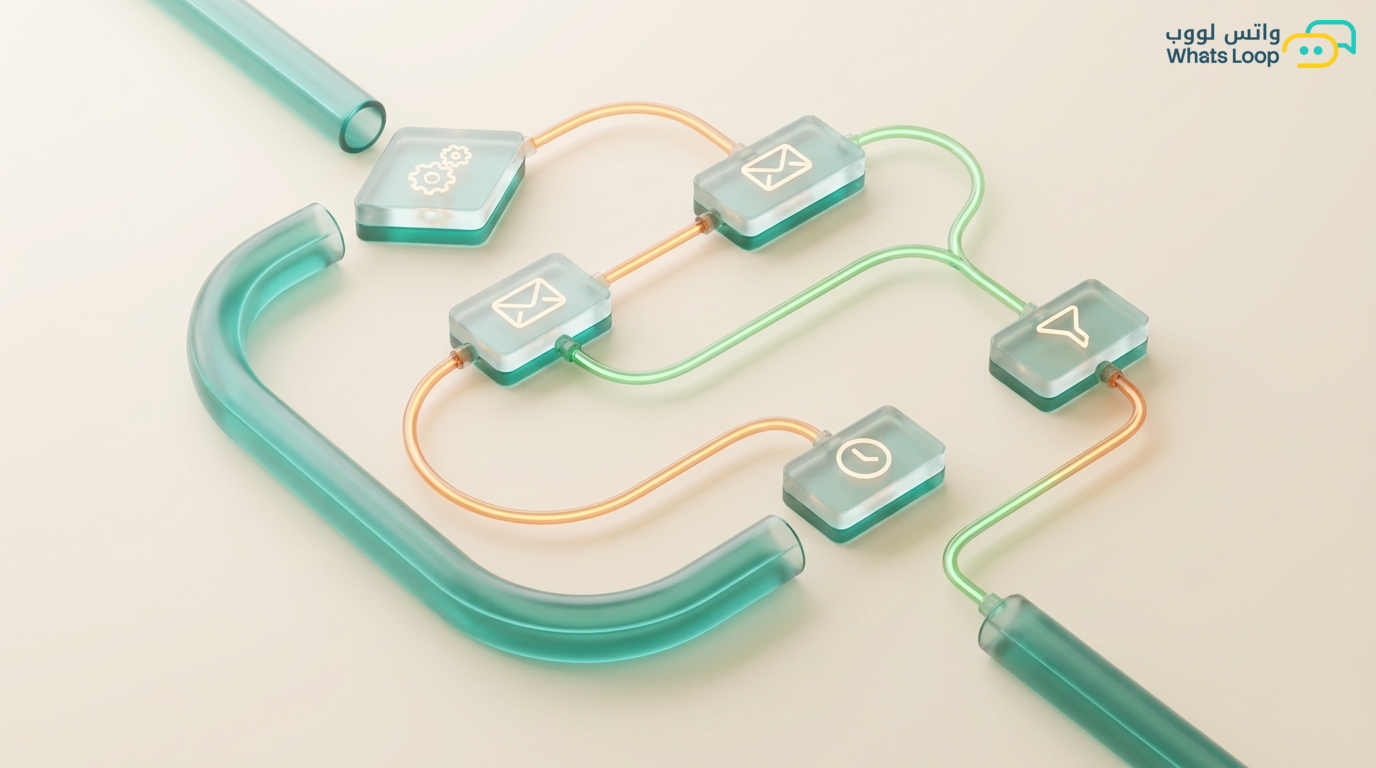
3. Design the Flow Visually
- Drag message blocks and place them on the canvas
- Connect blocks based on expected responses
- Add interactive buttons (lists, quick replies)
- Set handoff conditions for human agents
4. Add Smart Responses
- Use variables like customer name
{customer_name} - Add conditional responses based on time of day or customer type
- Enable auto-reply for after-hours messages
5. Test and Activate
Before activating the bot for customers, test it yourself. Send different messages and verify the responses work correctly.
Step 4: Optimize Over Time
A bot is not something you build and forget. You need to monitor and improve it:
- Watch analytics: See where customers drop off or request a human agent
- Update responses: Add new questions whenever you notice recurring patterns
- Test alternative flows: Try different wording and see what drives higher engagement
- Collect feedback: Add a "Was this helpful?" question at the end of each conversation
An Important Stat
Companies that optimize their bots monthly see a noticeable increase in customer satisfaction within a few months.
Common Mistakes to Avoid
- Bot pretending to be human: Do not make the bot act like a real person. Customers appreciate transparency.
- Too many options: More than 4 choices at one level causes confusion.
- No path to a human: Always provide an exit to human support.
- Long messages: On WhatsApp, the rule is simple, shorter messages get higher engagement.
- Ignoring analytics: If you do not track the numbers, you will never know where the problem is.
Real-World Examples from the Saudi Market
E-commerce Store in Riyadh
Built a simple bot that answers 3 common questions and directs customers to the order page. Result: significant reduction in support messages within the first week.
Dental Clinic in Jeddah
An appointment booking bot that collects patient information and books automatically. Result: the majority of bookings became automated with zero human intervention.
Restaurant in Dammam
A bot that displays the menu, takes orders, and sends instant confirmation. Result: noticeable increase in orders via WhatsApp compared to the app.
Connecting Your Bot to Existing Systems
A WhatsApp bot becomes far more powerful when connected to your existing systems. WhatsLoop offers ready-made integrations with popular platforms:
- Salla and Zid stores: The bot pulls product and order data automatically and responds to customers with up-to-date information
- CRM systems: Every conversation is saved in the customer record, you can review the full communication history
- Payment gateways: Customers can pay directly from the conversation without leaving WhatsApp
- Google Sheets: For a simple data tracking solution, the bot can automatically log every conversation in a spreadsheet
To learn more about integration capabilities, check out the complete WhatsApp Business API guide and discover how to connect your bot with any system through the automation features.
Frequently Asked Questions
Q: Do I need a new WhatsApp number for the bot? A: You can use your current number or a new one. WhatsLoop supports both options. If you already have a business number, you can connect it directly and start using the bot on it.
Q: Does the bot work in both Arabic and English? A: Yes, you can build a multilingual bot. The bot can automatically detect the customer's language and respond accordingly, or you can let the customer choose their preferred language at the start of the conversation.
Q: How long does it take to build the first bot? A: With WhatsLoop's drag-and-drop builder, you can build a basic bot in under 15 minutes. More complex bots with integrations and multiple flows may take an hour or two depending on project scope.
Q: Can I track bot performance and see how many conversations it handled? A: Absolutely. The WhatsLoop dashboard provides detailed analytics: number of conversations, response rate, customer drop-off points, and human handoff rate. This data helps you continuously improve your bot.
Start Now, Not Tomorrow
Building a professional WhatsApp bot does not require technical expertise or a big budget. All you need is:
- A clear goal
- A simple flow
- An easy platform like WhatsLoop
Sign up for WhatsLoop today and build your first bot in 15 minutes. Your team will thank you, and your customers will love the speed.