The Complete WhatsApp Business API Guide for 2026
Learn how to get WhatsApp Business API, connect it to your platform, and start automating. A step-by-step guide covering requirements, costs, and best practices.
The way businesses communicate with customers has fundamentally shifted. In 2026, the majority of consumers prefer messaging a business on WhatsApp over calling or emailing. With billions of monthly active users worldwide and message open rates far exceeding email and SMS, WhatsApp Business API is no longer optional. It is essential infrastructure for any serious business looking to compete effectively.
Why WhatsApp API Matters More Than Ever in 2026
The landscape has changed dramatically since the early days of WhatsApp Business. Meta has rolled out significant updates throughout 2025-2026 that make the API more powerful, more accessible, and more cost-effective than ever before:
- New pricing model: The shift from per-conversation to per-message pricing took full effect in April 2025, meaning you only pay for messages you actually send rather than being charged for entire conversations
- Free service messages: Replies within the 24-hour customer service window are now completely free, removing the cost barrier for customer support
- Enhanced Flows: WhatsApp Flows now support complex operations like in-chat payments, appointment booking, and multi-step forms, customers complete entire processes without leaving WhatsApp
- Built-in AI: Direct integration with Meta AI APIs for conversational intelligence, allowing bots to understand context and respond intelligently
- Higher sending limits: Verified accounts can now send up to 100,000 template messages per day, up from previous lower limits
The Business Case Is Overwhelming
The business case is compelling: businesses using WhatsApp API see a significant increase in customer response rates and a notable reduction in support costs compared to traditional channels like email and phone. For e-commerce businesses specifically, WhatsApp-driven sales conversions are considerably higher than email campaigns. When you factor in WhatsApp's dramatically higher open rates compared to email, the channel efficiency difference becomes staggering.
The return on investment from WhatsApp API is consistently high across industries, because you are reaching customers on the app they use every day with messages they actually read and engage with.
Prerequisites for Getting Started
Technical Requirements
Before diving into WhatsApp API, you need to prepare several critical components:
- Verified Meta Business Account: Verification takes 3-7 business days and requires official business documentation, business registration, articles of incorporation, or equivalent documents for your jurisdiction
- Dedicated phone number: A number not connected to any existing WhatsApp personal or business account. Some businesses use toll-free or shared service numbers for brand recognition
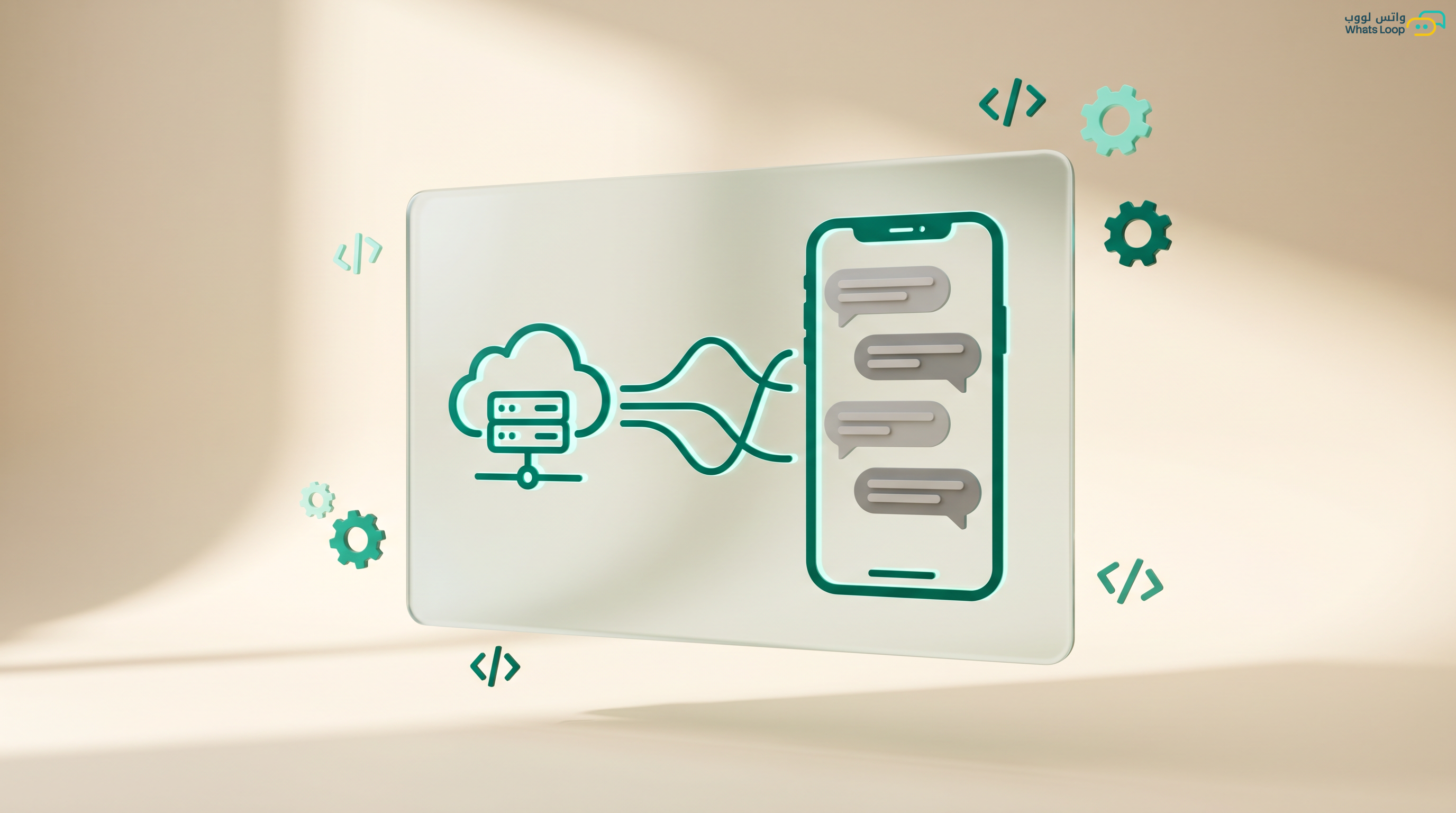
- Server or hosting: To receive Webhooks, the notifications WhatsApp sends when messages arrive or delivery status changes. However, if you use a platform like WhatsLoop, this is handled automatically for you without any server setup
- SSL certificate: Required for secure communication with Meta servers, webhooks will not function without valid HTTPS encryption
Cost Structure
WhatsApp API costs break down into two primary components that you should understand before getting started:
WhatsApp API message costs break down into four main categories based on conversation type:
- Marketing messages: Highest cost, for promotions and marketing campaigns
- Utility messages: Mid-range cost, for order updates, shipping, and invoices
- Authentication messages: Lower cost, for OTP verification codes
- Service messages: Free within the 24-hour customer service window
Message costs vary by conversation category and region, check Meta's official pricing page for current rates. For platform fees, competitive SAR pricing. View plans.
The key insight is that service messages, the replies you send when a customer messages you first, are completely free. This means your customer support costs through WhatsApp can be dramatically lower than phone or email support.
Step-by-Step Setup Guide
Step 1: Create Your Meta Business Account
Head to business.facebook.com and register your business account. Pro tip: Use an email address on your company domain instead of Gmail or Hotmail, this noticeably speeds up the verification process. Enter your company name exactly as it appears on your official business documents to avoid verification delays.
Step 2: Verify Your Business
Upload your business registration documents along with a government-issued ID. Meta reviews applications within 3-7 business days. Most applications get approved on the first attempt when documentation is complete, clear, and the business name matches across all documents. If rejected, carefully review the rejection reason, the most common issue is name mismatch between documents and the Meta Business account.
Step 3: Register Your Phone Number
Choose your dedicated number and complete verification via SMS or voice call. Ensure the number is not connected to any other WhatsApp account, if it is, you must delete the old account first. The verification process takes approximately 5-10 minutes once you have a clean number ready.
Step 4: Create Message Templates
Before sending any outbound message, you must create templates and wait for Meta approval. Templates fall into three categories: marketing (24-48 hours for approval), utility (12-24 hours), and authentication (under 12 hours). Prepare at least 3-5 essential templates before launching, a welcome template, an order confirmation, a promotional offer, and an appointment reminder at minimum.
Step 5: Connect the API
This is where your platform choice becomes critical. Instead of building everything from scratch, which requires hiring developers, setting up servers, managing webhooks, and maintaining the integration, a platform like WhatsLoop gives you a ready-made dashboard with one-click API connection. Setup takes under 15 minutes and you are ready to send and receive immediately.
Sending Tiers and Quality Ratings
WhatsApp categorizes accounts into tiers based on sending quality and account reputation:
- Tier 1: Up to 1,000 template messages per day (new accounts)
- Tier 2: Up to 10,000 messages per day (after proving quality)
- Tier 3: Up to 100,000 messages per day (high-quality accounts)
- Unlimited: More than 100,000 messages per day (major brands)
Upgrades happen automatically when you maintain high quality, meaning a spam report rate below 0.1% and a block rate below 2%. WhatsLoop provides continuous quality monitoring tools so you can track these metrics in real time and avoid account restrictions before they happen.
Best Practices for 2026
Collect Proper Opt-in Consent
Data protection regulations worldwide, including Saudi Arabia's PDPL and the EU's GDPR, require explicit consent before sending marketing messages. Violations carry significant financial penalties. Always maintain a clear opt-in record for every customer, and include an easy unsubscribe option in every marketing message. This is not just legal compliance, it also protects your account quality rating.
Personalize Your Messages
Personalized messages achieve significantly higher engagement rates than generic broadcasts. Use the customer's name, reference their last purchase, or tailor content to their interests. Instead of "20% off our products," send "Sarah, the item you viewed last week is now 20% off, want to grab it?" The difference in conversion rates is dramatic.
Monitor Quality Metrics Daily
Track these KPIs consistently through your WhatsLoop dashboard:
- Read rate (healthy benchmark: above 85%)
- Reply rate (healthy benchmark: above 15% for marketing)
- Spam report rate (must stay below 0.1%)
- Opt-out rate (keep under 2%)
Use Rich Media Strategically
Messages with images get significantly more engagement than text-only messages. WhatsApp supports images, videos, documents, locations, and interactive buttons, use them strategically to create compelling messages that drive action.
Optimize Send Timing
Based on analysis of millions of messages, the best sending times are typically weekday mornings (10 AM - 12 PM) for business communications and evenings (8 PM - 10 PM) for promotional offers. Avoid early morning hours and late night sends.
Why WhatsLoop Is Your Best Option
WhatsLoop gives you everything you need without the technical complexity:
- Connect WhatsApp API in minutes with zero coding or developers required
- Full-featured Arabic and English dashboard designed for business teams
- Smart chatbots and advanced automation workflows running 24/7
- Direct integrations with major e-commerce platforms including Shopify and WooCommerce
- Shared inbox, your entire team responds from one number with full conversation history
- Detailed analytics and reporting to track every metric that matters
- Dedicated support team to help you from day one through ongoing optimization
- Competitive SAR pricing with a free trial period, view plans
Frequently Asked Questions
Q: Is WhatsApp API free? A: Service messages (replies within 24 hours) are completely free. Template messages (marketing, utility, and authentication) carry fees from Meta that vary by message type and region, plus a BSP platform subscription such as WhatsLoop.
Q: How long does it take to activate WhatsApp Business API? A: Meta Business account verification takes 3 to 7 business days. After verification, connecting your number and activating the API through WhatsLoop takes less than 15 minutes.
Q: Can I use my existing phone number with WhatsApp API? A: Yes, you can transfer your current number from regular WhatsApp or WhatsApp Business to the API. However, you must delete the old account first since the number cannot operate on two accounts simultaneously.
Q: Does WhatsApp API support unlimited bulk messaging? A: The limit depends on your account tier. New accounts start at 1,000 messages per day and automatically increase with sending quality, reaching over 100,000 messages per day for high-quality accounts.
Q: Do I need a developer to use WhatsApp API? A: No, with a platform like WhatsLoop you do not need any coding experience. The dashboard provides all tools visually with drag-and-drop, from template creation to automation and reporting.
Sign up for WhatsLoop today and start your WhatsApp API journey the easy way, no complications and no developers needed.