Setting Up WhatsApp Auto Reply: A Practical Guide for Business Owners
Practical steps to set up WhatsApp auto reply to save time and improve your customer experience around the clock.
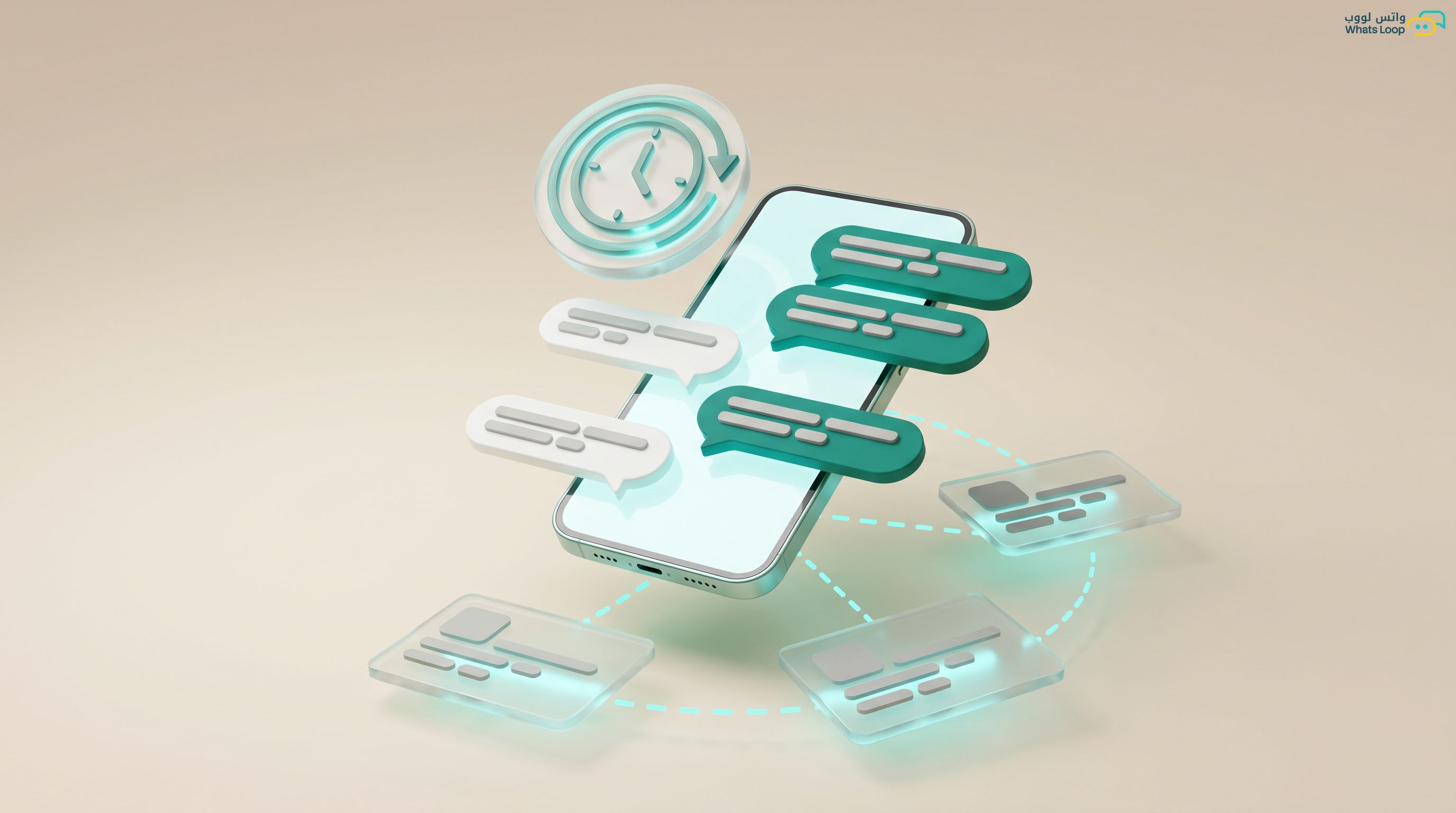
Imagine a customer messages you at 11 PM asking about a product, and you do not respond until 9 AM the next morning. During those 10 hours, they have likely found a competitor who responded instantly. Studies show the vast majority of customers expect a reply within 10 minutes. WhatsApp auto reply keeps you "available" even when you are asleep or on vacation.
Why Auto Reply Is Essential
The numbers speak clearly:
- Most customers buy from the first business that responds, speed literally equals revenue
- Companies responding quickly are far more likely to convert leads compared to those with slow response times
- A significant portion of sales are lost due to slow response times, real revenue lost to delays you could easily avoid
- Auto replies significantly reduce workload by handling repetitive questions automatically
Additionally, a large portion of WhatsApp messages in Saudi Arabia arrive after official working hours, nearly half your customers message when nobody is available. Without auto reply, these customers wait for hours, and many go to a competitor who responds faster.
Types of Auto Replies in Detail
1. Welcome Message
The first message a customer receives when contacting you for the first time or after a long period. Creates a professional impression and guides them forward. Example: "Welcome to [Store]! How can we help? 1- Browse products 2- Track order 3- Talk to team." A good welcome message significantly increases engagement compared to having no welcome message at all.
2. Away Message
Sent automatically outside business hours. Customers receiving an away message are significantly more patient than those getting no response. Include your hours and a link to your website or FAQ. Example: "Thanks for reaching out! We are currently outside business hours (Sun-Thu 9AM-6PM). We will respond as soon as we are back. For FAQs: [link]."
3. Keyword-Triggered Replies
The most powerful type, replies activated by specific words the customer types: "pricing" sends the updated price list, "locations" sends store locations with Google Maps links, "shipping" sends the delivery policy, "offer" sends current promotions with images and prices. No complex bot needed, just define keywords and responses. Companies activating sufficient keywords significantly reduce repetitive questions.
4. Follow-up Messages
Sent after a specified period from the last customer interaction. Abandoned cart reminder after 1 hour noticeably increases completion rates. Follow-up 3 days after purchase for a review helps you improve your service. Product suggestion after 30 days increases repeat purchases.
Setting Up Auto Reply Step by Step
On WhatsApp Business App (Limited)
The free app offers only two options: greeting message and away message. To activate: Settings, then Business Tools, then Greeting / Away Message. Limitations are significant: no keyword replies, no message customization per customer, no tracking or analytics, and no integration with external systems.
On WhatsLoop (Professional Solution)
WhatsLoop provides a complete drag-and-drop automation system:
- Create a new Flow: Automation, then Create New Flow, choose from ready-made templates or start from scratch
- Set the trigger: New message, specific keyword, specific time of day, or event (new order from Salla or Zid)
- Design the response: Text, image, video, quick reply buttons, interactive list, or even product catalog, all drag and drop with zero code
- Add smart conditions: New customer gets welcome plus catalog, returning customer gets special offer based on purchase history, VIP customer gets direct transfer to best agent
- Enable tracking: How many messages delivered, how many customers engaged, how many converted to purchase, everything recorded and visible
- Test before activation: Send a test message to yourself or a colleague to confirm everything works correctly
Practical Scenarios by Industry
E-commerce Store (Salla or Zid)
- Welcome with interactive catalog, customers browse products from within WhatsApp
- Auto reply to "order status" pulling live data directly from Salla or Zid
- Abandoned cart reminder after 1 hour with product image and price
- Review request 3 days after order delivery
Healthcare Clinic
- Automated booking through Flows, patient selects specialty, date, and time from an interactive list
- Appointment reminder 24 hours before significantly reduces no-shows
- Automatic pre-appointment instructions (fasting requirements, documents needed)
- Post-visit satisfaction survey to improve service quality
Restaurant or Coffee Shop
- Interactive menu with photos and prices, customers order without calling
- Automated order confirmation with expected prep time
- Delivery time updates that adjust automatically based on area
- Review link sent immediately after delivery
Service Company (Maintenance, Cleaning, Moving)
- Automatic detail collection through sequential questions: location, then service type, then preferred time
- Booking confirmation with technician name and contact
- 3-hour pre-appointment reminder
- Post-service review request
Tips for Effective Auto Replies
Write Naturally and Locally
Customers should feel they are talking to a real person, not a robot. Most customers find overly formal automated responses off-putting. Write in clear, casual language, simple, friendly, and direct. Instead of "We welcome you and appreciate your esteemed communication," say "Hi! How can we help?"
Always Offer Human Handoff
Always include a clear "Talk to a team member" option. A significant portion of conversations require human intervention because the question is complex, the customer is unhappy, or they want to negotiate pricing. Ignoring this point costs you customers.
Update Your Replies Regularly
Prices change, promotions expire, products go out of stock, and branch hours change. An auto reply with outdated pricing or an expired offer is worse than no reply at all, it makes the company appear negligent. Dedicate 30 minutes monthly to reviewing all your auto replies.
Monitor Performance and Take Action
Track weekly: engagement rate after auto reply, keywords customers type that have no matching response (to add new replies), conversations without resolution needing human intervention, and conversion rate from auto reply to actual purchase.
Frequently Asked Questions
Q: Does auto reply work on the free WhatsApp Business app? It works but in a very limited way, only a greeting message and an away message. There are no keyword-triggered replies, no smart conditions, and no tracking. For a complete drag-and-drop automation system, you need a specialized platform like WhatsLoop.
Q: How many auto replies can I set up in WhatsLoop? There is no limit on the number of auto replies or flows you can create. You can add keyword-triggered replies, welcome messages, away messages, and follow-up sequences in any quantity you need. Each reply can include text, images, and interactive buttons.
Q: Can I connect auto replies with my Salla or Zid store? Yes, WhatsLoop provides direct integration with Salla and Zid. You can pull order data automatically, for example, when a customer asks about their order status, the auto reply fetches the status directly from your store without manual intervention.
Q: Do auto replies affect my WhatsApp account quality rating? Auto replies themselves do not negatively affect your account quality. On the contrary, fast responses improve customer experience and reduce the likelihood of reports. The key is to always offer a handoff option to a real team member and avoid excessive automated marketing messages.
Sign up for WhatsLoop today and design smart auto replies in minutes, no coding required. Try free for 14 days.