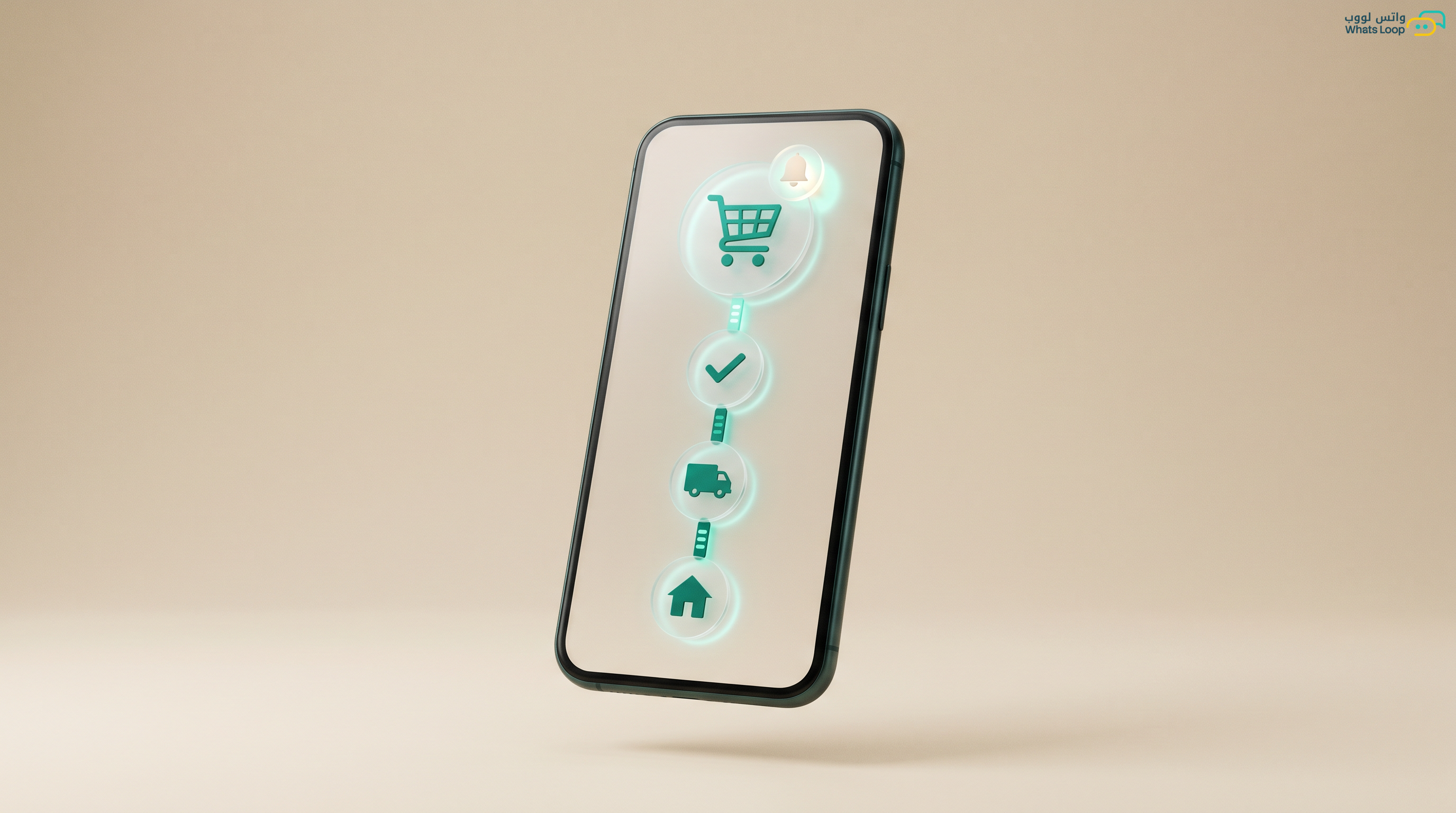
Connect Your Shopify Store to WhatsApp: Full Step Guide
Shopify brings the order and WhatsApp closes the sale and reassures the buyer. This guide connects them step by step so every order gets an automatic confirmation and follow up.

Short answer: You connect Shopify to WhatsApp one of two ways, either a bridge app that pushes orders from Shopify to your WhatsApp number, or a deeper integration through webhooks and the WhatsApp API so every store event (new order, shipping, refund) fires a ready made automatic message. The fastest route for a growing store is a platform like WhatsLoop that receives Shopify events and replies to the customer with a verified official message in seconds, and you can turn it on today without a developer.
Why connect Shopify to WhatsApp at all
Your Shopify store runs fine, but email often goes unopened and the customer forgets the order. WhatsApp messages have a very high read rate and are usually read within minutes, so it is the channel closest to your customer. When you link the store to WhatsApp, every buyer gets an instant confirmation with their name and order number, which alone cuts down the "where is my order?" messages and builds trust.
The second benefit is turning a silent notification channel into a sales channel. A customer who added products to the cart and left without checking out can be brought back with a friendly nudge, and a customer who received their order can be shown a complementary product. Here WhatsApp works as a marketing and follow up tool, not just alerts.
Method one: quick link through a bridge app
This is the simplest way if you want to start fast. You open the Shopify app store, install an app that connects orders to WhatsApp, link your number, and enable a "Chat on WhatsApp" button on the product page. It suits small stores that want a contact button and a simple notification without deep automation.
The downside of this path is that it usually relies on a regular WhatsApp number rather than an official one, so you risk a ban if sending volume grows, and it gives you no smart auto replies or organized bulk messages. It is a nice temporary fix for the start, but it will not scale with you.
Method two: professional link through WhatsApp API
Here the connection works at the event level. Shopify sends a webhook for every store event, the platform receives it, matches it with an approved message template, and sends it to the customer through the official WhatsApp API. The difference is you work with a verified official number, delivery is more reliable, and you can build full flows like order confirmation then a shipping alert then a review request after delivery.
With a platform like WhatsLoop, all of this is enabled from a dashboard without code. You pick the event, write the template once with variables like customer name, order number, and tracking link, and the rest runs automatically. You can also add a WhatsApp bot that answers the questions customers send you after the message.
The connection steps in practice
Let us walk step by step through the professional route so you are ready today:
- Prepare a dedicated WhatsApp number for the store, ideally an official verified number to avoid bans and show the business badge.
- Sign up on the platform and link your number from the channels page, official linking is a simple self serve connection without handing your data to anyone.
- From integration settings enable the Shopify integration and place the webhook URL the platform gives you inside the notification settings of your Shopify store.
- Choose the events you want to enable: new order, paid order, fulfilled, refunded.
- Write a message template for each event with dynamic variables, and keep the language friendly and clear.
- Place a test order on your store and confirm the message arrives correctly before you run it on real customers.
Once you test and confirm, switch it on and every new order runs through the system automatically.
Suggested events and messages table
This table gives you a practical picture of the key events and the right message shape for each:
| Shopify event | Message timing | WhatsApp message example |
|---|---|---|
| New order | Right after the order | "Hi {customer name}, we received your order {order number} and it is being prepared, we will keep you posted" |
| Payment captured | After payment confirmation | "Payment for order {order number} was received successfully, thank you for trusting us" |
| Fulfilled | When status changes to shipped | "Your order {order number} is on its way with the courier, track it here {tracking link}" |
| Abandoned cart | One hour after cart is left | "We noticed you left {product name} in your cart, shall we finish your order? The link is ready" |
| After delivery | A day after delivery | "Did your order arrive safely? Your opinion matters, rate us in a word" |
Recovering abandoned carts through WhatsApp
This is the part that usually brings back the most sales. A large share of visitors add products and leave without buying, and the reminder email is weak. When you send a short friendly reminder on WhatsApp an hour or two later, some of them come back and complete the order. The key is not to nag or repeat, one or two polite messages and that is enough.
You can make the follow up smarter with auto reply, so if the customer replies with a question about shipping or payment, the bot answers instantly without waiting on you, and that closes the sale while their interest is still fresh.
Tips to avoid bans and lift your results
The most important tip: use an official verified number for automatic notifications, because regular numbers under heavy sending get banned. Second tip: keep your messages useful to the customer, not annoying, every message should give information they want like their order status. Third tip: time your messages wisely, do not send at midnight, and respect your customer's hours.
If you have seasonal offers like White Friday or Ramadan, use bulk messages but only to customers who agreed to hear from you, with content relevant to them. Quality wins more than random volume.
Is your store on Salla instead of Shopify?
The same idea applies if your store is on Salla, the only difference is the linking method. We have a ready Salla integration that receives order events directly, and if you want full customer support over the channel see WhatsApp customer service. The tools are ready and the connection is faster than you think.
Try WhatsLoop for free
Connecting Shopify to WhatsApp is not a complex technical project, it is a few simple steps that turn every order in your store into a conversation that reassures the customer and closes the sale. Try WhatsLoop for free today, link your store, and see for yourself how follow up becomes fully automatic.