Connect WhatsApp to Your POS: Automatic Invoices and Follow-Up After Payment
Every sale at the register is a lost contact chance if it is not linked to WhatsApp. When you connect your POS to WhatsApp, the e-invoice reaches the customer the moment they pay, their number enters your list automatically, and you can run post-purchase and loyalty offers on it with no manual work. We explain the idea step by step with examples for restaurants, pharmacies, and retail.
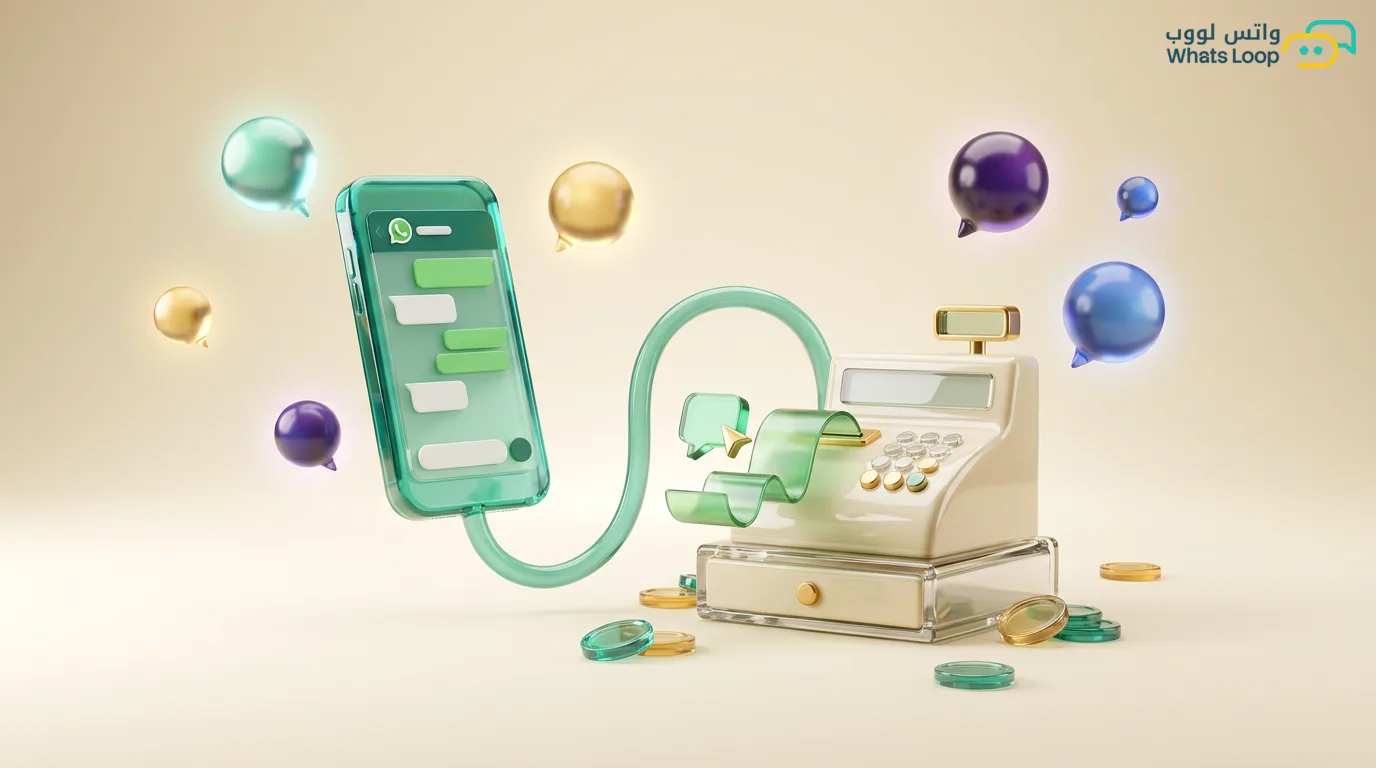
Short answer: Connecting WhatsApp to your POS means the register, on every payment, automatically sends the e-invoice to the customer on WhatsApp and saves their number in the branch customer list without anyone typing it by hand. From that list you can run follow-up messages, post-purchase offers, a loyalty program, and repeat-purchase reminders. The link usually happens through an API between the POS system and the WhatsApp platform, and the result is that every sale turns from a paper receipt that gets thrown away into an ongoing relationship that brings future sales.
Why connect your POS to WhatsApp in the first place
Think about the difference. Today the customer pays, takes a paper receipt, and walks out, and you have no way to reach them afterward. The number that just paid you is gone, and the chance to bring them back is gone with it. Connecting WhatsApp to your POS flips the equation, because every payment becomes the start of a relationship, not its end.
Three direct benefits come from the link:
- The invoice arrives instantly: the customer receives their e-invoice on WhatsApp the moment they pay, organized and available anytime, with no paper to lose.
- A customer list that builds itself: every number that paid at the branch enters your list automatically, so you build a base of real customers who actually bought from you, not random numbers.
- Follow-up that runs on its own: from that same list you trigger offers, loyalty messages, and reminders without an employee sitting to copy numbers and write messages one by one.
The result is that the same shopper who used to walk out and forget you becomes part of a marketing cycle that brings repeat sales from customers you actually know.
Sending the e-invoice after payment
This is the first and most important step, and the one whose value the customer feels from day one. When you link the register to WhatsApp, the moment the payment completes, the invoice fires automatically to the customer's number on WhatsApp. You do not need to print, and the customer does not need to give you an email, their mobile number is enough.
The invoice that arrives on WhatsApp is clearer and longer-lasting than paper. Paper gets thrown away or fades, while a WhatsApp message stays in the customer's chat for them to return to whenever they want, whether for a return, a warranty, or reviewing their spending. This also cuts down repeat questions like "what was my order" and "how much did I pay."
In practice, the message can carry the invoice number, the date, product details, the total, and the payment method, and you can add a link or button if you want to give the customer the option to rate the service or ask for help. The technical link between the register and WhatsApp runs through the WhatsApp API, which lets your system send the message automatically the instant a payment is recorded.
Building a customer list from branch sales
The biggest hidden treasure in a POS is the numbers. Every day dozens or hundreds of customers pay and walk out without you keeping any way to reach them. When you link the register to WhatsApp, every number that pays is recorded automatically in the branch customer list, and over time you build a golden customer base.
Why is that list worth more than any ad? Because these are customers who actually bought from you, know your product, and tried your service. Reaching them again is far cheaper and faster than attracting a new customer from scratch. A list built from real sales is far stronger than any list of numbers you buy or gather randomly.
From that list you can segment your customers smartly, for example customers who bought this month, customers who spent above a certain amount, and customers who have not returned in a while. Each segment can get a message made for it specifically, which is what makes your campaigns bring results instead of generic messages people ignore. You can find the details of organized bulk sending on the WhatsApp bulk messages page.
Post-purchase offers and loyalty
This is where the money starts coming back. Once you have a customer list that builds itself from the register, you run automatic messages on it that bond the customer to you and bring them back to buy again. Here are practical post-purchase message examples:
- A thank-you message hours after purchase: "Thank you for your visit, we hope you liked the product," with a simple rating link, which raises customer satisfaction and brings you reviews.
- A time-limited repeat offer: days after the purchase, a small discount on the next visit that encourages the customer to come back quickly before they forget you.
- A recurring repeat-purchase reminder: if the product runs out within a known period, a reminder message at the right time brings the customer back exactly when they need it.
As for loyalty, the link makes it run automatically. Every payment adds points to the customer, and a WhatsApp message tells them their new balance and how much is left for the next reward. A customer who sees their points grow with each visit has a stronger reason to come back to you instead of a competitor. You can let the bot answer the customer automatically about their point balance and offers when they ask, with no employee involved, and see how the WhatsApp bot handles these inquiries.
Practical cases: restaurants, pharmacies, and retail
The idea is one, but its application differs by business type. Let us see how each sector benefits from connecting WhatsApp to the POS:
| Business | Invoice after payment | Offer and follow-up | Loyalty |
|---|---|---|---|
| Restaurant | order invoice on WhatsApp with item details | a reminder after a week with weekend offers | a point per visit, a free meal after a set number of visits |
| Pharmacy | invoice with medicines and amount to return to later | a refill reminder for chronic medication on time | a recurring discount on repeat care items |
| Retail store | invoice with purchased products and sizes | an offer on a complementary product to what was bought | points that convert to a discount on the next visit |
Take the restaurant example. A customer dines, pays, and receives the invoice on WhatsApp with a rating link. After a week they get a weekend meal offer, and after five visits a notice that they earned a free meal. The shopper who used to eat and forget you now has a reason to return, and you spent nothing on ads, you simply used a number that was going to be lost.
The pharmacy is another strong example, because many medicines are recurring. If a customer refills a chronic medication that runs out every month, a timely reminder serves them and brings them back instead of the pharmacy next door. Here the service is a sale at the same time.
The connection steps in practice
The link is simpler than you imagine, and it does not require changing the POS system you have. The idea is to connect your current system to the WhatsApp platform through the API. Simplified steps:
- Set up a business WhatsApp number: an official number for your business that invoices and messages go out from, separate from your personal phone.
- Link the register to the platform: through the API, let your system send each payment's data to the platform, so the invoice fires automatically.
- Prepare your message templates: a template for the invoice, one for thanks, one for the offer, one for the reminder, so every message comes out organized and consistent.
- Turn on automation: decide when each message fires, the invoice at payment, the thanks after hours, the offer after days, and let it run on its own.
Once you set these steps, the system works without daily involvement. Every sale generates an invoice, adds a number to your list, and triggers the right follow-up sequence, while you stay free for your core work.
WhatsLoop gives you the POS-to-WhatsApp link, the automatic invoice, customer list building, and campaigns and the bot from one place. If you have one branch or more and want every sale to turn into an ongoing relationship instead of a receipt that gets thrown away, try connecting your POS to WhatsApp and watch the difference in your repeat sales within a month.