How to Create a WhatsApp QR Code for Your Store or Restaurant
A WhatsApp QR code lets customers message you in one tap without saving your number. Here is how to make one step by step, where to place it, and how to add a ready message.
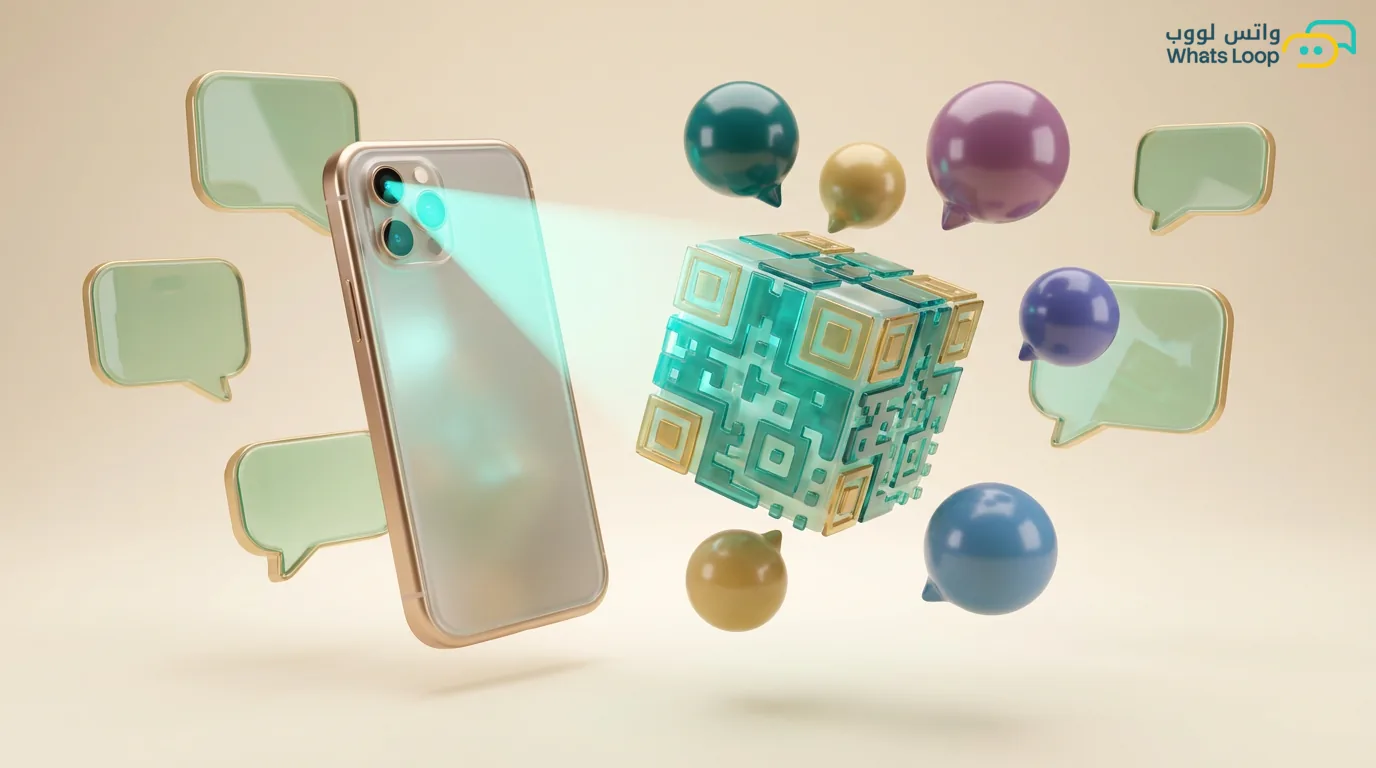
Short answer: You create a WhatsApp QR code by turning your number into a wa.me link, then converting that link into a barcode using a QR generator. You print it and place it in your store or on your menu, and the customer scans it with their camera to open a chat with you instantly, without saving your number. You can make one for free with the WhatsApp QR generator in under two minutes.
What a WhatsApp QR Code Is and Why It Helps
A WhatsApp QR code is a square barcode. When a customer scans it with their phone camera, a WhatsApp chat with you opens right away. The difference between this and writing your number on a sign is that the customer does not need to save the number or risk typing it wrong, they just scan and send.
Why does this matter for your store or restaurant? Every second a customer spends searching for your number or saving it is a second they might give up and walk away. The barcode shortens all of that into one tap, so the share of people who actually message you goes up. Most customers already have a camera that reads barcodes automatically, so they need no extra app.
Its use does not stop at orders. You can use it for reservations, questions, complaints, or even collecting customer numbers so you can send them offers later.
How to Create a WhatsApp QR Code Step by Step
The process is easy and needs no technical skill:
- Prepare your WhatsApp number in international format, meaning it starts with the country code, with no leading zero and no plus sign. Saudi example:
966500000000. - Open the WhatsApp QR generator and enter your number.
- If you want a ready message that fills in automatically for the customer, type it in the message field (we explain this in detail below).
- Click generate, and the barcode and link appear ready.
- Download the barcode as a high quality PNG so it stays sharp when printed.
- Test it yourself before printing, scan it with your phone and confirm the chat opens and the message shows correctly.
Useful tip: if you only want a link without a barcode (for your bio or to send in a message), use the link generator, it gives you the same link ready to copy.
How to Add a Ready Message With the Barcode
A ready message starts the chat with pre-written text, so the customer just taps send. This makes things easier for them and helps you know where they came from. For example, you can set one message for the menu barcode and a different one for the invoice barcode, so you know the source of each customer.
Example ready message for a restaurant you can copy:
Hi, I would like to order from the [Restaurant Name] menu 🌟
And one for a store:
Hello, I saw your products and want to ask about an order 🛍️
Keep the message short and clear, because the customer will often edit it before sending. If you make it long, they delete the whole thing and write their own, and the benefit is lost. Three or four words are enough.
Where to Place the Barcode So It Works
The barcode is useless if nobody sees it, so the placement matters more than the barcode itself. These are tested spots that deliver results:
| Spot | Benefit | Tip |
|---|---|---|
| Storefront / cashier | Catches the customer at their most interested moment | Place it at eye level with a "Message us on WhatsApp" line |
| Menu / table | For ordering and questions without calling a waiter | A small sticker on the table corner is enough |
| Invoice / bag | Keeps the customer in touch after they leave | Pair it with a "rate us and get a discount" offer |
| Business card | A practical replacement for typing the number | The barcode is easier than saving a number |
| Social media / story | Turns a follower into a direct chat | Use a link instead of an image when people are on the same phone |
The rule: the closer the barcode is to the buying decision, the higher the share of people who message you.
Marketing Ideas You Can Use
The barcode is not just a contact method, you can turn it into a marketing tool:
- Put a barcode on the menu with "Order delivery on WhatsApp" above it, since many people prefer ordering by text over a call.
- At the cashier, place a "Subscribe to our offers on WhatsApp" sign with the barcode, so you build a customer list to send offers to.
- After every sale, add a small sticker on the bag with a barcode and "Get 10% off your next order."
- At exhibitions and events, the barcode is the fastest way to capture people's interest without writing down numbers.
- Link different barcodes to different messages, so you can measure which spot brings you the most customers.
Mistakes to Avoid
Before you print large quantities, watch out for these common mistakes:
- Not testing the barcode before printing. You print 500 stickers and the number turns out wrong, wasting time and money. Always test first.
- Using a local number format, like one starting with a zero, so the link does not work. You need the international format with the country code.
- A barcode that is too small or on a busy background, so the camera cannot read it. Leave empty white space around it and do not shrink it too much.
- A ready message that is far too long, the customer deletes it and gets annoyed. Keep it short.
- Changing your WhatsApp number after printing, so every barcode becomes dead. Fix one business number and do not change it.
With these steps you will have a working WhatsApp barcode that brings you customers at no cost. Create your barcode now with the WhatsApp QR generator, and if you feel the chats are piling up and you want to organize and reply to them quickly, WhatsLoop helps you manage all your conversations from one place.