Collecting Payments via WhatsApp: A Complete Guide to Faster Checkout
Send payment links directly in WhatsApp chats and get paid faster. Learn how to integrate payment gateways and automate invoicing.
Collecting Payments via WhatsApp: The Fastest Method in Saudi Arabia
In the Saudi market, speed of payment means speed of closing. Many customers abandon a purchase if they need to switch to another app or website to complete payment. The solution? Send the payment link directly in a WhatsApp conversation.
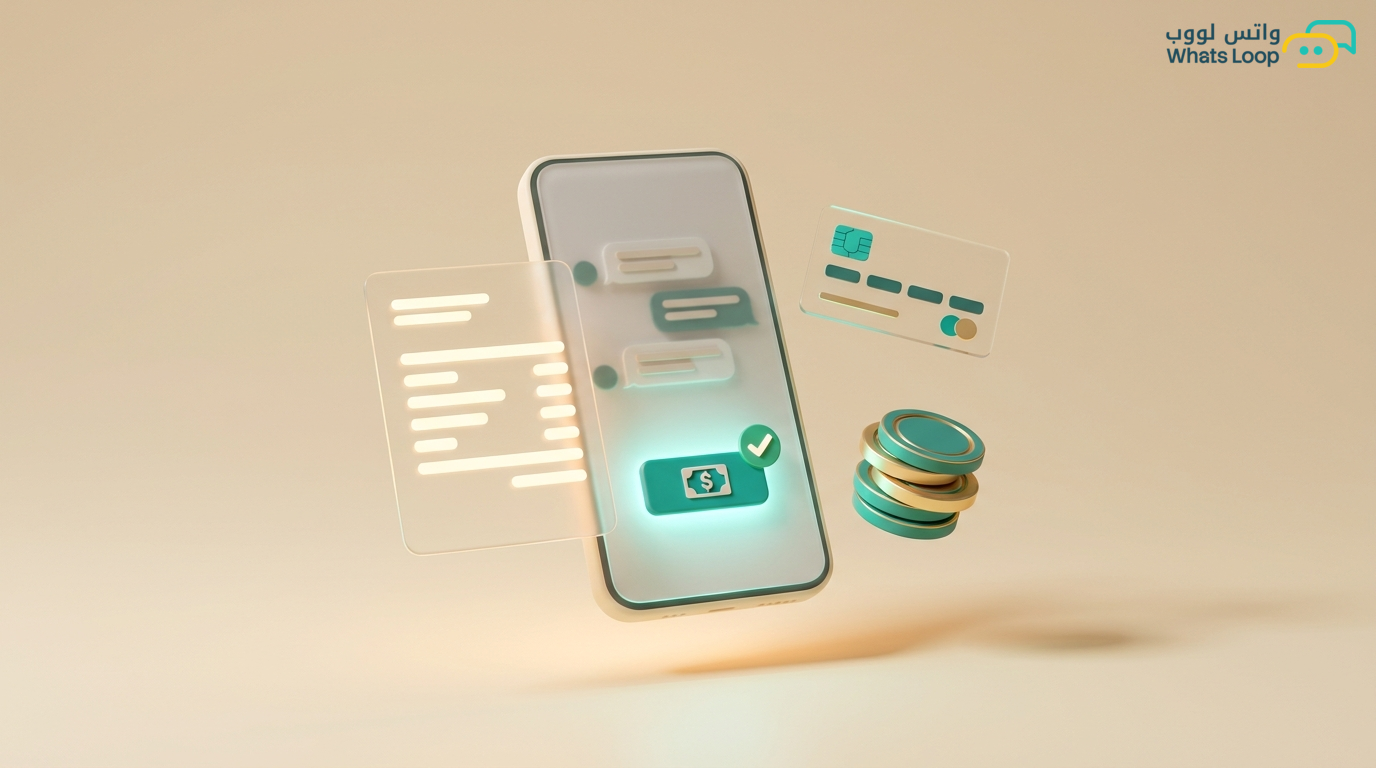
Collecting payments via WhatsApp does not mean WhatsApp itself processes the payment, it means you send a secure payment link inside the chat. The customer clicks, pays, and returns to the conversation. All in under 60 seconds.
Supported Payment Methods
Saudi Payment Gateways
WhatsLoop integrates with major Saudi payment gateways:
- Tap: Supports Mada, Visa, Mastercard, and Apple Pay
- HyperPay: Supports Mada, installments, and digital wallets
- Moyasar: Simple interface ideal for small stores
- Tamara: Buy now, pay later installments
Customer Payment Options
When receiving a payment link, customers can:
- Pay with Mada card (most popular in Saudi Arabia)
- Pay with Visa or Mastercard
- Apple Pay or Google Pay
- Installments via Tamara or Tabby
- Direct bank transfer
Creating Payment Links
Manual Method
From the WhatsLoop dashboard:
- Open the customer's conversation
- Click "Create Payment Link"
- Enter the amount and description
- Choose the payment gateway
- Send the link directly in the conversation
Automated Method via Bot
The bot creates and sends payment links automatically in several scenarios:
- Customer selects a product from the catalog and requests purchase
- Customer books an appointment and needs to pay a deposit
- Reminder for an overdue invoice
- Automatic subscription renewal
Attached Invoice
Every payment link automatically includes:
- Product or service details
- Amount including VAT
- Invoice number
- Your store logo and trade name
Automating the Complete Payment Cycle
Before Payment
- Send a price quote with a "Pay Now" button
- Abandoned cart reminder with an updated payment link
- Notification that the offer expires within 24 hours
During Payment
- Instant notification to your team when the customer starts the payment process
- Automatic follow-up if payment is not completed within 10 minutes
- Message: "Having trouble with payment? We can help"
After Payment
- Instant confirmation message: "Your payment has been received successfully"
- Official invoice sent as a PDF file
- Order status updated automatically
- Thank-you message with a discount code for the next order
Payment Reports
Integrated Financial Dashboard
In WhatsLoop you can view:
- Total amounts collected daily, weekly, and monthly
- Payment completion rate (how many customers who clicked actually paid)
- Average order value
- Most used payment methods
- Pending and overdue invoices
Settlement Reports
- Automatic reconciliation between sent payment links and received amounts
- Export reports in Excel format for your accountant
- Direct integration with electronic invoicing systems approved by ZATCA
Security and Compliance
Payment Security Standards
- All payment links are encrypted with TLS 1.3 protocol
- Supported payment gateways hold PCI DSS certification
- No card data is stored on WhatsLoop servers
Saudi Compliance
- Invoices comply with ZATCA electronic invoicing (Fatoorah) requirements
- Tax registration number included on all invoices
- Payment records retained for 7 years as required by regulations
Tips for Increasing Payment Completion Rates
- Make the link time-limited: "This link is valid for 24 hours" creates healthy urgency
- Offer installment options: Many Saudi customers prefer installments for larger amounts
- Send a smart reminder: If the customer has not paid within an hour, send "We noticed your order is still pending, need help?"
- Minimize payment steps: Every additional step costs you a portion of customers
Conclusion
Collecting payments via WhatsApp shortens the purchase journey and raises conversion rates. The customer never leaves the conversation, and payment completes in two clicks. Connect your preferred payment gateway and start collecting from today.
Sign up for WhatsLoop and activate payment collection in WhatsApp conversations within minutes.
Frequently Asked Questions
Q: Which payment gateways are supported for collecting payments via WhatsApp in Saudi Arabia? A: WhatsLoop integrates with major Saudi payment gateways including Tap, HyperPay, Moyasar, and Tamara. These gateways support Mada, Visa, Mastercard, Apple Pay, and installment options.
Q: Is collecting payments via WhatsApp secure? A: Yes, all payment links are encrypted with TLS 1.3 protocol and supported payment gateways hold PCI DSS certification. No card data is stored on WhatsLoop servers, and invoices comply with ZATCA electronic invoicing requirements.
Q: Can payment links be sent automatically through a WhatsApp bot? A: Yes, the bot creates and sends payment links automatically in scenarios like product selection from the catalog, appointment bookings requiring deposits, overdue invoice reminders, and automatic subscription renewals.
Q: What happens if a customer does not complete payment after receiving the link? A: WhatsLoop sends an automatic follow-up if the customer has not completed payment within 10 minutes, with a message like "Having trouble with payment? We can help." You can also make payment links time-limited to create healthy urgency.