Automated Payment Reminders on WhatsApp: Collect What You Are Owed Without Awkwardness
Set up automated payment reminders on WhatsApp that send at the right time with a friendly tone that preserves your customer relationship.
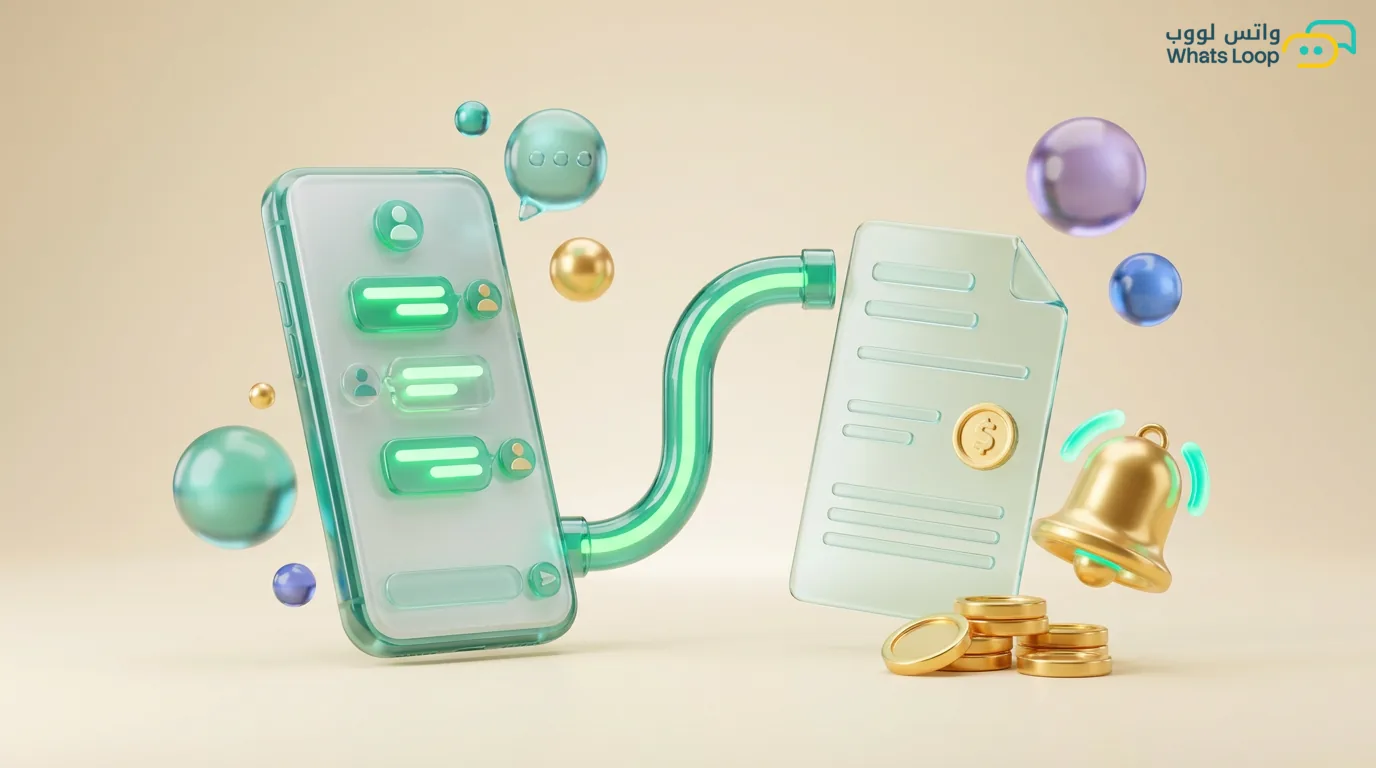
Collecting receivables is one of the most sensitive tasks in any business. Late payments affect cash flow, but manual follow-ups consume your team's time and sometimes cause awkwardness. Automated WhatsApp reminders solve this equation intelligently.
Why WhatsApp Beats Phone Calls for Payment Collection
Phone calls put customers in an awkward position and create tension. A friendly WhatsApp message gives customers space to act without direct pressure. Plus, the message is documented and can include a direct payment link.
The Graduated Reminder Strategy
Reminder 1: 3 Days Before Due Date
A friendly message: "Hi [Name], this is a reminder that invoice [Number] for [Amount] is due on [Date]. You can pay via this link: [Link]." The tone here is purely informational.
Reminder 2: Due Date
"Your invoice is due today. Pay now to avoid any late fees." Add an interactive "Pay Now" button to simplify the process.
Reminder 3: 3 Days After
More serious tone while remaining respectful: "We noticed the invoice has not been paid yet. If you are having any trouble with the payment, reach out to us and we will help." This opens dialogue rather than making threats.
Final Reminder: 7 Days After
Escalation with diplomacy: "The invoice is [X] days overdue. We would like to resolve this before it affects your service." With an option to transfer to an agent to discuss payment arrangements.
Setting Up Reminders in WhatsLoop
1. Connect Your Invoicing System
Connect your invoicing system (or Google Sheets) with WhatsLoop via API. The system reads due dates and amounts automatically.
2. Prepare Templates
Create 4 WhatsApp-approved message templates, one for each stage. Use variables: customer name, invoice number, amount, date.
3. Set the Schedule
Configure timing in WhatsLoop: send reminders only between 9 AM and 8 PM, and avoid Fridays and public holidays.
4. Stop Rule
If the customer pays, the sequence stops automatically. If they reply with a message, they are transferred to a human agent. Never send reminders after payment.
Expected Results
- 40-60% reduction in overdue payments within the first month
- 8-10 hours saved weekly from your collection team's time
- Improved customer relationships because reminders arrive professionally instead of through annoying phone calls
Conclusion
Automated reminders do not just collect money, they preserve customer relationships. The bot handles the difficult task professionally while your team focuses on what matters most.