WhatsApp Lead Management: A Follow-Up System That Captures Every Opportunity
Create a WhatsApp lead follow-up system that ensures no sales opportunity is lost with automatic reminders and alerts.
WhatsApp Lead Management: A Follow-Up System That Captures Every Opportunity
In the Saudi market, WhatsApp is the primary channel for business communication. The vast majority of small and medium businesses use WhatsApp to respond to customers. But most of these businesses lack a follow-up system, so messages pile up, customers wait, and agents forget. The result? A significant portion of leads are lost due to lack of follow-up.
The Real Problem: Why Leads Slip Away
The main reason is not that your team is lazy, it is that they are working with tools that do not support them. Imagine an agent with 50 open conversations, each at a different stage. Without alerts and tracking, remembering every customer is impossible. Research shows that the chance of a successful response drops dramatically if the reply is delayed. This is not an exaggeration: the customer messaging you is likely messaging your competitors at the same time.
Building a Smart Classification System
The first step is classifying leads by priority. With WhatsLoop, every new conversation is automatically tagged based on criteria you define. For example:
- New customer asking about a product: tagged as "interested" and enters the follow-up flow
- Customer requesting a price quote: tagged as "ready to buy" and routed directly to sales
- Returning customer: tagged as "existing customer" and directed to customer service
This automatic classification saves your team hours daily on manual sorting and ensures every customer reaches the right person.
Scheduling Automated Follow-Ups
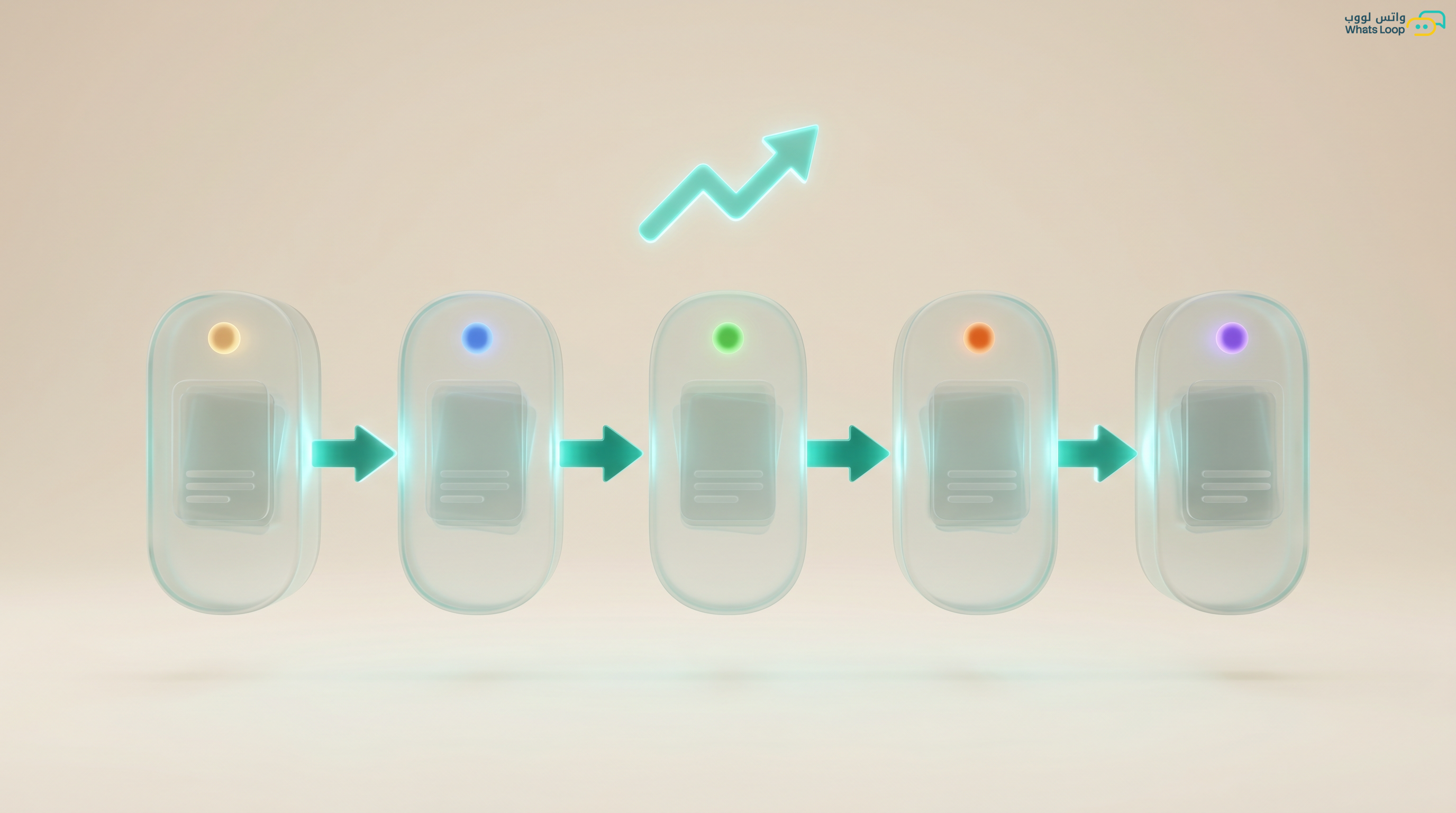
Follow-up is not a single message, it is a deliberate sequence. WhatsLoop lets you build automated follow-up chains for each classification:
- 1 hour after first message: welcome message plus a question about the customer's needs
- After 24 hours: send a catalog or personalized offer
- After 3 days: friendly follow-up: "Do you have any questions?"
- After 1 week: time-limited special offer
Each message in the sequence stops automatically if the customer replies or makes a purchase. Structured follow-up sequences increase conversion rates significantly compared to random follow-ups.
Distributing Conversations Across the Team
When you have multiple agents, every conversation must reach the right person. WhatsLoop distributes conversations based on rules you set: by department, specialty, or even current workload per agent. If one agent is handling 20 conversations, the system routes new ones to an agent with only 5. This fair distribution reduces response time significantly.
Stale Conversation Alerts
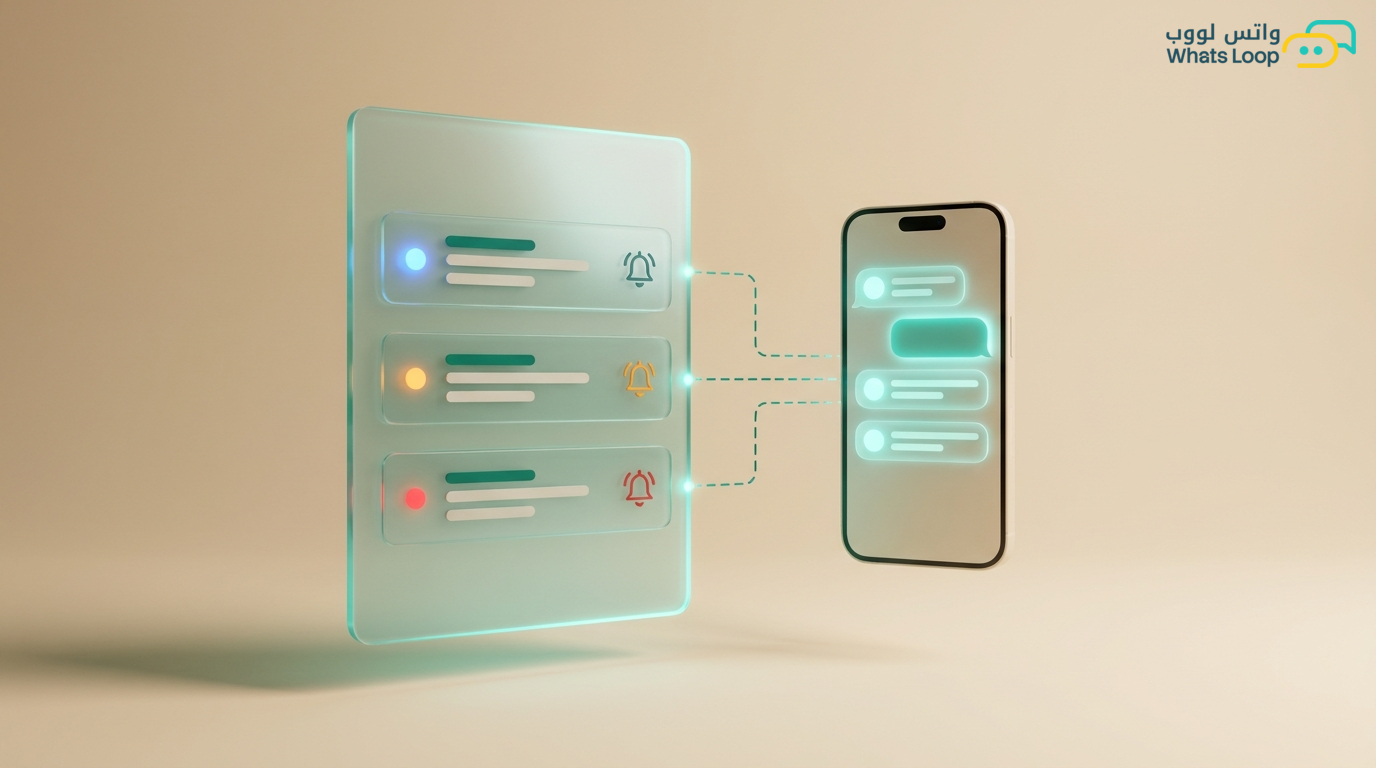
The most dangerous thing in follow-up is a conversation that goes cold: the customer did not reply and the agent forgot. WhatsLoop automatically alerts the agent when a conversation has been inactive for a set period. Alerts appear in the dashboard and on mobile. If the agent does not act, the alert escalates to the manager. Companies using alert systems lose far fewer leads.
Tracking Every Lead Source
You need to know where each lead came from: Google Ads? Instagram? Your website? A referral? WhatsLoop tracks sources automatically through smart UTM links. Every link you publish in campaigns is tied to a specific source. When a customer clicks and starts a conversation, the system logs the source automatically. This data helps you allocate your advertising budget effectively. Many businesses spend on channels that deliver no results because they do not track sources.
Follow-Up Reports
Every follow-up system needs reports that reveal its performance. WhatsLoop provides weekly and monthly reports covering:
- Number of new leads
- Response rate per agent
- Conversion rate from lead to buyer
- Average time to close
- Top-performing lead sources
These numbers let you make decisions based on real data, not gut feelings.
Practical Tips for Improving Your Follow-Up System
To get the most out of your lead management system, follow these tips:
- Define qualification criteria clearly: Agree with your team on a clear definition for each classification: when a lead is considered "cold" versus "hot." Clear criteria prevent confusion and ensure every agent handles leads consistently.
- Customize follow-up messages by source: A lead from an ad needs a different message than a lead from a friend's referral. WhatsLoop lets you customize different follow-up sequences based on lead source.
- Do not ignore leads who said "no": "No" today is not "no" forever. Add declined leads to a long-term follow-up list. A message every two or three months can turn a rejection into a new opportunity.
Connecting Lead Management with WhatsLoop Tools
Lead management becomes more powerful when connected with WhatsLoop's other tools:
- Smart WhatsApp chatbot: The bot can handle initial inquiries and classify leads automatically before routing them to the sales team.
- CRM sales pipeline: Every qualified lead automatically enters the sales pipeline, ensuring organized follow-up from first message to deal closure.
- Campaign automation: Send customized campaigns to each lead segment such as welcome offers for new leads, educational content for interested ones, and exclusive deals for ready-to-buy leads.
Frequently Asked Questions
Q: How many leads can a single agent effectively follow up with?
A: With WhatsLoop and smart automation, an agent can follow up with significantly more leads compared to the manual approach. The system handles automatic follow-ups and alerts, and the agent focuses on conversations that truly require human intervention.
Q: Can I create different follow-up sequences for different products?
A: Yes, WhatsLoop supports creating multiple follow-up sequences for each product or service. Each sequence has its own messages and timing.
Q: How do I avoid annoying leads with too many messages?
A: WhatsLoop provides smart limits on message frequency. The sequence stops automatically if the lead replies or requests to stop. Every sequence is designed with carefully spaced intervals that respect the lead's time.
Q: Does the system support tracking lead sources from social media?
A: Yes, WhatsLoop supports smart UTM links for all channels: Google Ads, Instagram, Twitter, Snapchat, and any other channel. Each link tracks the source automatically.
Start with a Professional Follow-Up System
You do not need a large team or a massive budget to build a follow-up system. WhatsLoop gives you every tool: automatic classification, follow-up sequences, smart routing, and alerts. Sign up for your free account and make sure no sales opportunity ever slips through the cracks again. WhatsLoop helps you convert every lead into an actual customer through a smart, organized follow-up system.