WhatsApp for Cafes and Coffee Shops: A Practical Guide to Pre-Orders, Table Booking, and Loyalty
Most cafe customers open WhatsApp before any other app, so instead of making them wait in line, let them pre-order coffee, book a table, and collect loyalty points from one chat. Here is a practical guide with numbers and examples.
Short answer: WhatsApp lets a cafe customer pre-order their coffee before arriving, book a table, browse a photo menu, and collect loyalty points from the same chat without installing any app. The result is a shorter line at the counter, higher sales during peak hours, and customers who come back more often.
Most cafe customers in Saudi Arabia open WhatsApp daily before any other app, so it makes sense to take their orders where they already are instead of asking them to download a new app they forget within a week. In this guide we walk through six practical ways to use WhatsApp inside your cafe, all from the same number you already use for customer questions.
Pre-Orders and Pickup
Simple idea, big impact: the customer sends their order on the way in, arrives, and finds their coffee ready on the counter. This shortens the morning line when pressure is highest, and lets the barista work in order instead of taking ten orders at the same moment.
The practical setup is a WhatsApp bot that collects the order through a button menu: drink type, size, add-ons, and pickup time. The bot replies with an order number and total, and when the order is ready the customer gets a "your order is ready for pickup" message. If you offer short-range delivery, you can add a delivery option in the same chat.
A real tip: define pre-order hours clearly, for example from 7am to 11am, because you do not want orders coming in while the kitchen is closed. When a customer orders and sees an auto-reply saying "we take orders from 7 to 11," they relax and come back at the right time.
Table Booking
Cafes with seating or a quiet work corner get plenty of "do you have a free table?" messages. Instead of having the cashier reply between drinks, let the bot ask: how many people, what time, indoor or outdoor, and confirm with a specific number and time.
Booking over WhatsApp reduces tables that sit reserved but empty, because you can send a confirmation message an hour before the slot and ask the customer to confirm with one tap. Anyone who does not confirm frees their table for someone else. This simple flow raises evening table occupancy without a staff member glued to the phone all day.
Photo Menu
A text menu does not sell like a photo. Customers decide with their eyes, so when you send a photo of the latte with its art and the croissant fresh from the oven, they order more. WhatsApp supports images and catalogs, so you can present the menu as organized photos by section: hot coffee, cold coffee, desserts, and non-coffee drinks.
For a cleaner experience inside the cafe itself, place a menu QR tool on the tables. The customer scans the code, opens the menu on their phone, and continues the order over WhatsApp with one tap. Updates are instant, so if an item sells out you remove it from the list without printing a new menu.
Keep the photos in natural light with one consistent angle for every product so the menu looks coherent, because visual consistency gives a professional impression and builds trust.
Loyalty and Points
Cafe customers come back often, so a loyalty program here has real meaning. Instead of paper stamp cards that get lost, let points collect on the customer's WhatsApp number. Each order adds points, and when they reach the target they get a discount code or a free drink.
It works because it is easy on the customer: no card to pull from the wallet, no app to install, they just order and their points register. You can send a friendly reminder: "two more orders and your latte is free," and that reminder alone brings back customers who had forgotten you.
Design the program to stay profitable: if every tenth drink is free, make sure the customer who reaches the ninth usually completes it and buys something extra, so the offer drives sales rather than eating into your margin.
Daily Offers and Occasions
A cafe runs changing offers: a morning deal, half price for a set hour, a seasonal winter drink. Getting those offers to your customers directly on WhatsApp is far stronger than a story post that gets lost between twenty other stories.
This is where bulk messages come in, sent to customers who opted in to your offers. You send one message with the offer image and timing, and a customer who sees it from their desk decides to stop by on the way home. The key rule: only send to those who agreed, and include a "stop offers" option in every message to respect the customer and protect your number from getting banned.
For occasions like National Day or Ramadan, one well-planned message with a special offer and a set time makes a clear difference in sales, as long as you do not flood the customer with messages.
Auto-Replies for Common Questions
The same questions repeat every day: where are you located, when do you close, do you have wifi, do you have decaf? Auto-replies answer these instantly, 24 hours a day, so the customer does not wait and staff stay free for the people inside the cafe.
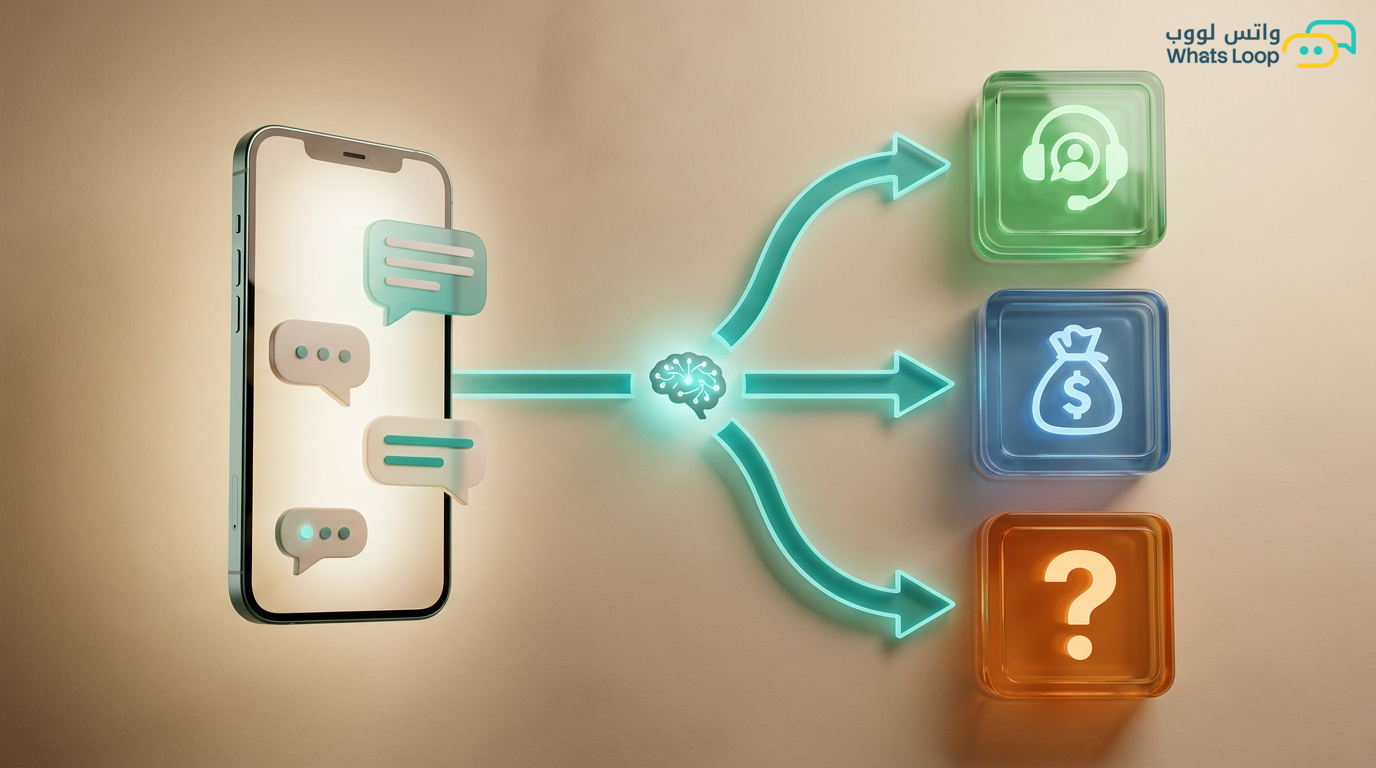
Arrange the ready replies in a button menu: location, hours, menu, booking, and talk to a person. Any question outside the menu is handed off by the bot to a human, so you never lose a customer to a stiff robotic reply.
| Use case | What it solves for the cafe | Right tool |
|---|---|---|
| Pre-orders | Shorter morning line, ordered queue | WhatsApp bot |
| Table booking | Higher occupancy, fewer ghost tables | WhatsApp bot |
| Photo menu | Faster buying decision with images | Menu QR + WhatsApp |
| Loyalty | Repeat customers without paper cards | Points on the number |
| Daily offers | Direct reach to opted-in customers | Bulk messages |
| Auto-reply | Instant answers, free staff | FAQ bot |
How to Start Without Complexity
Start with one step: turn on auto-replies for common questions this week, then add pre-orders during morning hours, then the loyalty program. Each step has an impact you measure before moving to the next, so you and your team never get overwhelmed.
Honesty matters here: WhatsApp is a powerful tool for a cafe, but it does not replace good in-person service and excellent coffee. It smooths the experience and brings the customer back, and the rest is on you.
If you want to see how to run all of this from one organized number, WhatsLoop brings pre-orders, booking, loyalty, and offers together in one place, so you can start, test, and see the difference on your sales for yourself.
Related Articles

Protecting Your WhatsApp Business Account From Hacking and Theft: A Practical 2026 Guide

WhatsApp for Dermatology and Cosmetic Clinics: Bookings, Consultations, and Follow-Up