WhatsApp Bot or Human Agent? When to Automate and When You Need a Human Touch
You don't have to pick one side. Learn exactly what to leave to the bot (repetitive work, after-hours, qualification) and what to leave to a human (complaints, deals, negotiation), with a ready task distribution table to apply to your business.
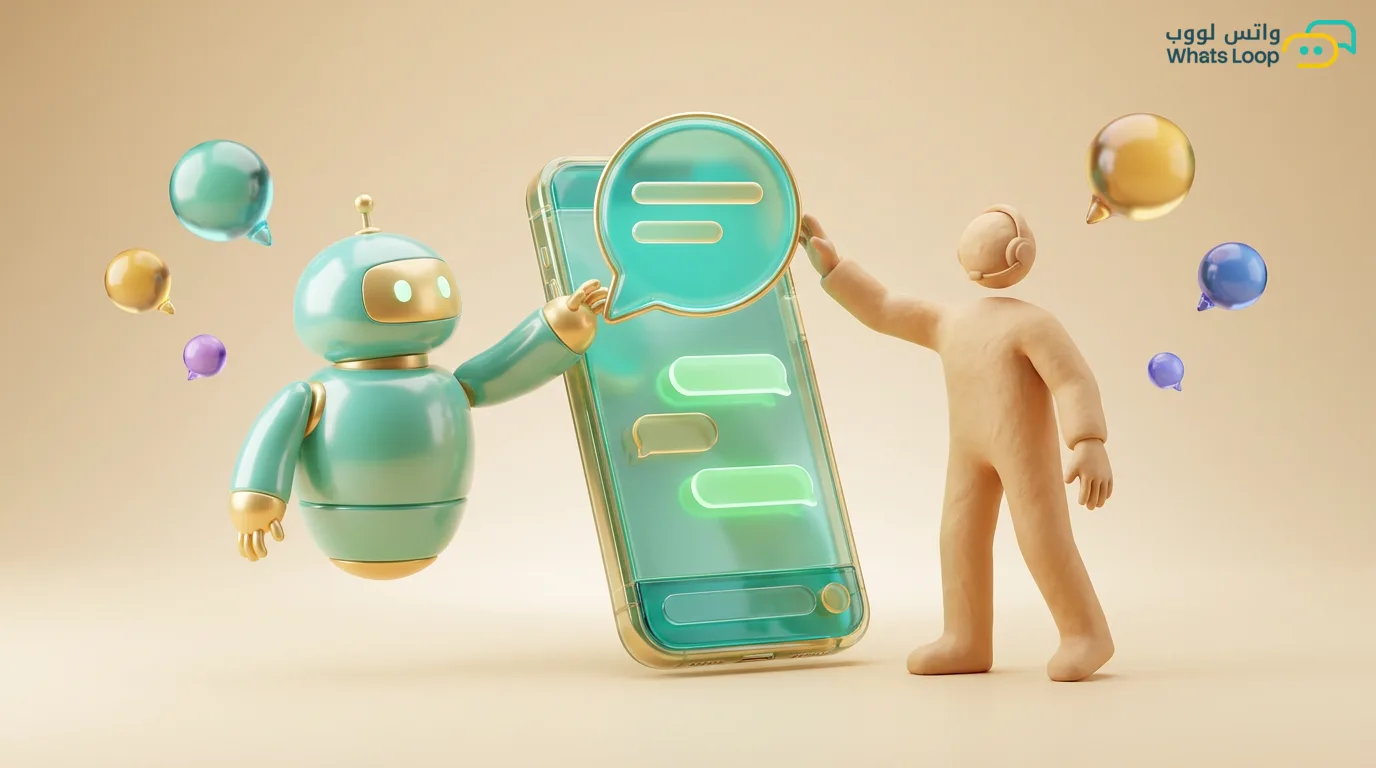
Short answer: The choice between a WhatsApp bot and a human agent isn't one or the other, the right setup is hybrid. Let the bot handle the repetitive work (FAQs, order status, after-hours replies, initial lead qualification), and route to a human whatever needs a human touch (sensitive complaints, large deals, negotiation, an upset customer). The practical rule: automate every interaction that is repetitive, clear, and predictable, and hand off to a person every interaction that is emotional, unexpected, or high value.
WhatsApp bot or human agent: how to decide fast
Instead of agonizing over every chat, use three questions that settle it in seconds:
- Is the question repetitive with a fixed answer? If yes, the bot is enough.
- Is the customer upset or the case sensitive (complaint, order error, return)? If yes, a human from the first message.
- Is the deal large or does it involve negotiation? If yes, a human with the bot supporting qualification.
The test isn't "who is smarter," it's "is this interaction predictable." The bot excels at the predictable, and a person is irreplaceable for the unexpected.
What the bot genuinely does well
The bot works 24 hours with no fatigue and no mood swings, and these are its strongest points:
- Frequently asked questions: opening hours, payment methods, return policy, branch locations. These usually make up a large share of daily messages, and you can clear them all with ready replies.
- After-hours replies: most store customers message in the evening and at night. The bot replies instantly, gives the basics, and holds the request until the team opens in the morning.
- Order and shipping status: the customer wants an order number or tracking, the bot pulls it from the Salla or Zid integration and sends it in a second.
- Initial qualification: before the customer reaches an agent, the bot asks the basics (what do you need, which product, which city) so the agent starts the conversation already aware of the context.
- Routing and scheduling: the bot sorts the customer to the right department (sales, support, accounting) instead of bouncing them between agents.
If you want to go deeper on this point, read the smart WhatsApp bot page and how auto reply works around the clock.
What needs a human touch
There are situations where dropping in a bot loses the customer, because they call for empathy and human judgment:
- Sensitive complaints: a customer received a broken product or their order was late, this person wants to feel a human is listening and fixing it, not a cold automated message.
- Large deals: a wholesale order, a contract, or a big amount. Here negotiation and trust close the sale, and an agent can read the customer and offer the right terms.
- Ambiguous cases: a question outside the scripts, a special request, or a case the bot hasn't seen before. A person improvises, a bot gets stuck.
- The upset customer: any sign of anger or frustration, hand off immediately. Letting a bot try to calm an angry customer usually makes it worse.
Premium service makes the difference here, and the WhatsApp customer service page shows how a team can hold these moments at their best.
The right hybrid model: bot as front line, human as second line
The most successful setup we've seen with Saudi stores is a clear sequence, not a bot on its own nor a team drowning in messages:
- The bot greets everyone: it welcomes, offers a quick menu (track order, prices, support, talk to an agent).
- It solves the repetitive instantly: any clear request the bot closes with no human involvement.
- It qualifies before handing off: when the customer wants an agent, the bot gathers the basics first.
- It routes smartly: it directs to the right department with the full conversation context so the agent doesn't repeat questions.
- The human closes: the agent takes the sensitive case or the deal and carries it to resolution.
The key: keep the handoff to a human available with one tap, never trap the customer with the bot. The worst experience is a customer typing "I want an agent" and the bot repeating the same menu.
Task distribution table: who handles what
| Interaction type | Bot | Agent | Note |
|---|---|---|---|
| Hours and branches | ✅ | Instant ready reply | |
| Order and shipping tracking | ✅ | From the store integration | |
| FAQs | ✅ | Covers most messages | |
| After-hours reply | ✅ | later | Bot holds, team follows up |
| Initial qualification | ✅ | Prepares context for the agent | |
| Sensitive complaint or return | ✅ | Human from the first message | |
| Large or wholesale deal | assists | ✅ | Bot qualifies, agent negotiates |
| Upset or angry customer | ✅ | Immediate handoff | |
| Unexpected case | ✅ | Bot escalates to a human |
This table is a starting point, adjust it to your business. A clothing store differs from a clinic and from a restaurant in the share of repetitive messages.
Over-automation mistakes (watch out)
Many businesses get excited and automate everything, and the result is customers walking away:
- Trapping the customer with the bot: no exit to an agent. This is the fastest way to lose trust.
- Automated replies to a complaint: an angry customer gets "thanks for reaching out, our hours are 9 to 5." A disaster.
- A bot that isn't updated: old prices or out-of-stock products and the bot replies with wrong info.
- Ignoring escalation: the customer says "I want to file a complaint" and the bot misses the keyword and keeps its menu.
- Cold, faceless auto replies: the responses feel 100% robotic with no human touch, even in the greeting.
The golden rule: automation serves the customer, it doesn't trap them. Any automation that annoys the customer or delays their resolution, remove it.
How to start practically
Start small and scale gradually instead of automating everything at once:
- Collect the top 10 repetitive questions you get, and automate them with ready replies first.
- Turn on an after-hours reply that gives the basics and holds the request.
- Connect your store (Salla or Zid) so order tracking is automatic, and you can see the integration details in WhatsApp automation.
- Keep a clear "talk to an agent" button at every step.
- Review weekly: what the bot solved on its own, what needed an agent, and adjust.
The hybrid model isn't a one-time setup, it's something that improves with follow-up. The more you understand your customers, the better you know what to automate and what to leave for the team.
In the end, the question isn't "WhatsApp bot or human agent," it's "when this and when that." Let the bot handle the repetitive, the predictable, and the fast reply, and let your team focus on the moments that need a human: the complaint, the deal, and the negotiation. This way you serve your customers 24 hours without losing the human touch that builds loyalty.
Try this task distribution on your business with WhatsLoop and see how one number brings the bot and the team into one place, and you can check the plans on the pricing page.