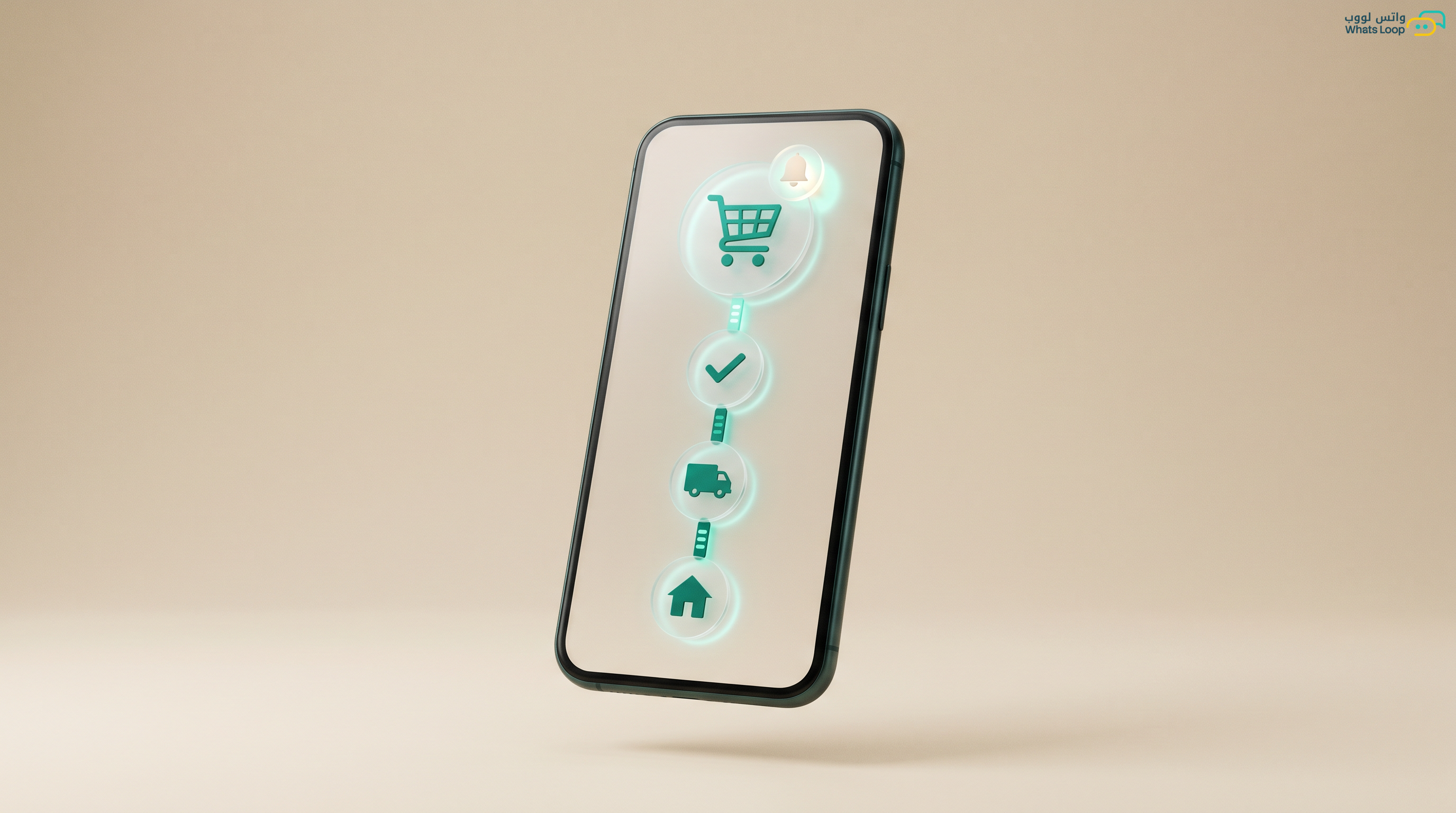
Customer Service on WhatsApp Instead of Calls: Cheaper and Faster
A phone call ties your agent to one customer, while WhatsApp lets them handle several chats in parallel. We explain why WhatsApp beats a call center on cost and speed, share a gradual migration plan, show how to redirect callers with a message, and when to keep the phone.

Short answer: Moving customer service to WhatsApp instead of phone calls lets you serve more customers at a lower cost, because one agent can handle 5 to 8 conversations in parallel while a phone call ties them up completely with a single caller. The practical way is to start gradually, redirect callers with a welcome message that links to WhatsApp, let a bot answer repeat questions, and keep the phone for complex cases or customers who prefer talking over typing.
Why WhatsApp is cheaper and faster than a call center
The problem with a phone line is that it serves one customer at a time, so if three people call at the same moment, two wait in a queue or hang up. WhatsApp works differently, the agent opens several chats on one screen and replies to each in turn, and the customer never feels stuck waiting because they carry on with their day and read the reply whenever it lands.
The numbers show the gap quickly: if one agent handles 40 calls a day at roughly 6 minutes each, that same agent on WhatsApp can close 120 to 180 conversations because they work several chats in parallel and skip the greeting and hold time. Add quick replies and automated answers, and half the repetitive work disappears.
There is another point that matters, a call leaves no written trace, so when the customer comes back a week later you start from zero. On WhatsApp the whole thread sits in front of you, you know their earlier order and pick up where they left off without repeating the same questions.
Phone vs WhatsApp side by side
| Criteria | Phone call | WhatsApp Business |
|---|---|---|
| Customers at the same moment | one per line | 5 to 8 chats per agent |
| Written record of the conversation | none | fully saved |
| Reply outside working hours | missed or voicemail | instant auto-reply, 24 hours |
| Cost as volume grows | rises with every line and agent | one number serves a full team |
| Sharing photos and invoices | hard | instant inside the chat |
| Measuring performance | manual and slow | ready reports with numbers |
The table shows that WhatsApp does more than cut cost, it gives you data to measure your team's performance, something a phone call does not hand you easily.
A gradual migration plan without chaos
Do not move everything in one go or you will drop a customer along the way. It works better in clear stages:
Stage one, set up one shared WhatsApp Business number for the team and add a welcome message that explains working hours and how to place a request. Keep it to one week so the team gets comfortable with the tool.
Stage two, start pointing new customers to WhatsApp at every touchpoint: your website, your social accounts, and your business card. Make the phone the second option, not the first.
Stage three, turn on auto-reply for repeat questions like prices, hours, and address, so the agent is freed up for requests that need real thought.
Stage four, once the team is settled, add a WhatsApp bot that walks the customer step by step from question to order and hands off to a human only when needed.
How to redirect callers with a message
The biggest mistake is shutting the phone line off overnight. The right move is to redirect callers gently. If you have a phone greeting, record a short line: "Welcome, for a faster reply send us a WhatsApp on the same number and we will help you right away." Customers who prefer typing will switch on their own.
Another effective way, if a call comes in while you are busy, answer quickly and ask the customer to continue on WhatsApp: "So I can help you properly and send the details and photos, is it okay if we continue on WhatsApp?" Most customers welcome it because it is easier for them too.
A real example, an auto parts shop used to take 50 calls a day, most of them asking "is this part in stock." Once they moved inquiries to WhatsApp, the customer would send a photo or the part number, and the agent replied with availability and price while serving three other customers at once. Calls dropped to urgent cases only.
The role of quick replies and templates
Half of customer service work is questions that repeat every single day. Prepare written replies for common questions like payment methods, exchange policy, and delivery times, and let the agent send them with one tap. This saves real time and keeps the answer consistent and professional across every agent.
For stores connected with Salla or Zid, you can tie order status to WhatsApp so the customer gets an automatic update about their order without calling to ask, and that alone cuts a large share of daily calls.
When to keep the phone running
WhatsApp does not replace the phone entirely, there are cases where a call is still better:
- Sensitive complaints or an upset customer, voice calms the situation faster than a message.
- Older customers or people who are not comfortable typing.
- Urgent requests that need an immediate decision and a quick back and forth.
- Confirming large amounts or sensitive details where you want the customer's voice directly.
The simple rule, make WhatsApp the first door for most customers and keep the phone available for the cases that deserve a call. That way you lower cost and protect service quality at the same time.
Start small and measure the result
You do not need to flip everything overnight. Try two weeks where you route half your inquiries to WhatsApp and compare: how many conversations the agent closed, how many calls dropped, and how many customers came back to you. The numbers will show you on their own that the approach is cheaper and faster.
WhatsLoop gives you one shared number for the team with automated replies, store integration, and reports that measure all of this from one place. You can review the pricing plans and start with the plan that fits your size, and move your customer service to WhatsApp without losing a single customer.