AI Sentiment Analysis for WhatsApp: Detect Unhappy Customers Before It's Too Late
How AI helps you analyze WhatsApp conversation sentiment, detect unhappy customers, and intervene immediately.
AI Sentiment Analysis for WhatsApp: Detect Unhappy Customers Before It's Too Late
Every day, your team handles hundreds of WhatsApp messages. Mixed in with routine inquiries and simple questions are complaints, sometimes buried so deep that no one notices. A frustrated customer writes a long message that goes unread, and two days later you find a negative Google review or a viral tweet. The majority of customers who leave a company say the reason was feeling uncared for. AI sentiment analysis solves this problem at its root.
What Is Sentiment Analysis
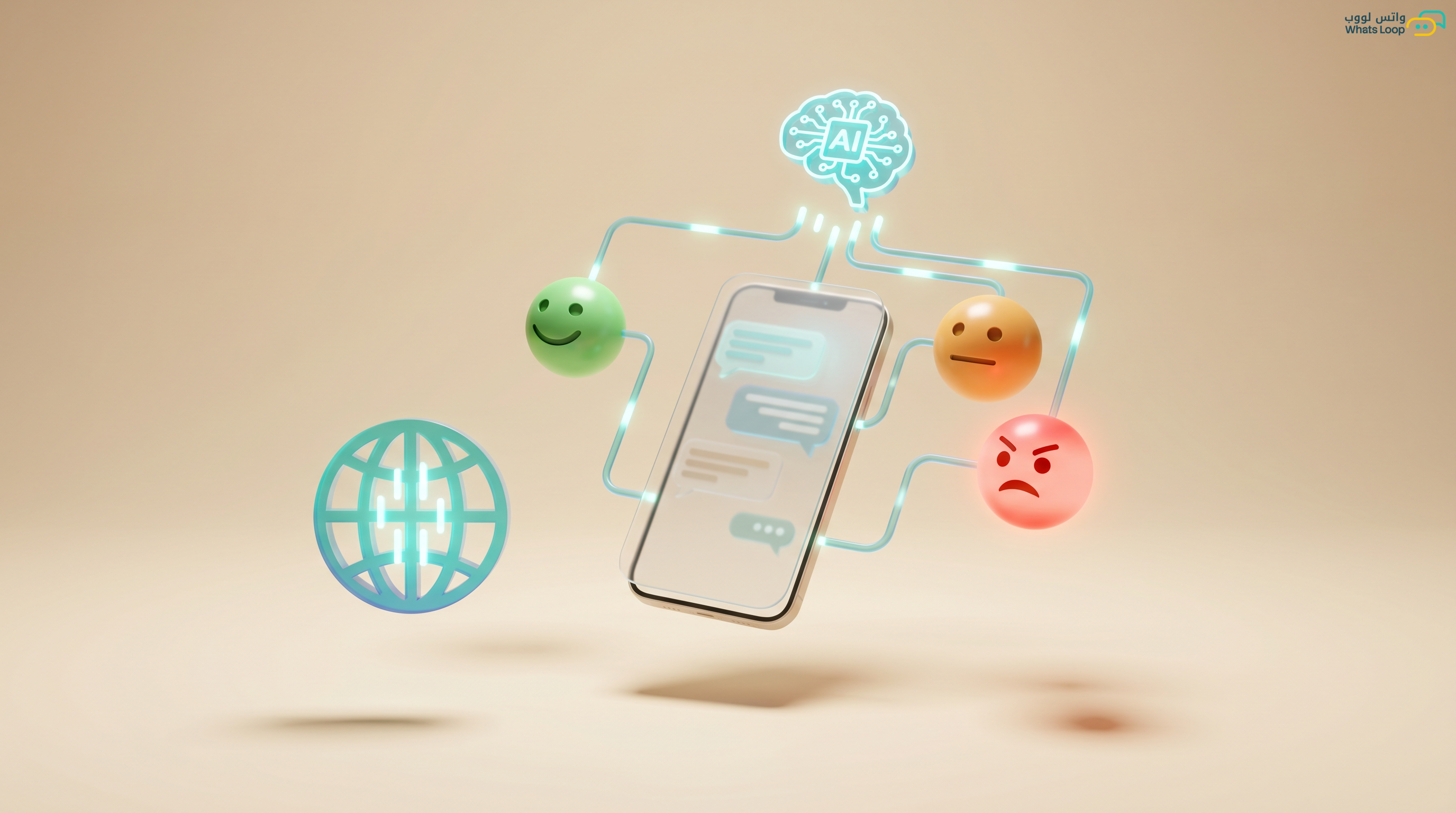
Sentiment analysis is an AI technology that reads message text and determines the emotional tone behind it, is the customer satisfied? Neutral? Angry? Frustrated? The technology analyzes:
- Word choice: There is a massive difference between "thanks for the great service" and "your service is terrible"
- Punctuation patterns: Excessive exclamation marks (!!!) or ALL CAPS indicate heightened emotion
- Context: "Thanks, no worries" is positive, but "Thanks, no worries, except I waited a whole week" carries sarcasm
- Contact frequency: A customer messaging 5 times without a response, even if polite, is definitely frustrated
How Sentiment Analysis Works in WhatsLoop
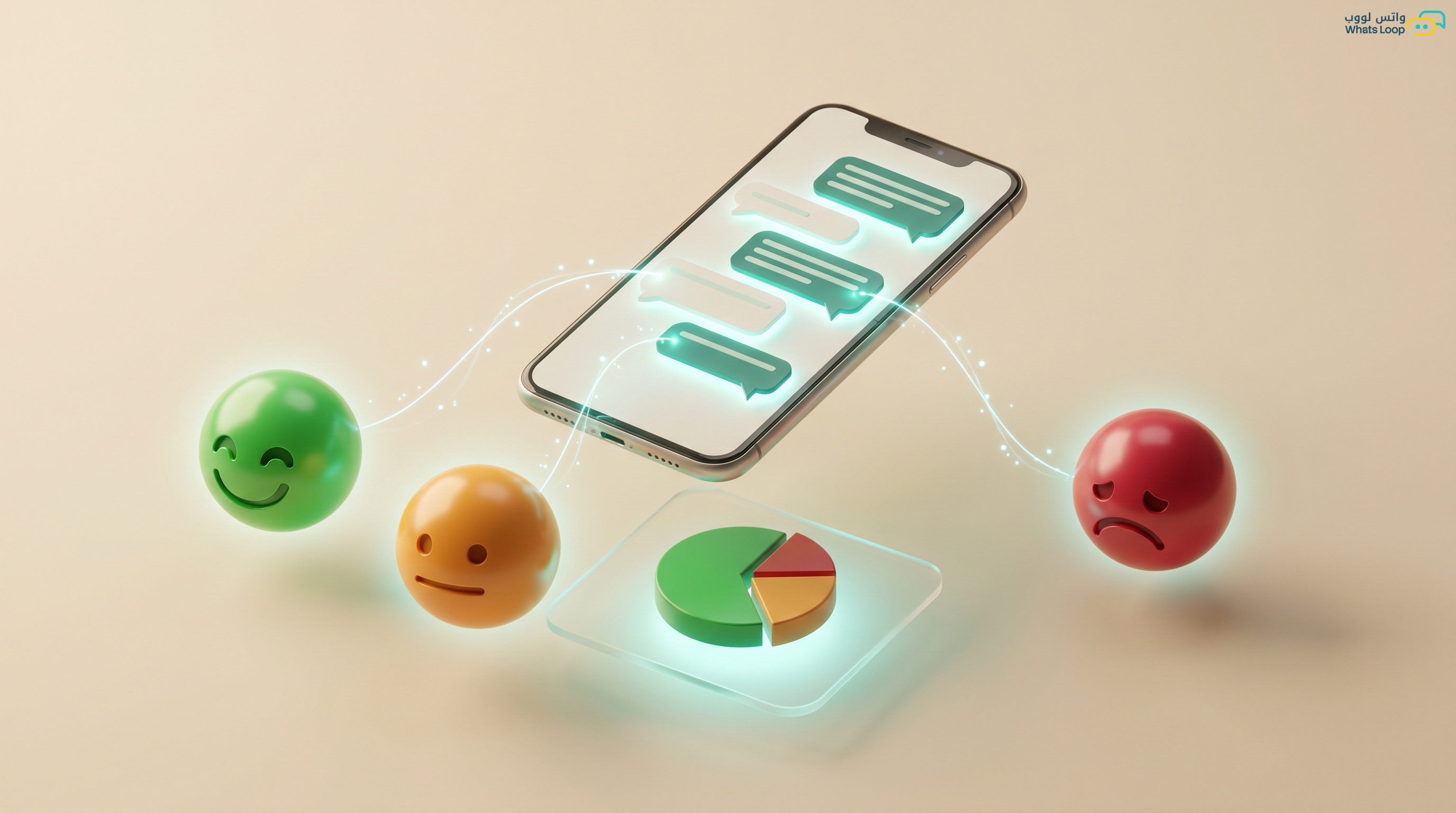
WhatsLoop analyzes every WhatsApp conversation in real time and assigns a sentiment classification:
- Green (Positive): Satisfied customer, language includes gratitude or praise
- Gray (Neutral): Standard inquiry with no strong emotional signals
- Orange (Mildly Negative): Early signs of dissatisfaction, delays, repeated questions, dry tone
- Red (Highly Negative): Clear anger, cancellation threats, strong language
Smart Alerts
You do not need to monitor every conversation. The system sends instant alerts to the team lead or assigned agent when:
- A conversation shifts from neutral to negative
- A VIP customer shows signs of dissatisfaction
- A negative pattern repeats around a specific product or service
- A customer messages more than 3 times without resolution
Real-World Scenarios
Scenario 1: The Customer About to Explode
A customer placed an order from an online store 4 days ago. Day 1, they asked about shipping status, a normal question (neutral). Day 2, they repeated it, still neutral, but the system logged the repetition. Day 3, they wrote "Why isn't anyone responding? Where's my order?", the system classified it as mildly negative and sent an alert. Without the alert, the agent would have replied on Day 4 to find a furious customer.
Result with sentiment analysis: The manager saw the alert on Day 3, personally intervened, apologized, and sent a discount code. The customer went from angry to brand advocate.
Scenario 2: A Product Problem No One Noticed
Over one week, 12 customers sent messages with negative sentiment about the same product. Each message alone did not look like a major issue. But sentiment analysis aggregated them and revealed a clear pattern: a quality defect in that product batch. The company pulled the batch before complaints escalated.
Scenario 3: Spotting a Sales Opportunity
A customer messages with high enthusiasm about a new product, strongly positive sentiment. The system alerts the sales team that this customer is ready to buy. The agent reaches out with a personalized offer. Close rates from customers with positive sentiment are significantly higher.
Integration with Your Workflow
Sentiment analysis in WhatsLoop does not operate in isolation, it integrates with the entire system:
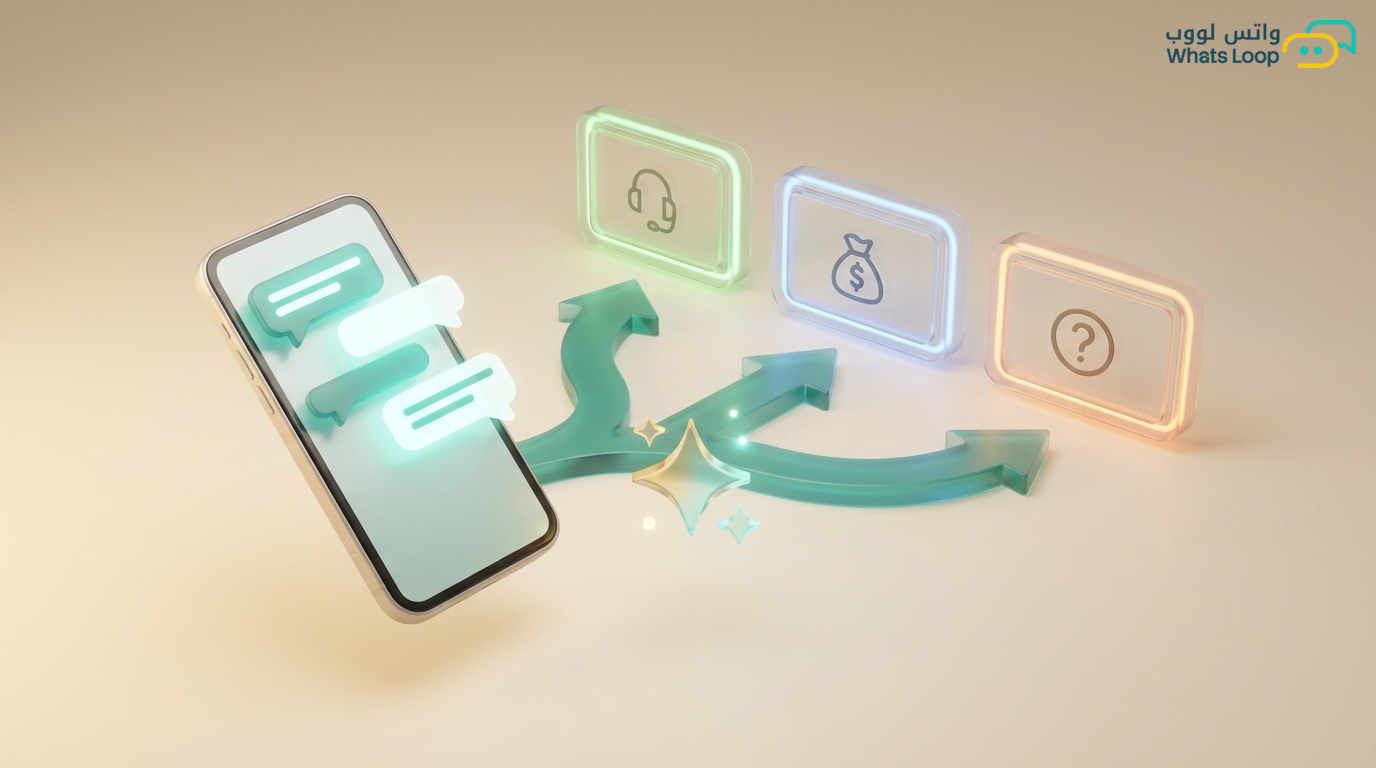
- Conversation routing: Negative conversations are automatically directed to the most experienced agents
- Reply priority: Messages with negative sentiment appear at the top of the queue
- Quality reports: Weekly reports showing the ratio of positive to negative conversations
- CRM integration: Sentiment history is stored in the customer profile for a complete picture
Real Numbers
Saudi companies that activated sentiment analysis with WhatsLoop:
- Reduced customer churn rate significantly
- Improved complaint resolution time substantially
- Increased positive customer ratings noticeably
- Detected product issues much faster than before
Activation Steps
- Enable the sentiment analysis feature from the WhatsLoop dashboard
- Configure alert levels, who receives notifications for negative conversations
- Set up automatic routing rules for critical conversations
- Monitor the weekly analytics dashboard and adjust your strategy
The Bottom Line
AI sentiment analysis is not a luxury, it is a necessity for any business handling customer conversations on WhatsApp. The difference between a company that loses a customer and one that turns them into an advocate is how quickly the problem is detected and addressed.
Practical Tips to Get the Most from Sentiment Analysis
Set Clear Alert Levels for Each Team
Not every negative conversation warrants alerting the general manager. Define clear escalation levels: mildly negative conversations go directly to the assigned agent, moderately negative ones to the team lead, and severely negative ones to the customer service manager. This structure prevents alert fatigue and ensures every issue is handled by the right person.
Connect Sentiment Analysis with Your CRM System
When customer sentiment is stored in their profile (a complete history of positive and negative conversations) you can build a comprehensive picture. A customer with 5 negative conversations over two months is entirely different from one with a single complaint. This data helps you make smarter decisions about follow-up and customer retention.
Use Analysis to Train Your Team
Sentiment reports reveal which team members skillfully turn negative conversations into positive ones and which need training. Share examples of successful conversations with the entire team so they can learn from each other.
Combine Sentiment Analysis with Automation
Link analysis results to automated actions: a severely negative conversation triggers an immediate apology message + transfer to the most senior agent + addition to the weekly quality report. This automation ensures problems are addressed immediately, even outside business hours.
Monitor Monthly Patterns, Not Just Daily Ones
Individual conversations matter, but patterns matter more. If the ratio of negative sentiment rose this month compared to last month, there is a bigger issue that needs attention. It could be a problem with a new product, shipping delays, or understaffing. Learn more about building a bot that handles customer sentiment in our no-code WhatsApp chatbot guide.
Frequently Asked Questions
Q: Does sentiment analysis work with messages in Saudi colloquial Arabic? A: Yes. The system is trained to understand various Saudi dialects and accurately identify emotional tone, whether the customer writes in Najdi, Hijazi colloquial, or formal Arabic.
Q: Can the system differentiate between sarcasm and genuine praise? A: The system analyzes the full conversation context, not individual sentences in isolation. It can distinguish between "Thanks, truly excellent service" (positive) and "Thanks, truly, I've been waiting a week" (sarcastic negative) based on the rest of the conversation.
Q: Does sentiment analysis affect response speed? A: No. Analysis happens in fractions of a second in parallel with message processing. Customers receive their response at the same speed regardless of whether sentiment analysis is enabled.
Q: Can I disable sentiment analysis for specific conversations? A: Yes. You can exclude specific conversations or customers from analysis if you prefer, but we recommend keeping it active for all conversations to get a complete picture.
Try WhatsLoop for free and discover what your customers are feeling, before they tell you themselves.