AI Auto-Categorization of WhatsApp Messages: Say Goodbye to Manual Sorting
How AI auto-categorizes WhatsApp messages into complaints, inquiries, and orders, routing them to the right department.

AI Auto-Categorization of WhatsApp Messages: Say Goodbye to Manual Sorting
Your team receives 200 WhatsApp messages every day. Among them are complaints, pricing inquiries, technical support requests, inbound marketing messages, and customers wanting to book appointments. The traditional approach? An employee reads every message and decides where to route it. This process takes 3 to 5 hours daily and is riddled with human error, a message goes to the wrong department, a complaint is delayed, or an urgent request gets buried. AI categorizes messages in seconds and routes them to the right department with very high accuracy.
Why Manual Sorting Is a Real Problem
Manual sorting is not just slow, it is expensive and inaccurate:
- Cost: A full-time employee whose sole job is sorting and routing messages = an entire salary adding no direct value
- Delay: Every message waiting in the classification queue = a customer waiting
- Errors: During peak hours, misclassification rates rise significantly, many messages end up in the wrong place
- Burnout: An employee reading and sorting 200 messages daily loses focus after two hours
How AI Categorizes WhatsApp Messages
The intelligent classification system in WhatsLoop operates on 3 levels:
Level 1: Content Analysis
The AI reads the message and analyzes:
- Subject: Is the message about a product? Shipping? Invoice? Booking?
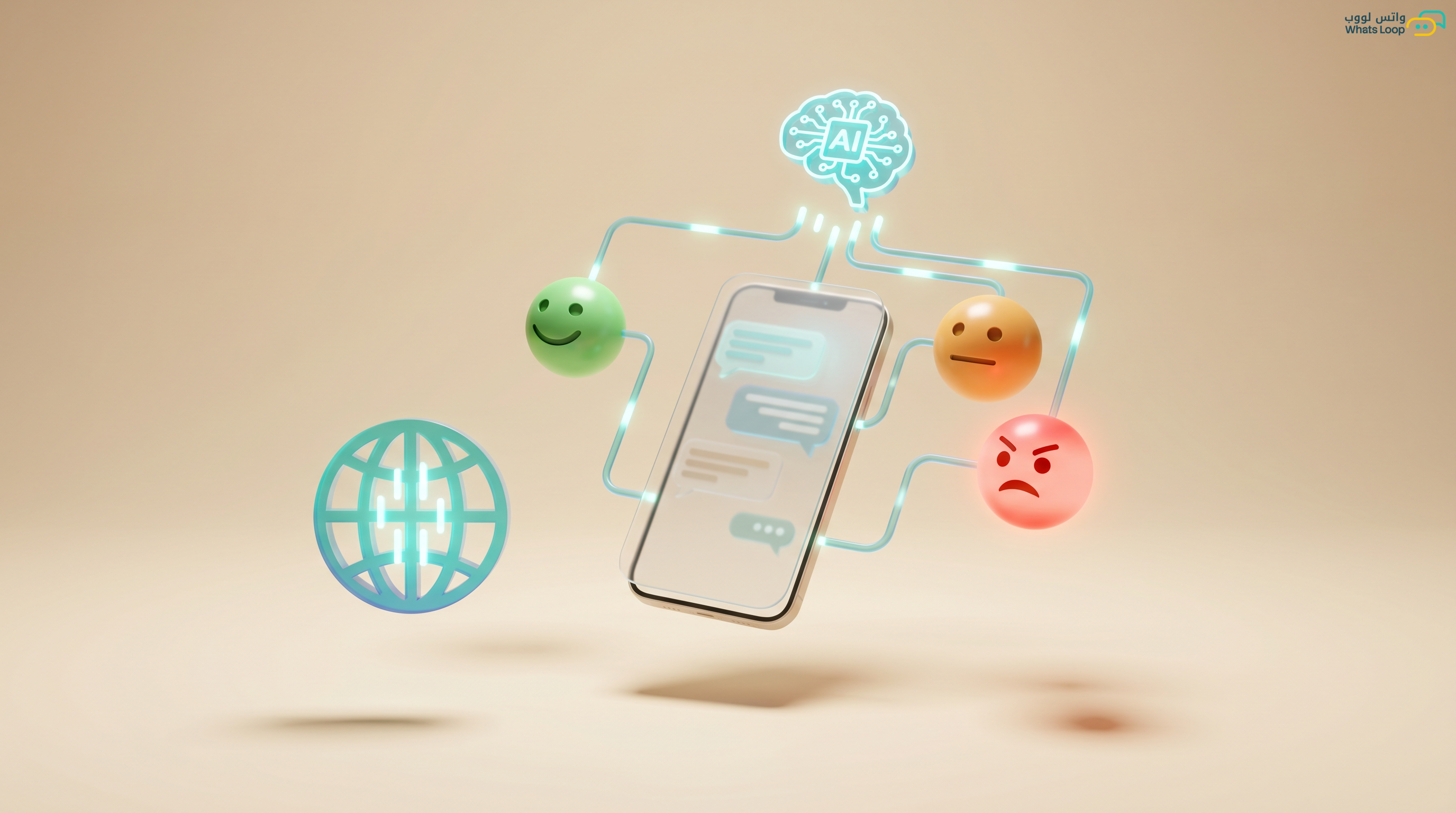
- Type: Inquiry? Complaint? Request? Suggestion? Praise?
- Priority: Normal? Important? Urgent? Critical?
- Language and tone: Colloquial Arabic? Formal Arabic? English? Is there emotional charge?
Level 2: Context Enrichment
The system adds information from the customer record:
- Is this a new or returning customer?
- How many times have they contacted you before?
- What was their last purchase or support ticket?
- Are they a VIP customer (purchases above a certain threshold)?
Level 3: Smart Routing
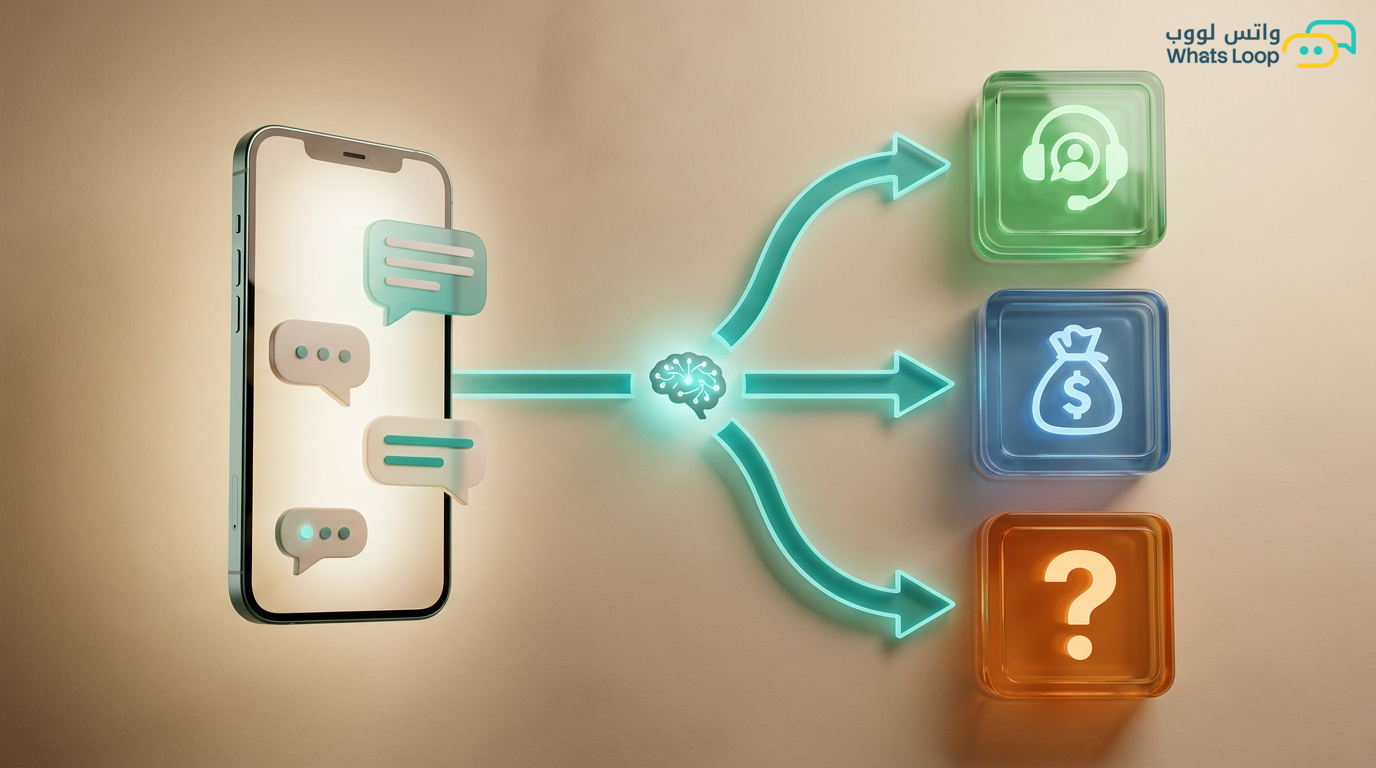
Based on the classification, the message is automatically routed:
| Classification | Routing |
|---|---|
| Urgent complaint | Support team, highest priority |
| Product inquiry | Sales team |
| Technical support request | Technical support |
| Booking or rescheduling | Automated booking system |
| Inbound marketing message | Ignore or archive |
| Praise or positive review | Marketing team (for reposting) |
Custom Categories
Every business is different. WhatsLoop lets you create categories specific to your operation:
- E-commerce store: Size inquiries, return requests, shipping tracking, invoice requests
- Medical clinic: Appointment booking, cancellation, insurance inquiries, medical report requests
- Real estate company: Property inquiries, tour requests, price negotiations, maintenance complaints
- Restaurant: Delivery orders, quality complaints, table reservations, menu inquiries
You can add up to 50 custom categories and train the system on them.
Numbers That Prove the Difference
Saudi companies that activated smart categorization with WhatsLoop:
- Classification time dropped from 8 minutes per message to 0.3 seconds
- Classification accuracy significantly exceeded human sorting
- Response rate for urgent messages improved substantially
- Saved an average of 4.5 work hours daily, equivalent to one full-time employee
Multi-Channel Classification
If you have multiple communication channels (WhatsApp + email + live chat), smart classification works across all channels with the same logic. Every message, regardless of source, is classified and routed to the same responsible team.
Reports and Analytics
The WhatsLoop dashboard gives you clear visibility:
- Classification distribution: Shows the proportion of each category (sales, support, complaints, other) visually
- Peak times: Most messages arrive at 10 AM and 8 PM
- Most frequent categories: Helps you identify where improvements are needed (for example, if shipping complaints are high, review your logistics partner)
How to Get Started
- Activate smart classification from WhatsLoop settings
- Choose pre-built categories or create your custom ones
- Define routing rules, which department receives which category
- Launch the system and monitor accuracy for the first week
- Adjust and improve based on reports
Practical Tips to Get the Best Results from Smart Categorization
Start with Basic Categories and Expand Gradually
Do not create 50 categories on day one. Start with 5 to 8 main categories that cover the majority of your messages, for example: sales inquiry, complaint, technical support, booking, price request. After two weeks, review the reports and see if you need to add more specific categories.
Connect Categorization with Automation
Categorization on its own is useful, but its real power emerges when you connect it to automated actions. For example: every message categorized as "urgent complaint" triggers an instant alert to the team lead + routes the conversation to the most senior agent + sends an automatic reply "We received your message and our team is on it." This connection saves valuable minutes on every conversation.
Review Classification Accuracy Weekly
Dedicate 15 minutes each week to reviewing a random sample of categorized messages. If you notice the system misclassifying a certain type of message, adjust the classification rules or add new examples. Accuracy improves continuously with this regular review.
Use Categorization to Improve Your Knowledge Base
If categorization reports show that the majority of messages are about a specific topic (for example, return policy), it means the information is not clear to your customers. Update your website or add answers to your AI knowledge base to reduce these messages at the source.
Integrate Categorization with Your CRM System
When each customer's classification history is stored in their profile, number of complaints, types of inquiries, contact frequency, you can build a clear picture of every customer and engage with them more intelligently. Learn more about connecting WhatsApp with CRM in our WhatsApp CRM integration guide for business growth.
Frequently Asked Questions
Q: Does smart categorization work with messages in Saudi colloquial Arabic? A: Yes. The system is trained to understand various Saudi dialects and accurately categorize messages regardless of the dialect used, whether the customer writes in colloquial Arabic, formal Arabic, or even English.
Q: How long does it take to categorize a single message? A: Less than one second. Classification happens instantly the moment a message arrives, meaning the customer gets a response from the correct department without any noticeable delay.
Q: Can I manually change a categorization if it is wrong? A: Yes. Any team member can manually adjust the classification, and the system learns from these corrections to avoid the same mistake in the future. Every manual adjustment improves the system's accuracy.
Q: Does smart categorization work on voice messages and images? A: Voice messages are automatically converted to text and then categorized. For images, the system analyzes the accompanying text to determine the appropriate classification.
Your team deserves to work smarter, not harder. Try smart categorization with WhatsLoop and invest your team's time in what truly matters.