WhatsApp for Hotels and Hospitality: Bookings and Guest Service Guide
Today's guest books, asks, and requests from the room over WhatsApp. Here is a practical way to run bookings, guest service, and reviews with auto reply.
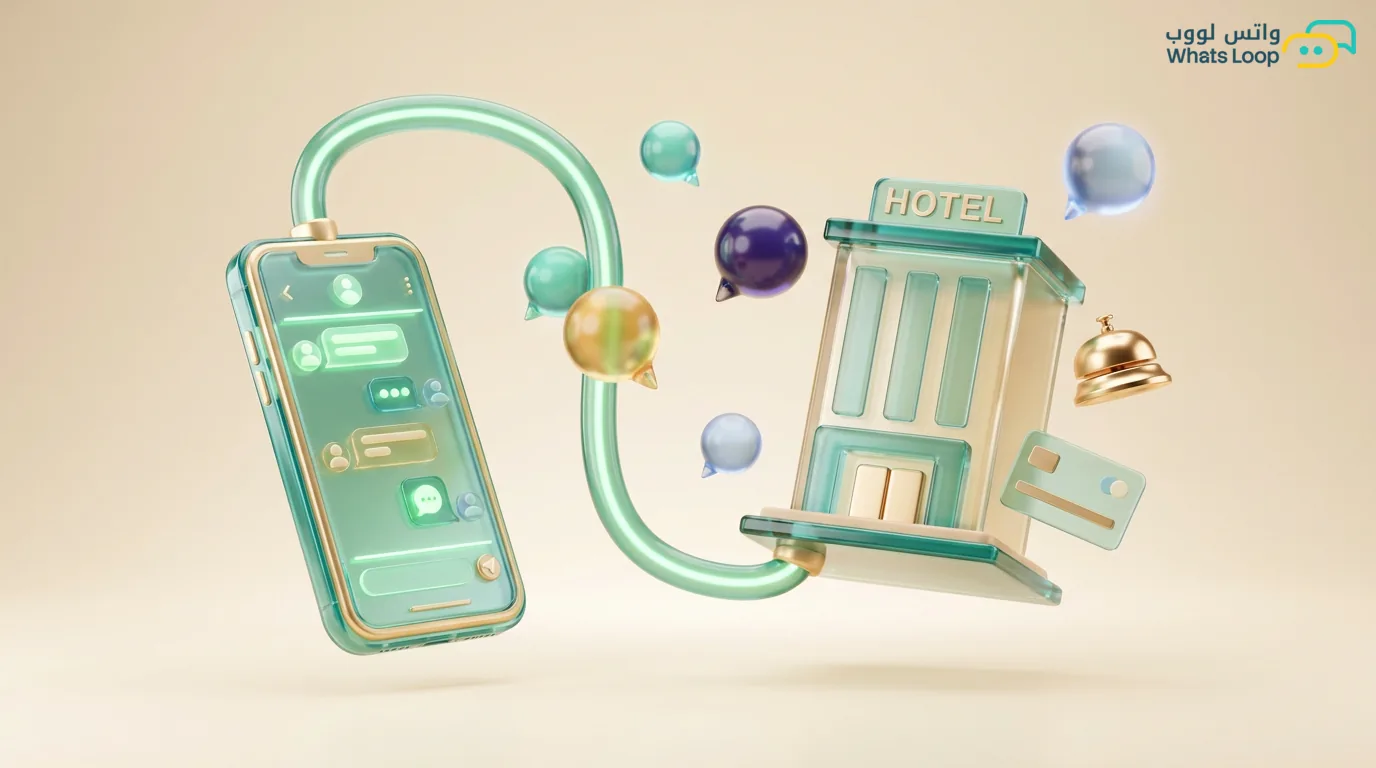
Short answer: WhatsApp can run the full guest journey from the moment of booking until after checkout, so you receive booking requests and confirm them, send check-in instructions, take room requests, and collect reviews, all running automatically around the clock and in several languages. Today's guest does not want to wait on hold or fill long forms, they want to send one message and get a clear reply, and that is exactly what makes WhatsApp the right channel for hospitality.
Receiving and Confirming Bookings
Most booking requests arrive as a simple question like "Do you have a room available Thursday?" or "How much per night?". If the reply is an hour late, the guest has often already booked elsewhere. This is where you set up an auto reply that gathers the basics with short questions: room type, check-in and check-out dates, and number of guests.
Once the guest picks an option, you send a confirmation message with the booking number, the full price, and the arrival time, plus a payment link if you want to secure the booking upfront. A written confirmation reduces misunderstandings because everything is documented in the chat and the guest can return to it whenever needed.
Guest Service and Room Requests
After check-in, the chat becomes your main service channel. The guest asks for extra towels, asks about the wifi, or wants a restaurant reservation, all in one message instead of calling the front desk or coming down in person.
You can build a quick request menu with buttons: housekeeping, kitchen order, maintenance, and stay extension. Each request goes straight to the responsible team, so response time drops and the guest feels served at all times. Requests that need a human are routed to staff automatically, and the rest are handled by the WhatsApp bot without anyone stepping in.
Check-in and Check-out Instructions
This part saves you hours of work daily, especially for serviced apartments without a 24-hour front desk. The day before arrival you send the guest a message with all the details: the address with a map pin, how to collect the key or the smart lock code, the check-in time, and emergency contact numbers.
On checkout day you send a reminder of the checkout time and key return instructions, with a short thank you note. The automation here runs on timing: the message fires 24 hours before arrival and 3 hours before departure, without anyone on the team having to remember it. For the technical side, see auto reply and how to tie it to booking dates.
| Stage | Automated message | Timing |
|---|---|---|
| Booking request | Gather details and quote price | Instant |
| Confirmation | Booking number and payment link | After selection |
| Before arrival | Address and entry code | 24 hours before |
| During stay | Room request menu | On demand |
| Checkout | Departure reminder and thanks | 3 hours before |
| After checkout | Review request | 2 hours after |
Offers and Upgrades
The database of guests who booked with you before is your most valuable list, because they have tried the place and were happy. You can send them seasonal offers: a weekend discount, a free room upgrade for early bookings, or a family package at a special rate.
What matters here is timing and segmentation, so a guest who booked a family apartment gets family offers, and a business traveler gets long-stay offers. Do not blast random offers to everyone because that annoys people and gets your number blocked, keep the message tied to the guest's real interest. You can also offer the upgrade at check-in directly, "Want to move up to the suite for 80 SAR more per night?".
Collecting Reviews After Checkout
Reviews build your reputation, but most guests forget to leave one unless you remind them. Two hours after checkout you send a short message asking about their experience on a scale of 1 to 5.
Guests who give a high score get routed straight to your Google page or wherever you collect public reviews. Guests who give a low score get a pause, where you ask what went wrong and fix it privately before it turns into a public negative review. This way you protect your reputation and collect real feedback to improve your service, and you learn exactly where the gap is from the guest's own words.
Multilingual Auto Reply
Hospitality in Saudi Arabia hosts guests from many nationalities, especially during Hajj, Umrah, and tourism seasons. If your replies are Arabic only, you lose a large slice of non-Arabic-speaking guests.
The fix is to prepare your auto replies in Arabic and English at minimum, and you can add more languages based on your guest mix. The system detects the guest's language from their first message and replies in the same language, so the guest feels understood and served without a language barrier. The full link between bookings, smart locks, and management systems runs through the WhatsApp API, which lets you automate everything without manual work.
The bottom line is that WhatsApp for hotels and serviced apartments is not just a channel for answering questions, it is a complete system for managing the guest from booking to review. If you want to start step by step, try automating confirmations and arrival instructions first because they give you the biggest saving for the least effort, then expand to requests and reviews. The WhatsLoop team is ready to help you set the system up for your hotel or serviced apartment in the way that fits the size of your operation.
Related Articles

Protecting Your WhatsApp Business Account From Hacking and Theft: A Practical 2026 Guide

WhatsApp for Dermatology and Cosmetic Clinics: Bookings, Consultations, and Follow-Up